Search for AI Tools

Describe the job you need to automate with AI.

Best AI Tools for Developer / Data Ops

Discover the Best AI Tools for Developer / Data Ops, designed to enhance your workflows and streamline your data operations. Our curated selection features top-rated tools that empower developers and data professionals to optimize performance and drive innovation.

Top 10 in Developer / Data Ops
How we choose
  • Evaluate tool compatibility with existing systems and workflows.
  • Consider pricing models and budget constraints.
  • Look for user reviews and ratings to gauge reliability.
  • Assess available features and their relevance to your specific needs.
  • Check for support and community resources to assist with implementation.
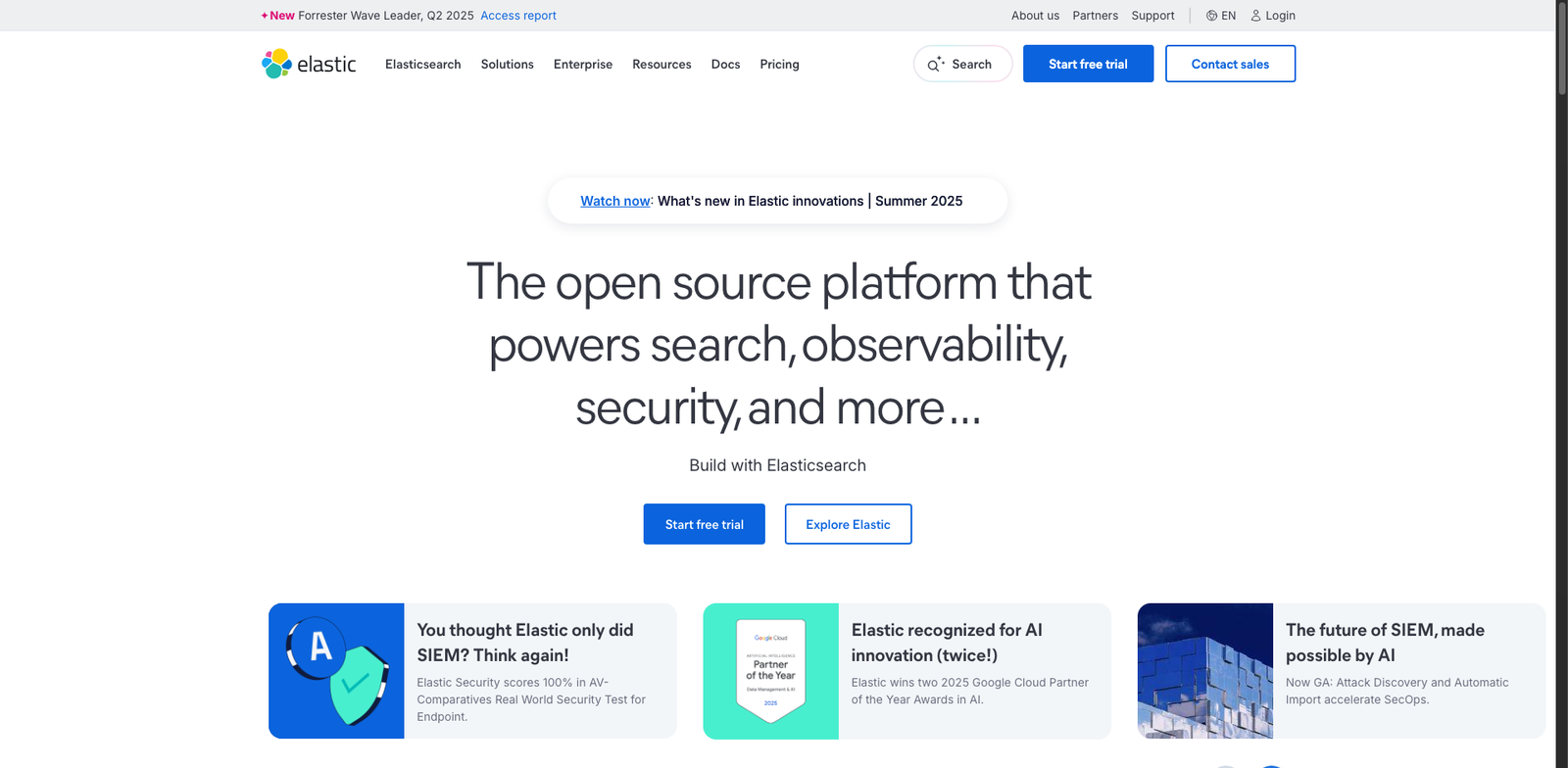
Elastic Search Vector homepage

Elastic Search Vector

4.7
(33) Paid

Elastic Search Vector streamlines the organization and retrieval of vector data. It excels in large-scale deployments, optimizing search capabilities for complex datasets.

Key features

  • Supports various vector data types.
  • Scalable architecture for large datasets.
  • Integration with existing Elastic Stack tools.
  • Advanced search capabilities using vector embeddings.
  • Real-time data indexing and retrieval.

Pros

  • High performance for large datasets.
  • Robust community support and documentation.
  • Flexible deployment options.
  • Customizable to fit specific use cases.

Cons

  • Pricing details can be opaque.
  • May require a steep learning curve for new users.
  • Limited built-in analytics features.
OpenAI Codex homepage

OpenAI Codex

4.7
(31) Paid

OpenAI Codex utilizes advanced AI to assist developers in writing code. It simplifies coding by generating suggestions based on user input.

Key features

  • Usage-based pricing model tailored to your needs.
  • Supports multiple programming languages.
  • Integrates easily with IDEs and development environments.
  • Offers real-time code suggestions and completions.
  • Enhances productivity by reducing coding time.

Pros

  • High accuracy in code generation.
  • Flexible pricing based on actual usage.
  • User-friendly interface and integration.
  • Regular updates and improvements from OpenAI.

Cons

  • Higher costs with increased usage.
  • Limited support for less common programming languages.
  • Can struggle with complex coding tasks.
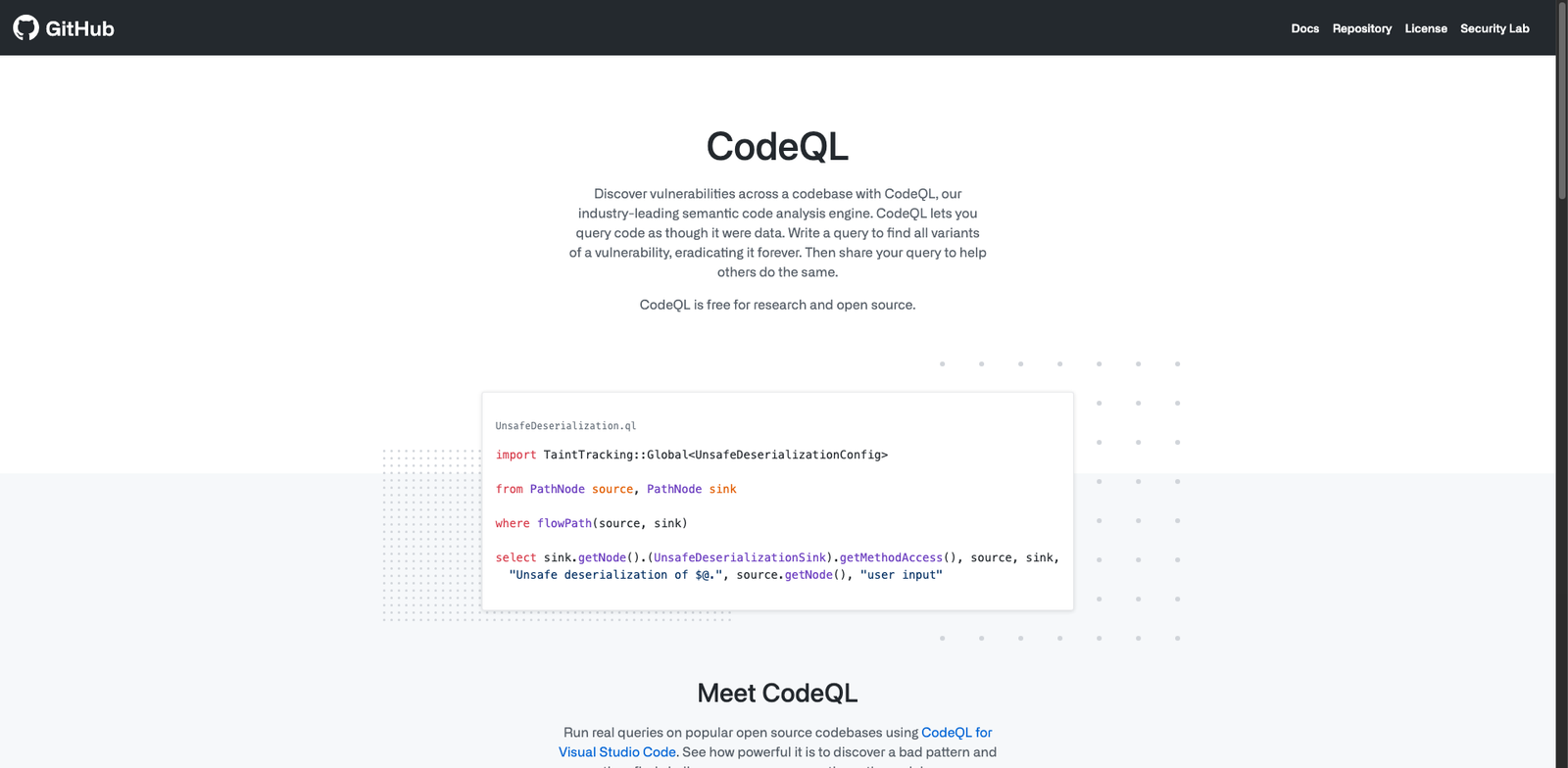
GitHub CodeQL homepage

GitHub CodeQL

4.7
(30) Free

GitHub CodeQL enables developers to query code as data. It helps detect vulnerabilities and improve code quality using custom queries.

Key features

  • Free for open-source projects
  • Customizable queries for vulnerability detection
  • Integration with GitHub workflows
  • Supports multiple programming languages
  • Detailed security reports

Pros

  • High accuracy in detecting vulnerabilities
  • User-friendly interface
  • Strong community support
  • Regular updates and improvements

Cons

  • Enterprise features may require a subscription
  • Limited advanced features in the free version
  • Steeper learning curve for complex queries
Scale AI homepage

Scale AI

4.7
(32) Paid

Scale AI specializes in data labeling services for businesses. It offers customized pricing and flexibility to meet unique project requirements.

Key features

  • Custom pricing based on specific business needs.
  • Supports various data labeling tasks.
  • Integrates seamlessly with existing workflows.
  • User-friendly interface for easy navigation.
  • Scalable solutions for growing businesses.

Pros

  • Highly customizable pricing model.
  • Strong reputation for quality and accuracy.
  • Fast turnaround times on projects.
  • Robust support for diverse labeling tasks.

Cons

  • No standard pricing plans available.
  • May require significant onboarding time.
  • Limited transparency on pricing structure.
GitHub Copilot homepage

GitHub Copilot

4.7
(31) Paid

GitHub Copilot assists developers by providing code suggestions and autocompletions. It leverages AI to understand context and improve coding efficiency.

Key features

  • Real-time code suggestions
  • Context-aware autocompletion
  • Supports multiple programming languages
  • Integrates seamlessly with popular IDEs
  • Learns from your coding style over time

Pros

  • Boosts coding productivity
  • Reduces repetitive coding tasks
  • Adapts to individual coding styles
  • Wide language support

Cons

  • Subscription-based pricing may deter casual users
  • Occasional inaccuracies in suggestions
  • Limited understanding of complex project contexts
Databricks Workflows homepage

Databricks Workflows

4.7
(32) Paid

Databricks Workflows is a powerful tool for orchestrating data pipelines. It enables seamless integration of machine learning workflows and data operations.

Key features

  • Subscription-based pricing with various plans.
  • Intuitive interface for workflow management.
  • Integrated with Databricks ecosystem.
  • Supports ML pipeline orchestration.
  • Collaborative features for team workflows.

Pros

  • High user rating (4.7 from 32 reviews).
  • Flexible pricing tailored to different needs.
  • Streamlines complex data operations.
  • Robust integration with other Databricks tools.

Cons

  • Pricing may be high for small teams.
  • Limited features in lower-tier plans.
  • Learning curve for new users.
Snowflake Cortex Vector homepage

Snowflake Cortex Vector

4.7
(28) Paid

Snowflake Cortex Vector provides a robust platform for managing and analyzing vector data. It empowers developers and data operations teams to leverage AI-driven insights.

Key features

  • Scalable vector database solutions
  • Seamless integration with existing Snowflake environments
  • Optimized for AI and machine learning workloads
  • High-performance data retrieval
  • Enterprise-grade security features

Pros

  • High user satisfaction with a 4.7 rating
  • Flexible pricing options to meet enterprise needs
  • Strong performance for large datasets
  • Comprehensive support and documentation

Cons

  • Pricing details are not publicly available
  • May require a learning curve for new users
  • Limited features compared to competitors in some areas
Airflow ML homepage

Airflow ML

4.7
(31) Free

Airflow ML simplifies the management of machine learning workflows. It allows users to automate and scale their ML processes effectively.

Key features

  • Open-source with no direct costs.
  • Supports complex ML workflows.
  • Integrates with various data sources.
  • Flexible scheduling options.
  • Extensible through plugins.

Pros

  • Cost-effective with free usage.
  • Strong community support.
  • Robust scheduling capabilities.
  • Highly customizable for specific needs.

Cons

  • Requires technical expertise to set up.
  • Limited built-in monitoring tools.
  • Can become complex for large projects.
Datadog ML Observability homepage

Datadog ML Observability

4.7
(31) Paid

Datadog ML Observability helps teams monitor and improve machine learning models. It offers insights into model performance and behavior.

Key features

  • Real-time model performance tracking
  • Anomaly detection alerts
  • Comprehensive data visualization tools
  • Integration with existing data pipelines
  • Customizable dashboards

Pros

  • Intuitive user interface
  • Robust integration capabilities
  • High scalability for large datasets
  • Strong community support

Cons

  • Subscription costs can add up for larger teams
  • Limited customization options for alerts
  • Steeper learning curve for new users
Alation homepage

Alation

4.7
(30) Paid

Alation is a data catalog tool designed to help organizations discover, understand, and manage their data. It offers features that streamline data governance and enhance data collaboration.

Key features

  • Subscription-based pricing with tailored plans
  • User-friendly interface for data exploration
  • Strong data governance capabilities
  • Collaboration tools for teams
  • Integration with various data sources

Pros

  • High user satisfaction with a 4.7 rating
  • Customizable plans for different needs
  • Facilitates better data collaboration
  • Robust support for data governance

Cons

  • Pricing can be steep for smaller organizations
  • Limited features in lower-tier plans
  • Learning curve for new users

New in Developer / Data Ops

Recently added tools you might want to check out.

Ai Development

Cody is a freemium AI development tool that simplifies code generation for developers, enhancing productivity and streamlining the coding process.

Development Tools

Codebot is a freemium code generation tool designed for developers to streamline coding tasks and enhance productivity in software development.

Web Development

WP Code Generator simplifies web development by providing users with customizable code snippets, suitable for developers of all skill levels.

Development Tools

Generate pseudocode easily with this free tool designed for developers and programmers looking to streamline their code development process.

Development Tools

CodeWP is a freemium tool for developers that generates code snippets, streamlining the coding process and enhancing productivity.

Developer / Data Ops

Qdrant provides a vector database service for developers and data ops teams, offering a free tier and paid plans for advanced features and higher usage limits.

Developer / Data Ops

Milvus is an open-source vector database ideal for developers and data teams, offering free usage with optional enterprise support and pricing.

Developer / Data Ops

Chroma provides vector-database services for developers and data operations. Pricing plans vary based on usage and deployment options.

Developer / Data Ops

Weaviate is an open-source vector database designed for developers and data ops, with enterprise features available upon request. Free to use.

Compare these powerful AI tools to find the perfect fit for your development and data operations needs!