Search for AI Tools

Describe the job you need to automate with AI.

Best AI Tools for Ai Code Testing Tools

Discover the best AI tools for code testing that enhance your software development process. From automated testing solutions to comprehensive code analysis, our roundup features top-rated tools designed to improve code quality and streamline workflows.

Top 10 in Ai Code Testing Tools
How we choose
  • Evaluate user ratings and reviews to gauge effectiveness.
  • Consider pricing options to fit your budget.
  • Look for features that align with your project needs.
  • Assess integration capabilities with your existing tools.
  • Check for support and documentation to aid implementation.
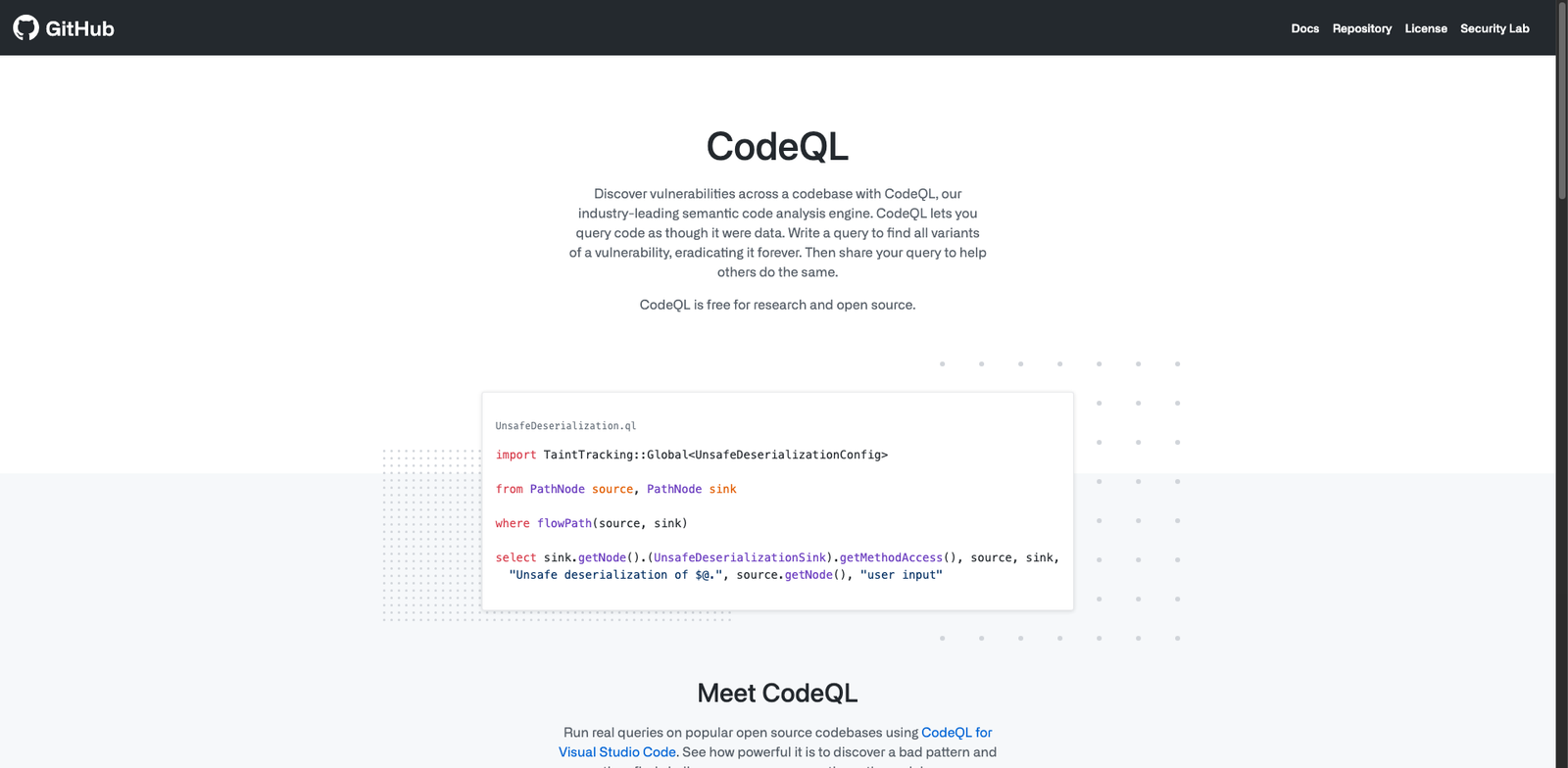
GitHub CodeQL homepage

GitHub CodeQL

4.7
(30) Free

GitHub CodeQL is a code analysis tool that allows developers to identify vulnerabilities and bugs in their code. It uses queries to scan codebases for potential issues, enhancing overall software security.

Key features

  • Semantic code analysis for vulnerability detection
  • Supports multiple programming languages
  • Integrates with GitHub for seamless workflows
  • Customizable queries for specific security needs
  • Free for open-source projects

Pros

  • High accuracy in identifying code issues
  • User-friendly interface
  • Strong community support for open-source projects
  • Regular updates and improvements

Cons

  • Enterprise features may require a subscription
  • Limited functionality for non-GitHub repositories
  • May have a learning curve for complex queries
SonarCloud homepage

SonarCloud

4.6
(28) Paid

SonarCloud is a cloud-based code quality and security tool. It helps developers identify and fix issues in their code. Available for open-source and private projects with flexible pricing plans.

Key features

  • AI-powered code analysis
  • Integration with CI/CD pipelines
  • Supports multiple programming languages
  • Real-time feedback on code quality
  • Detailed reports and metrics

Pros

  • User-friendly interface
  • Excellent integration capabilities
  • Strong community support for open-source
  • High accuracy in identifying vulnerabilities

Cons

  • Paid plans can get expensive for larger teams
  • Limited features on the free tier
  • Some advanced features require a steep learning curve
Codacy Quality homepage

Codacy Quality

4.6
(31) Paid

Codacy is a tool designed to improve code quality through automated testing and analysis. It supports various programming languages and integrates seamlessly into your development workflow.

Key features

  • Automated code reviews for multiple languages
  • Integration with popular CI/CD tools
  • Customizable code style guidelines
  • Real-time feedback on code quality
  • Detailed reports and insights

Pros

  • High accuracy in code quality assessments
  • User-friendly interface and dashboards
  • Free tier available for open-source projects
  • Strong community support and documentation

Cons

  • Limited features on the free plan
  • Higher pricing for private repositories
  • Some advanced features require a learning curve
Veracode Fix homepage

Veracode Fix

4.6
(35) Paid

Veracode Fix helps developers identify and remediate security vulnerabilities in their code. It streamlines the process of code testing and improves overall software security.

Key features

  • Automated code vulnerability scanning
  • Integration with CI/CD pipelines
  • Detailed remediation guidance
  • Customizable security policies
  • Real-time feedback on code changes

Pros

  • High user rating (4.6/5)
  • User-friendly interface
  • Supports multiple programming languages
  • Regular updates with new features

Cons

  • Pricing details are not publicly available
  • Lacks some advanced features compared to competitors
  • May require a learning curve for new users
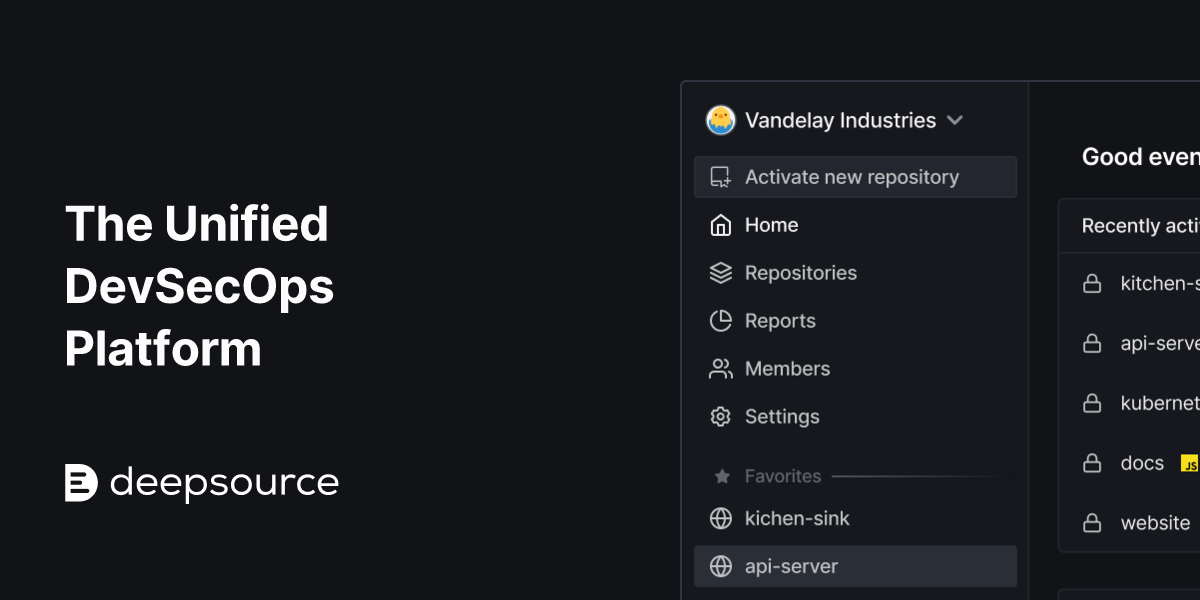
DeepSource Autofix homepage

DeepSource Autofix

4.5
(29) Paid

DeepSource Autofix automates code testing and fixes issues in real-time. It helps developers maintain clean code efficiently.

Key features

  • Automated code analysis
  • Real-time issue detection
  • Integration with popular version control systems
  • Customizable linting rules
  • Supports multiple programming languages

Pros

  • High accuracy in code analysis
  • User-friendly interface
  • Regular updates and improvements
  • Strong community support

Cons

  • Pricing details not publicly available
  • May require time to fully integrate into existing workflows
  • Limited advanced features in lower-tier plans
Checkmarx One homepage

Checkmarx One

4.5
(31) Paid

Checkmarx One provides subscription-based pricing with plans designed for various user needs. It focuses on enhancing code security through advanced testing methodologies.

Key features

  • Comprehensive code scanning for vulnerabilities
  • Integration with CI/CD pipelines
  • Real-time feedback for developers
  • Customizable reporting options
  • Support for multiple programming languages

Pros

  • User-friendly interface
  • Strong integration capabilities
  • High accuracy in vulnerability detection
  • Flexible pricing plans available

Cons

  • Pricing may be high for small teams
  • Limited offline capabilities
  • Some features require additional configuration
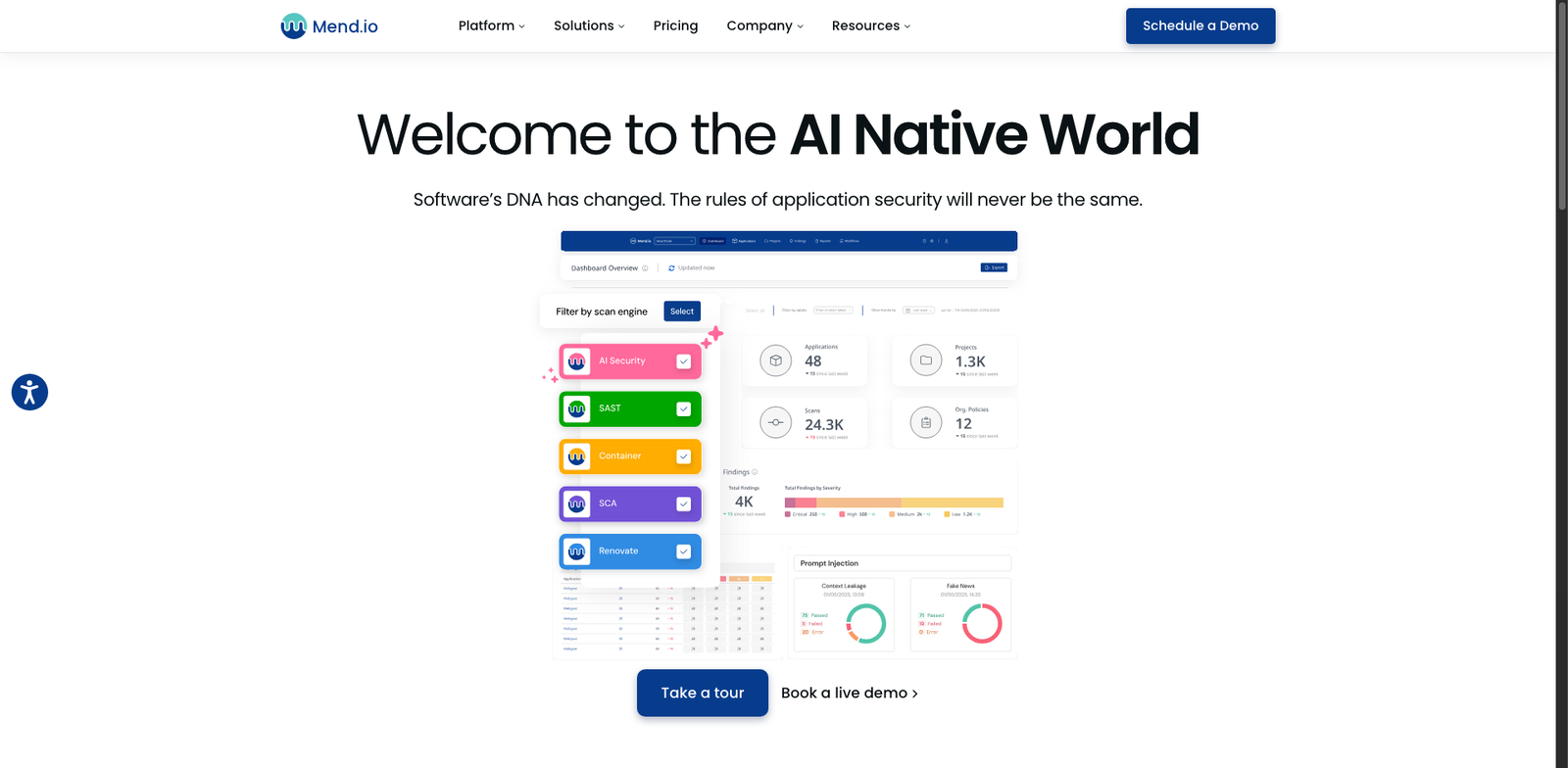
Mend.io SAST homepage

Mend.io SAST

4.5
(25) Paid

Mend.io SAST identifies vulnerabilities in your code, helping teams enhance security. It offers tailored subscription plans to fit diverse needs.

Key features

  • User-friendly interface for seamless integration.
  • Comprehensive vulnerability scanning.
  • Real-time feedback on code quality.
  • Flexible pricing options.
  • Supports multiple programming languages.

Pros

  • Affordable pricing starting at $50 per user per month.
  • High accuracy in vulnerability detection.
  • Strong support community and resources.
  • Regular updates and improvements.

Cons

  • Limited features in lower-tier plans.
  • May require time to fully optimize settings.
  • Occasional false positives in scanning.
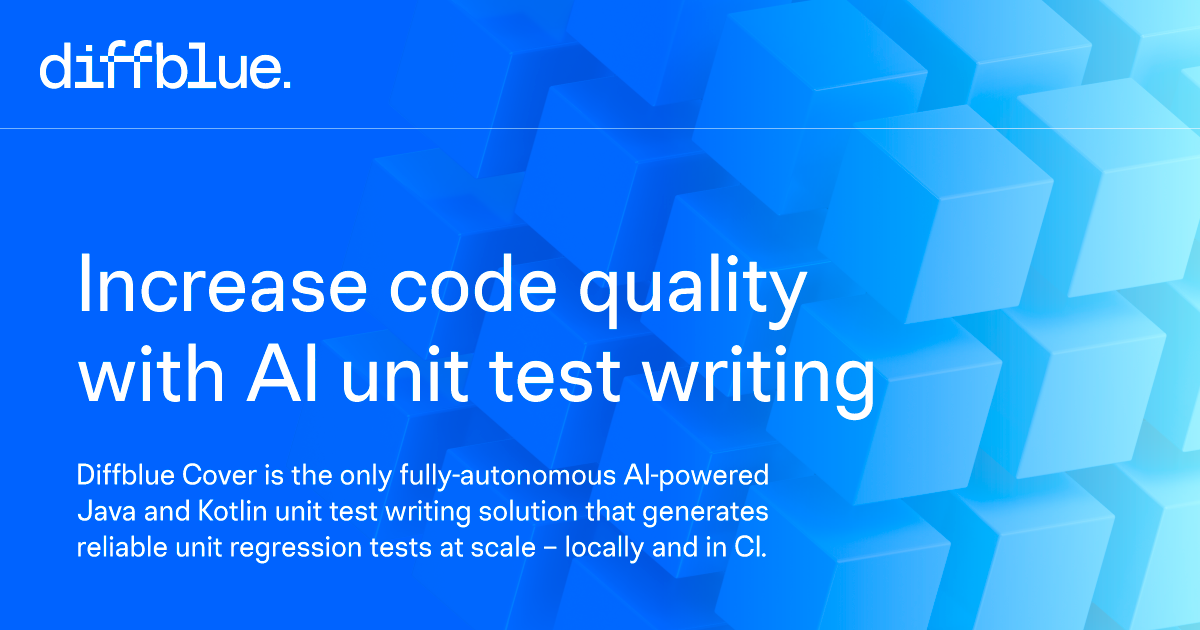
Diffblue Cover homepage

Diffblue Cover

4.4
(25) Paid

Diffblue Cover helps developers improve code reliability by generating unit tests automatically. It reduces manual testing efforts and speeds up the development process.

Key features

  • Automated unit test generation
  • Supports multiple programming languages
  • Integrates with popular CI/CD tools
  • Customizable test creation
  • Improves code coverage

Pros

  • Saves time on manual testing
  • Enhances code quality
  • Easy integration into existing workflows
  • User-friendly interface

Cons

  • Subscription pricing not publicly disclosed
  • Limited transparency on plans
  • Potential learning curve for new users
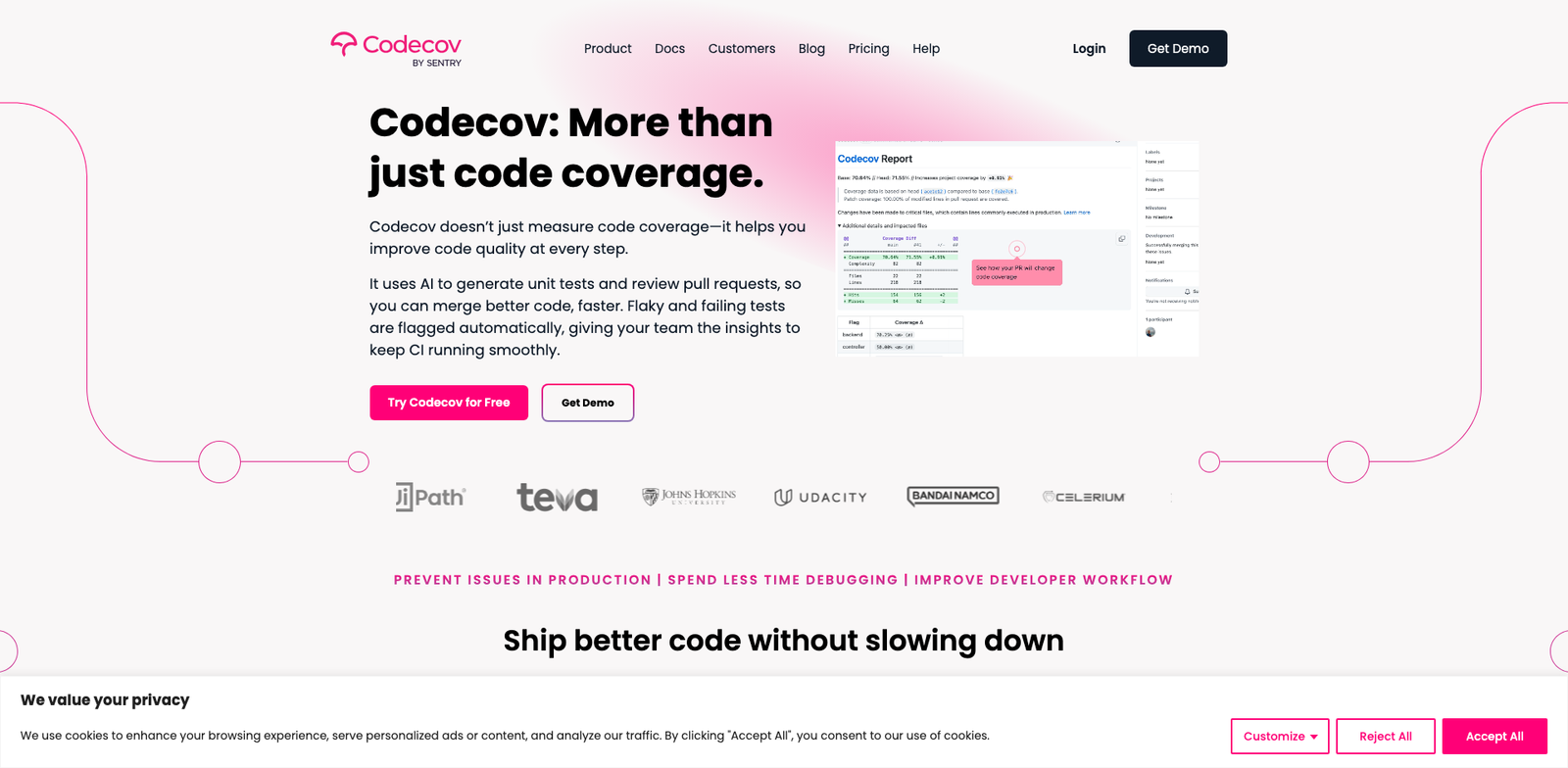
Codecov AI homepage

Codecov AI

4.4
(21) Paid

Codecov AI is a powerful tool for automated code testing. It integrates seamlessly into your workflow, providing real-time feedback and insights.

Key features

  • AI-driven code coverage reports.
  • Integration with popular CI/CD tools.
  • Real-time feedback on code quality.
  • Support for multiple programming languages.
  • User-friendly dashboard for easy navigation.

Pros

  • Affordable starting price at $20 per user/month.
  • Free tier available for small teams.
  • High user satisfaction with a 4.4 rating.
  • Integrates well with existing development tools.

Cons

  • Limited advanced features in the free tier.
  • Higher costs for larger teams can add up.
  • Some users report a steep learning curve.
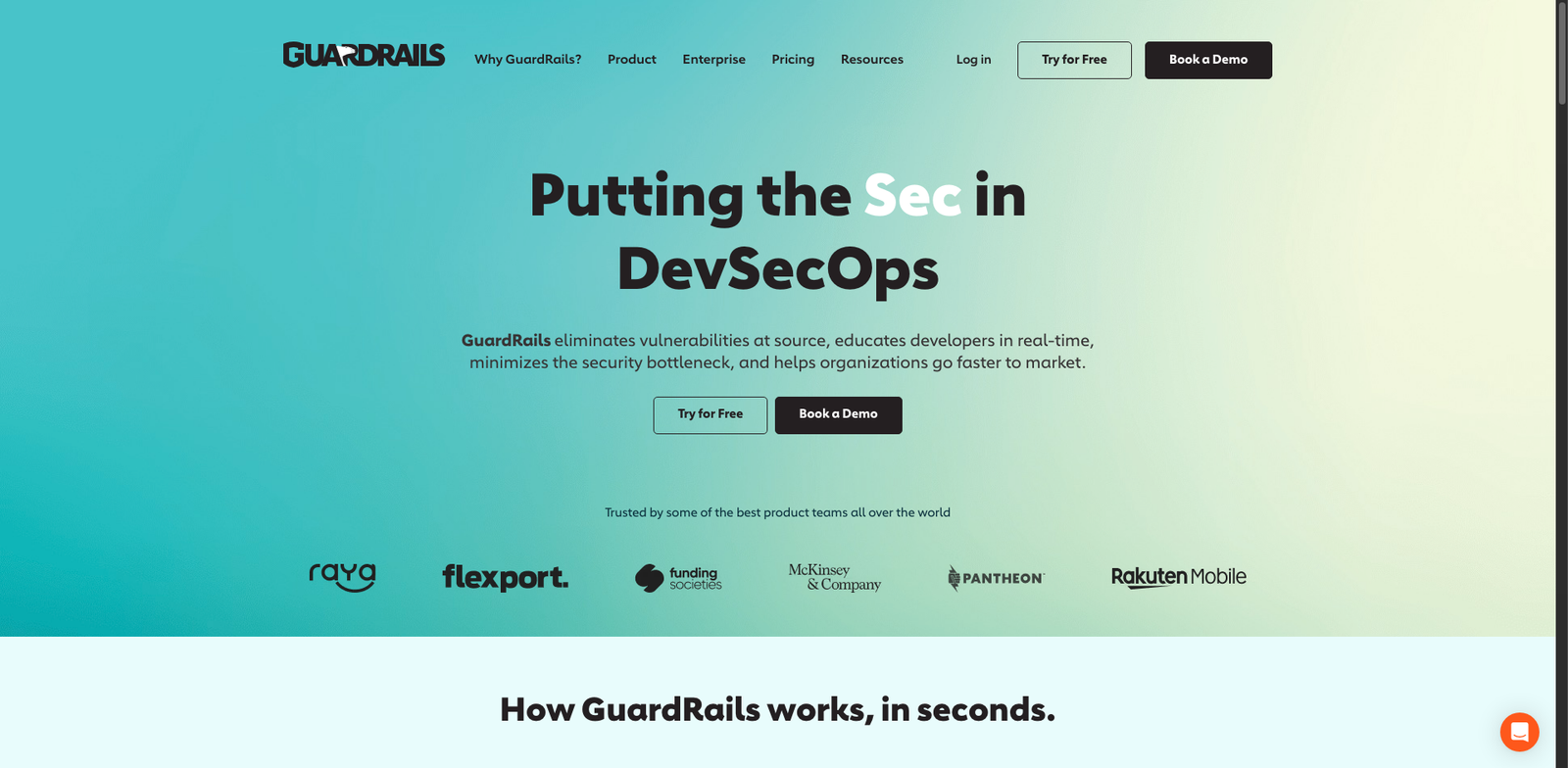
GuardRails CI homepage

GuardRails CI

4.4
(20) Paid

GuardRails CI streamlines code testing and deployment. It offers a range of plans tailored to various development needs, although specific pricing is not publicly available.

Key features

  • Automated code testing and analysis
  • Integration with popular CI/CD tools
  • Real-time feedback on code quality
  • Support for multiple programming languages
  • Customizable testing workflows

Pros

  • High user rating (4.4/5) based on 20 reviews
  • Efficient for rapid development cycles
  • Robust support for various programming languages
  • Seamless integration with existing workflows

Cons

  • Pricing details not disclosed publicly
  • May have a steep learning curve for new users
  • Limited features in lower-tier plans

New in Ai Code Testing Tools

Recently added tools you might want to check out.

Developer / Data Ops

GuardRails CI provides subscription-based AI code testing tools for developers and data operations, ensuring quality and security in software development.

Developer / Data Ops

Codecov AI provides AI-driven code testing tools for developers and data operations, with a free tier and paid plans starting around $20 per user per month.

Developer / Data Ops

Diffblue Cover is an AI code testing tool designed for developers and data operations teams, offering subscription-based pricing for efficient test automation.

Developer / Data Ops

Veracode Fix is a subscription-based AI code testing tool designed for developers and data operations teams, enhancing software security and efficiency.

Developer / Data Ops

Mend.io SAST provides AI-driven code testing tools for developers and data ops, with subscription plans starting at $50 per user per month.

Developer / Data Ops

Checkmarx One provides subscription-based pricing with tailored plans for AI code testing, ideal for developers and data operations teams.

Developer / Data Ops

Codacy Quality provides AI-driven code testing tools for developers, offering free plans for open-source projects and paid plans for private repositories.

Developer / Data Ops

SonarCloud provides code quality and security analysis for developers, with a free tier for open-source projects and paid plans starting around $10/month for private projects.

Developer / Data Ops

GitHub CodeQL enables developers to analyze code for vulnerabilities. Free for open-source projects, with enterprise features available via subscription.

Compare these tools to find the best fit for your code testing needs and elevate your development process today!