Search for AI Tools

Describe the job you need to automate with AI.

Best AI Tools for Podcast Editing Suites

Discover the best AI tools for podcast editing suites to enhance your audio production experience. From free options to premium features, our curated list includes top-rated software designed to streamline your editing process and elevate your podcasts.

Top 10 in Podcast Editing Suites

How we choose
  • Consider user ratings and reviews for insights on performance.
  • Evaluate pricing plans to find a tool that fits your budget.
  • Look for features that align with your specific editing needs.
  • Check compatibility with your existing software and hardware.
  • Assess ease of use for both beginners and experienced editors.
Descript homepage

Descript

4.6
(31) Free

Descript simplifies the editing process for audio and video. It offers transcription, screen recording, and editing features all in one platform.

Key features

  • Transcription services for audio and video files
  • Multi-track editing capabilities
  • Screen recording with built-in editing tools
  • Collaboration features for team projects
  • Custom templates for streamlined workflows

Pros

  • User-friendly interface for quick learning
  • Affordable pricing with a free tier available
  • Robust collaboration features for teams
  • High-quality transcription accuracy

Cons

  • Advanced features may require higher-tier plans
  • Limited export options on the free tier
  • Performance can lag with large files
Otter.ai for Podcasts homepage

Otter.ai for Podcasts

4.6
(33) Paid

Otter.ai helps you create transcripts and notes from your podcast recordings. It offers features to streamline editing and enhance audio content.

Key features

  • Automatic transcription of audio recordings
  • Real-time collaboration for teams
  • Searchable transcripts for easy navigation
  • Integration with popular podcast platforms
  • Speaker identification for clarity

Pros

  • High accuracy in transcriptions
  • User-friendly interface
  • Free tier available for basic use
  • Affordable paid plans with advanced features

Cons

  • Limited features in the free tier
  • Some users report occasional errors in transcription
  • Pro plan may not cover all advanced needs
SquadCast Studio homepage

SquadCast Studio

4.6
(30) Paid

SquadCast Studio is a powerful platform for audio and video creation, focusing on podcasting. It offers various subscription plans to fit different user requirements.

Key features

  • High-quality audio recording
  • Remote guest capabilities
  • Multi-track recording
  • User-friendly interface
  • Cloud backup for recordings

Pros

  • Flexible subscription options
  • Great sound quality
  • Easy collaboration with guests
  • Intuitive design for beginners

Cons

  • Pricing details are not explicitly stated
  • Limited features in lower-tier plans
  • No free version available for trial
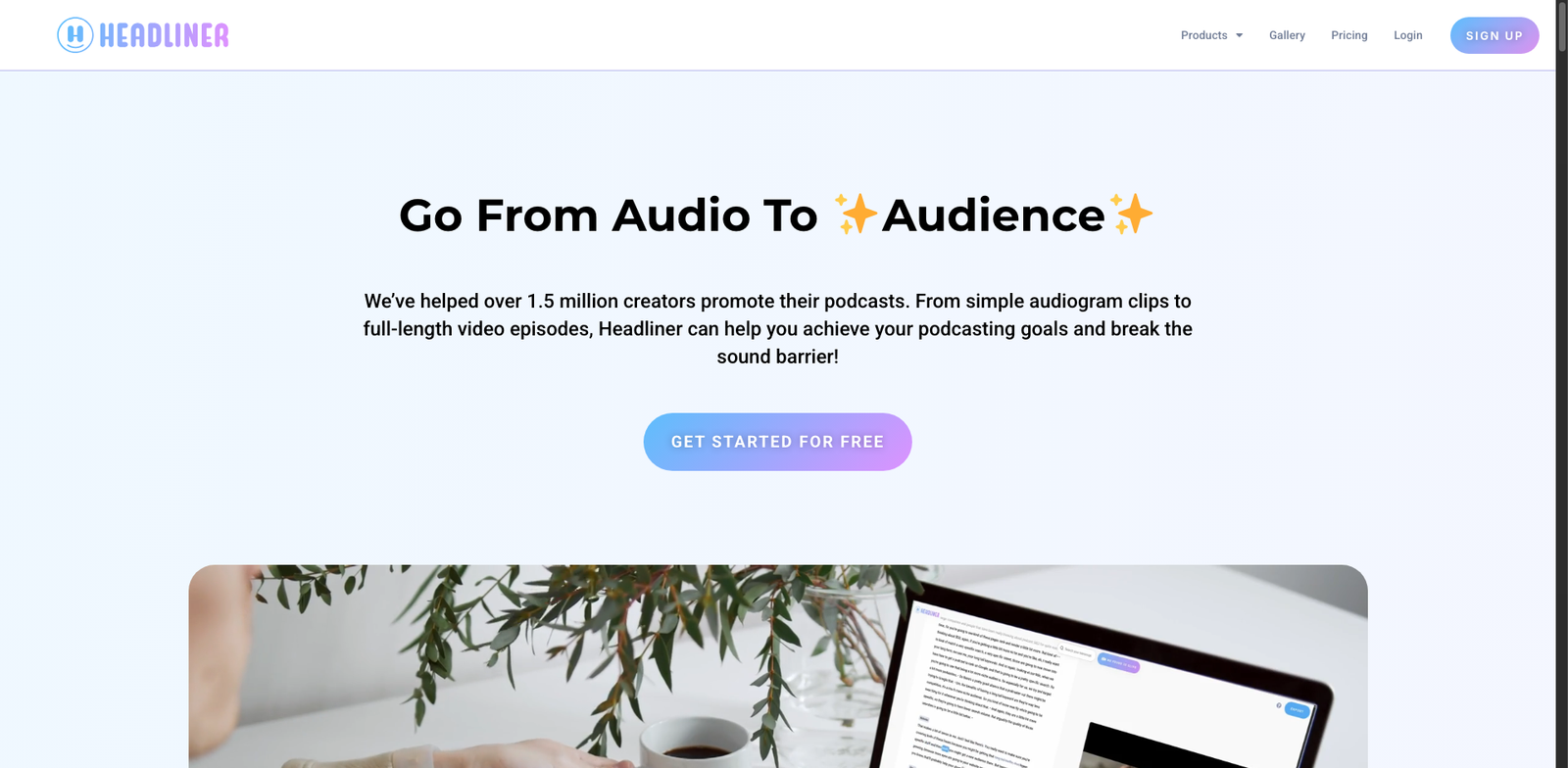
Headliner homepage

Headliner

4.6
(30) Free

Headliner is a versatile tool for creating engaging audio and video content. It helps users edit podcasts and enhance social media posts effortlessly.

Key features

  • User-friendly interface for easy editing
  • Automatic transcription for audio files
  • Customizable video templates
  • Social media sharing options
  • Audio waveform animations

Pros

  • Freemium model with a robust free tier
  • High-quality output with minimal effort
  • Great for social media marketing
  • Supports multiple file formats

Cons

  • Limited features in the free version
  • Paid plans may be costly for small creators
  • Learning curve for advanced functionalities
Fathom Highlights homepage

Fathom Highlights

4.5
(21) Paid

Fathom Highlights simplifies podcast editing with intuitive tools and a subscription model. It caters to creators looking for efficiency and quality.

Key features

  • User-friendly interface for easy editing
  • Supports multiple audio and video formats
  • Cloud-based storage for easy access
  • Collaboration tools for team projects
  • Customizable audio effects

Pros

  • Highly rated with a 4.5-star rating
  • Robust editing features suitable for professionals
  • Regular updates and improvements
  • Great customer support

Cons

  • Pricing details not publicly available
  • Limited free trial options
  • Feature set may not satisfy advanced users
AudioPen homepage

AudioPen

4.5
(24) Paid

AudioPen simplifies audio production with its intuitive features. Ideal for podcasters and content creators, it enhances audio editing and creation.

Key features

  • Subscription-based access with tiered pricing options
  • User-friendly interface for efficient editing
  • Supports multiple audio formats
  • Cloud storage for easy access and collaboration
  • Real-time editing capabilities

Pros

  • High-quality audio output
  • Flexible subscription plans
  • Robust editing tools
  • Intuitive user experience

Cons

  • Pricing details not publicly available
  • Limited features in lower tiers
  • Learning curve for advanced tools
Riverside homepage

Riverside

4.5
(24) Paid

Riverside allows users to record high-quality audio and video remotely. Ideal for podcasts and interviews, it simplifies the production process.

Key features

  • High-quality audio and video recording
  • Remote recording for multiple participants
  • Easy editing tools for podcasts
  • Cloud storage for recordings
  • Live streaming capabilities

Pros

  • User-friendly interface
  • Flexible subscription plans
  • Excellent audio quality
  • Supports multiple formats

Cons

  • Basic tier has limited features
  • Higher pricing for advanced options
  • Learning curve for new users
Podcastle homepage

Podcastle

4.5
(24) Free

Podcastle simplifies audio and video creation for podcasters of all levels. With a freemium model, users can access essential features for free or upgrade for advanced capabilities.

Key features

  • User-friendly interface for easy podcast editing.
  • AI-powered audio enhancement tools.
  • Collaborative features for team projects.
  • Cloud storage for easy access anywhere.
  • Integration with popular platforms for seamless sharing.

Pros

  • Free tier available for beginners.
  • Affordable paid plans starting at $15/month.
  • High-quality audio output.
  • Regular updates and feature improvements.

Cons

  • Limited features in the free version.
  • Some advanced tools only in higher-priced plans.
  • Learning curve for new users.
Sonix Podcast Tools homepage

Sonix Podcast Tools

4.5
(28) Paid

Sonix Podcast Tools simplifies audio transcription and editing for podcasters. It offers various subscription plans to suit different needs.

Key features

  • Fast and accurate audio transcription.
  • Supports multiple audio formats.
  • User-friendly editing interface.
  • Collaboration tools for teams.
  • Searchable transcripts for easy navigation.

Pros

  • Competitive pricing per transcription hour.
  • High accuracy rate in transcriptions.
  • Easy to use for beginners and pros alike.
  • Quick turnaround on audio processing.

Cons

  • Pricing can add up for high-volume users.
  • Limited advanced editing features.
  • Occasional inaccuracies with complex audio.
Chopcast homepage

Chopcast

4.5
(23) Paid

Chopcast is an audio and video creation tool designed for podcast editing. It offers various features to improve your workflow and enhance your content quality.

Key features

  • Intuitive editing interface
  • Automatic transcription services
  • Social media sharing capabilities
  • Multi-platform support
  • Customizable audio settings

Pros

  • User-friendly design for quick learning
  • High-quality audio output
  • Versatile editing tools for different needs
  • Great customer support

Cons

  • Lack of transparent pricing information
  • Limited advanced editing features
  • Potential performance issues with large files

New in Podcast Editing Suites

Recently added tools you might want to check out.

Audio & Video Creation

Podflow.ai provides subscription-based podcast editing solutions for creators, offering various plans to enhance audio and video content production.

Audio & Video Creation

Buzzsprout CoHost AI provides a subscription-based podcast editing suite designed for creators seeking efficient audio and video production tools.

Audio & Video Creation

Podurama AI Summaries provides subscription-based podcast editing tools for audio and video creation, ideal for content creators seeking efficient editing solutions.

Audio & Video Creation

SquadPod AI provides collaborative audio and video creation tools and podcast editing suites, ideal for content creators and teams looking for seamless production.

Audio & Video Creation

Audiate is a subscription-based audio and video creation tool designed for podcasters and content creators, offering advanced editing features.

Audio & Video Creation

Sonix Podcast Tools provides transcription services for podcasters and audio creators, with plans starting at $10 per hour. Affordable and efficient audio editing solutions.

Audio & Video Creation

Zencastr AI Post-pro is a subscription-based podcast editing suite designed for audio and video creation, offering flexible pricing tiers for users.

Audio & Video Creation

AudioPen is a subscription-based tool for audio and video creation, ideal for podcasters and content creators looking for editing solutions.

Audio & Video Creation

Poddin.io provides audio and video creation tools with subscription plans for podcast editing. Ideal for creators seeking professional editing solutions.

Compare the features and prices of these podcast editing suites to find the perfect fit for your creative workflow!