Search for AI Tools

Describe the job you need to automate with AI.

Best AI Tools for Video-Upscalers & Smart-Dubbing

Discover the best AI tools for Video Upscalers & Smart-Dubbing, designed to enhance your video quality and streamline the dubbing process. From free solutions to premium software, our curated list showcases top-rated options to elevate your video projects.

Top 10 in Video-Upscalers & Smart-Dubbing
How we choose
  • Consider your budget: Choose between free and paid options.
  • Check user ratings and reviews for reliability.
  • Look for specific features like AI upscaling and dubbing capabilities.
  • Evaluate ease of use and integration with your existing workflows.
  • Assess customer support and community engagement for assistance.
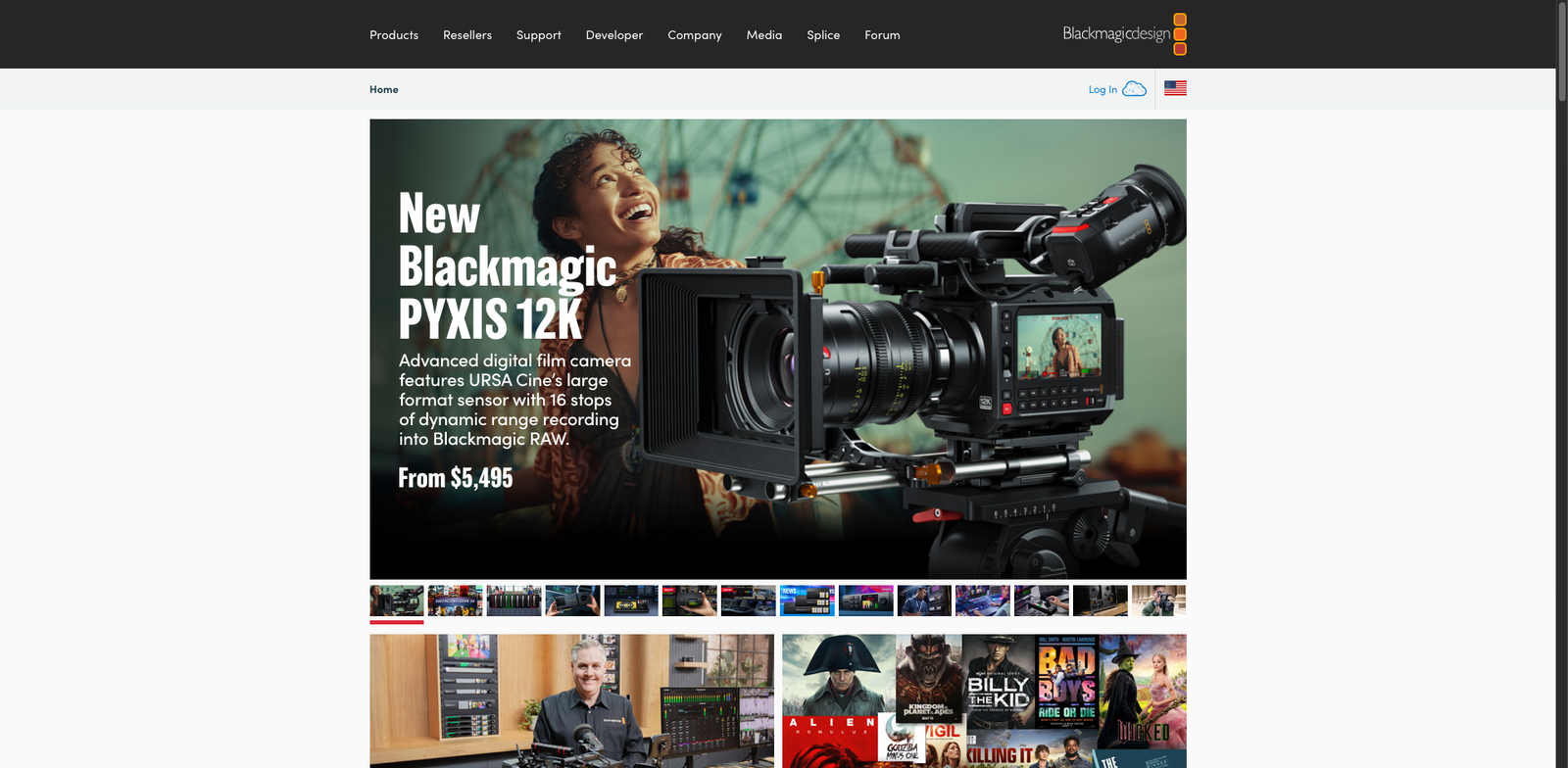
DaVinci Resolve SuperScale homepage

DaVinci Resolve SuperScale is a powerful video upscaling feature integrated into DaVinci Resolve Studio. It allows users to upscale low-resolution videos with impressive detail and clarity.

Key features

  • Advanced AI-driven upscaling technology
  • Supports various video formats
  • Seamless integration with DaVinci Resolve
  • Preserves color accuracy and sharpness
  • Real-time processing capabilities

Pros

  • High-quality video enhancement
  • User-friendly interface
  • One-time purchase, no subscription needed
  • Great for both professionals and beginners

Cons

  • Higher initial investment compared to some competitors
  • Limited features compared to dedicated upscaling tools
  • May require a powerful computer for optimal performance
Neural.love Video Upscale homepage

Neural.love Video Upscale is a powerful tool designed to enhance video quality through advanced upscaling techniques. It offers both free and paid plans to suit different user needs.

Key features

  • Freemium model with free features
  • High-quality video enhancement
  • User-friendly interface
  • Supports various video formats
  • Regular updates and improvements

Pros

  • Offers a free version with essential features
  • Delivers impressive video quality improvements
  • Easy to use, no technical skills required
  • Regularly updated with new features

Cons

  • Higher quality outputs require a paid plan
  • Limited features in the free version
  • Export options may be restricted
Topaz Video AI homepage

Topaz Video AI

4.5
(27) Paid

Topaz Video AI is a powerful software that leverages artificial intelligence to upscale video resolution and add smart dubbing. Ideal for creators seeking high-quality video outputs, it's a one-time purchase solution.

Key features

  • AI-powered video upscaling
  • Smart dubbing for multilingual support
  • User-friendly interface
  • Supports various video formats
  • High-quality output

Pros

  • One-time purchase eliminates subscription fees
  • High-quality enhancements with AI technology
  • Versatile for different video projects
  • Positive user reviews and high rating

Cons

  • Higher initial cost compared to alternatives
  • Limited advanced editing features
  • Performance may vary on older hardware
Waifu2x Video GUI homepage

Waifu2x Video GUI

4.5
(20) Free

Waifu2x Video GUI is designed for video enhancement through AI-driven upscaling and noise reduction. It leverages advanced algorithms to improve video quality without losing detail.

Key features

  • AI-powered video upscaling
  • Noise reduction capabilities
  • User-friendly interface
  • Batch processing support
  • Open-source and free to use

Pros

  • No cost for usage
  • High-quality output
  • Regular updates from the community
  • Supports various video formats

Cons

  • Limited documentation for advanced features
  • May require a learning curve for new users
  • Performance can vary based on hardware
Pixop homepage

Pixop

4.5
(25) Paid

Pixop provides a subscription-based model designed for various user needs. It excels in enhancing video quality and offers smart dubbing features.

Key features

  • Subscription plans tailored for different user needs.
  • AI-driven video upscaling technology.
  • Smart dubbing for multilingual content.
  • User-friendly interface for easy navigation.
  • Supports various video formats.

Pros

  • High-quality video enhancement.
  • Flexible subscription options.
  • Efficient smart dubbing capabilities.
  • Intuitive user experience.

Cons

  • Higher pricing for premium features.
  • Limited free trial options.
  • Potential learning curve for advanced features.
Ebsynth AI Upscale homepage

Ebsynth AI Upscale

4.5
(27) Paid

Ebsynth AI Upscale is designed for video creators looking to enhance and upscale their footage. It uses advanced AI algorithms to improve video resolution and quality.

Key features

  • One-time purchase model
  • AI-driven video enhancement
  • User-friendly interface
  • Supports various video formats
  • Fast processing times

Pros

  • High-quality upscaling results
  • Cost-effective compared to subscription models
  • Easy to learn for beginners
  • Active community and support

Cons

  • Limited pricing information available
  • May require powerful hardware for optimal performance
  • Some users report a learning curve
Veritone Voice homepage

Veritone Voice

4.5
(26) Paid

Veritone Voice enables users to create and enhance audio and video content seamlessly. It offers tailored pricing options, catering to various needs and applications.

Key features

  • Smart dubbing for accurate language translation.
  • Video upscaling to enhance visual quality.
  • Flexible pricing plans for diverse requirements.
  • User-friendly interface for easy navigation.

Pros

  • High-quality audio and video enhancements.
  • Versatile tools for different content types.
  • Strong customer support and resources.
  • Good user rating reflecting satisfaction.

Cons

  • Pricing details not publicly available.
  • Limited feature transparency for potential users.
  • May have a learning curve for new users.
Movavi Video Enhancer homepage

Movavi Video Enhancer

4.5
(27) Paid

Movavi Video Enhancer is a powerful tool designed to improve video quality. It offers features like upscaling and smart dubbing for professional results.

Key features

  • Upscale video resolution up to 4K
  • Remove noise and stabilize shaky footage
  • Enhance brightness and color balance
  • Add subtitles and audio tracks easily
  • Batch processing for multiple files

Pros

  • User-friendly interface for all skill levels
  • Affordable one-time purchase model
  • Fast processing speeds
  • Regular updates and customer support

Cons

  • Limited advanced editing features
  • No free trial available
  • Some users may find the learning curve steep
Kapwing Smart Dub homepage

Kapwing Smart Dub

4.5
(26) Free

Kapwing Smart Dub is a user-friendly tool for dubbing videos. It leverages AI to match voiceovers to video content efficiently. Perfect for creators looking to reach global audiences.

Key features

  • AI-powered voice dubbing for videos
  • Supports multiple languages
  • User-friendly interface
  • Cloud-based editing for easy access
  • No software installation required

Pros

  • Freemium model allows for free use with basic features
  • Quick and easy dubbing process
  • High-quality audio output
  • Versatile for various content types

Cons

  • Limited features on the free tier
  • Paid plans can be pricey for casual users
  • No offline functionality available
CapCut AI Video Upscaler homepage

CapCut AI Video Upscaler

4.4
(23) Free

CapCut AI Video Upscaler uses advanced algorithms to upscale video resolution. It offers a freemium model, providing basic features for free and premium options for enhanced capabilities.

Key features

  • AI-driven video upscaling technology
  • User-friendly interface for easy navigation
  • Freemium model with both free and premium features
  • Supports various video formats
  • Real-time preview of upscaled videos

Pros

  • Affordable entry-level options
  • High-quality output with minimal effort
  • Regular updates and improvements
  • Intuitive design suitable for all users

Cons

  • Premium features may be costly for casual users
  • Limited export options in the free version
  • Occasional processing speed delays

New in Video-Upscalers & Smart-Dubbing

Recently added tools you might want to check out.

Audio & Video Creation

Dubly.io Video Voice provides subscription-based smart dubbing and video upscaling tools for content creators seeking enhanced audio-visual experiences.

Audio & Video Creation

Dubly.ai provides subscription-based audio and video creation tools with smart dubbing features. Ideal for content creators and video professionals.

Audio & Video Creation

Dubformer provides smart dubbing and video upscaling solutions through a subscription model. Ideal for content creators looking to enhance audio and video quality.

Audio & Video Creation

Shutterstock Dubbing provides tailored audio and video dubbing solutions with flexible pricing plans for content creators and businesses.

Audio & Video Creation

Ebsynth AI Upscale is a paid software solution for video upscaling and smart dubbing, ideal for creators seeking high-quality audio and video enhancement.

Audio & Video Creation

Nova A.I. Upscale provides advanced video upscaling and smart dubbing tools for creators and professionals seeking high-quality audio and video enhancements.

Audio & Video Creation

SubtitleDub AI provides smart dubbing and video upscaling tools for audio and video creation, available through a subscription model with multiple pricing tiers.

Audio & Video Creation

Aloud is a free tool for YouTube users that adds captions and translations to videos, enhancing accessibility and audience reach.

Audio & Video Creation

TimeCut AI Slow-mo Upscale enhances video quality with AI-driven slow-motion and upscaling features. Suitable for content creators and video professionals.

Explore our selection and compare features to find the ideal tool that meets your video enhancement needs!