Search for AI Tools

Describe the job you need to automate with AI.

Best AI Tools for Code-Generation

Discover the Best AI Tools for Code Generation that can enhance your programming efficiency and streamline your development process. These innovative solutions leverage advanced algorithms to assist in writing, reviewing, and optimizing code, making them essential for developers of all levels.

Top 10 in Code-Generation

How we choose
  • Consider the tool's integration capabilities with your existing development environment.
  • Evaluate the user ratings and reviews to ensure reliability and effectiveness.
  • Look for features that match your specific coding needs, such as language support and functionality.
  • Assess the pricing model to find a solution that fits your budget while providing value.
GitHub Copilot homepage

GitHub Copilot

4.7
(31) Paid

GitHub Copilot assists developers by providing code suggestions and autocompletions. It leverages AI to understand context and improve coding efficiency.

Key features

  • Real-time code suggestions
  • Context-aware autocompletion
  • Supports multiple programming languages
  • Integrates seamlessly with popular IDEs
  • Learns from your coding style over time

Pros

  • Boosts coding productivity
  • Reduces repetitive coding tasks
  • Adapts to individual coding styles
  • Wide language support

Cons

  • Subscription-based pricing may deter casual users
  • Occasional inaccuracies in suggestions
  • Limited understanding of complex project contexts
OpenAI Codex homepage

OpenAI Codex

4.7
(31) Paid

OpenAI Codex utilizes advanced AI to assist developers in writing code. It simplifies coding by generating suggestions based on user input.

Key features

  • Usage-based pricing model tailored to your needs.
  • Supports multiple programming languages.
  • Integrates easily with IDEs and development environments.
  • Offers real-time code suggestions and completions.
  • Enhances productivity by reducing coding time.

Pros

  • High accuracy in code generation.
  • Flexible pricing based on actual usage.
  • User-friendly interface and integration.
  • Regular updates and improvements from OpenAI.

Cons

  • Higher costs with increased usage.
  • Limited support for less common programming languages.
  • Can struggle with complex coding tasks.
DeepCode (Snyk) homepage

DeepCode (Snyk)

4.6
(31) Paid

DeepCode provides intelligent code review solutions that help developers identify potential issues before they become problems. It integrates seamlessly into existing workflows to improve code quality and security.

Key features

  • AI-powered code analysis to catch bugs early.
  • Integration with popular IDEs and CI/CD tools.
  • Real-time feedback on code changes.
  • Support for multiple programming languages.
  • Collaborative features for team workflows.

Pros

  • High accuracy in identifying vulnerabilities.
  • User-friendly interface for developers.
  • Flexible pricing options available.
  • Strong community support and resources.

Cons

  • Free tier may lack advanced features.
  • Limited integrations with some tools.
  • Performance can vary with large codebases.
Replit Ghostwriter homepage

Replit Ghostwriter

4.6
(29) Paid

Replit Ghostwriter is an AI tool designed for developers, providing code generation and assistance. It streamlines coding tasks, enhancing productivity.

Key features

  • AI-assisted code generation
  • Real-time collaboration
  • Supports multiple programming languages
  • Integrated with Replit platform
  • User-friendly interface

Pros

  • Affordable subscription plans
  • High accuracy in code suggestions
  • Great for both beginners and experienced developers
  • Active community support

Cons

  • Limited advanced features in lower-tier plans
  • Occasional inaccuracies in complex code
  • Learning curve for new users
Amazon CodeWhisperer homepage

Amazon CodeWhisperer

4.5
(30) Paid

Amazon CodeWhisperer assists developers by generating code snippets and suggestions based on context. It enhances productivity through AI-driven insights, making coding faster and easier.

Key features

  • AI-powered code suggestions
  • Context-aware recommendations
  • Integration with popular IDEs
  • Support for multiple programming languages
  • Error detection and correction

Pros

  • User-friendly interface
  • Highly accurate code suggestions
  • Time-saving for developers
  • Free tier for individual users

Cons

  • Business pricing not publicly available
  • Limited features on the free tier
  • Performance may vary with complex projects
Tabnine homepage

Tabnine

4.5
(29) Free

Tabnine enhances your coding experience by providing intelligent code suggestions. It helps developers write code faster and with fewer errors.

Key features

  • AI-driven code completion
  • Supports multiple programming languages
  • Integrates with popular IDEs
  • Customizable settings for personalized suggestions
  • Collaboration features for teams

Pros

  • Free tier available for individual use
  • User-friendly interface
  • High accuracy in code predictions
  • Regular updates and improvements

Cons

  • Limited features in the free tier
  • Paid plans may be costly for small teams
  • Learning curve for advanced features
CodiumAI homepage

CodiumAI

4.5
(31) Paid

CodiumAI streamlines the coding process through AI-driven code generation. It offers a subscription-based model tailored for different user needs.

Key features

  • AI-powered code generation
  • Supports multiple programming languages
  • Integration with popular IDEs
  • Customizable templates for faster coding
  • Collaboration tools for teams

Pros

  • High accuracy in code generation
  • User-friendly interface
  • Flexible pricing tiers
  • Regular updates and improvements

Cons

  • Lack of clear pricing information
  • Limited advanced features in lower tiers
  • Learning curve for new users
Codeium homepage

Codeium

4.5
(25) Free

Codeium offers a free tier for developers seeking efficient code generation. Paid plans unlock additional features.

Key features

  • Free tier available for users.
  • Supports multiple programming languages.
  • Intuitive interface for easy code generation.
  • Integration with popular IDEs.
  • Real-time code suggestions.

Pros

  • Highly rated by users (4.5/5).
  • Offers a robust free tier.
  • Regular updates based on user feedback.
  • Integrates seamlessly with development environments.

Cons

  • Limited features in the free tier.
  • Specific pricing details not disclosed.
  • Potential gaps in advanced functionalities.
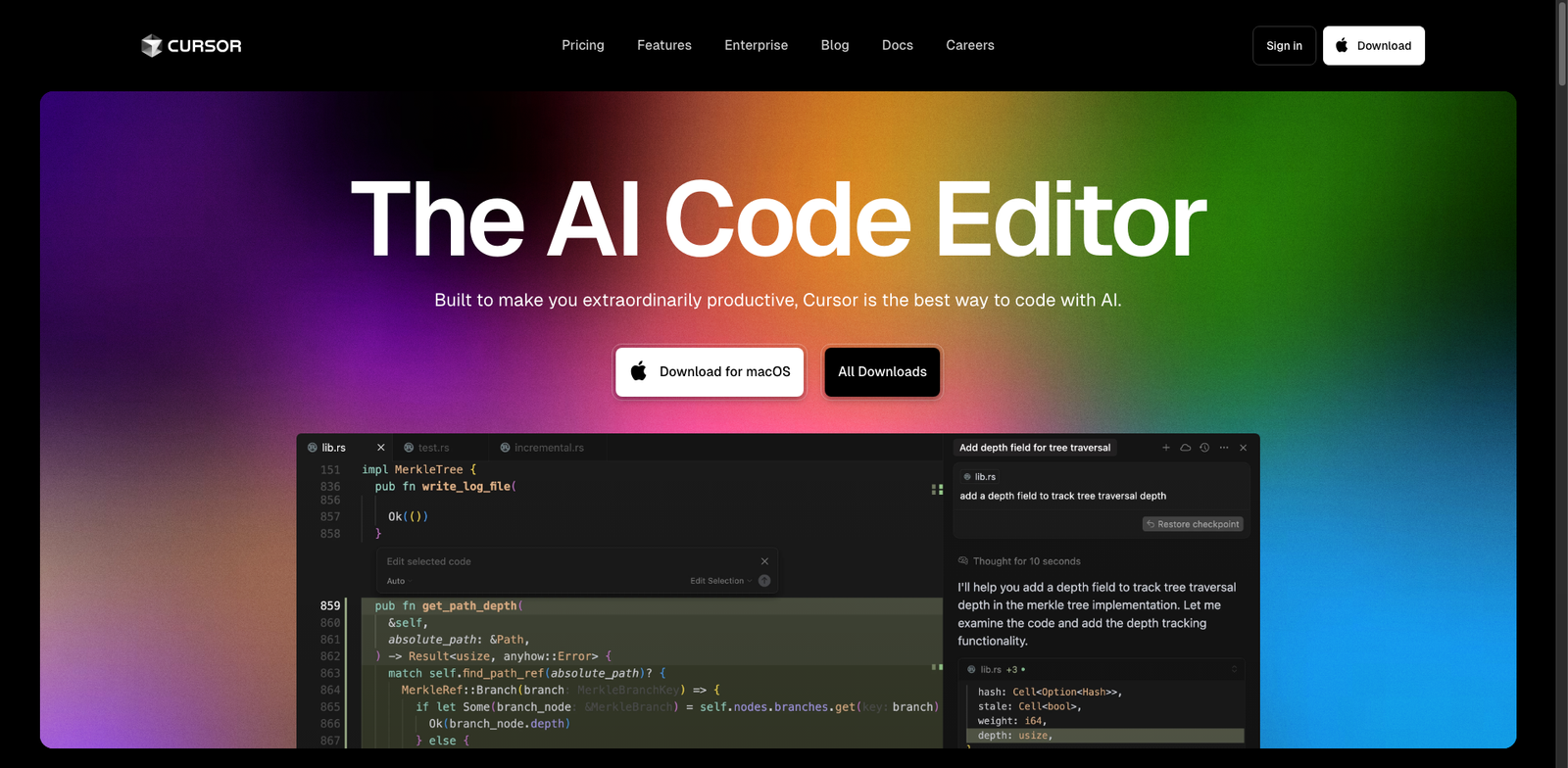
Cursor homepage

Cursor

4.5
(28) Paid

Cursor is a tool designed to streamline code generation, making it easier for developers and data operations teams to create high-quality code efficiently.

Key features

  • Streamlined code generation process
  • Supports multiple programming languages
  • Collaboration tools for teams
  • Intuitive user interface
  • Customizable templates for rapid development

Pros

  • High user rating of 4.5 out of 5
  • Offers a variety of subscription plans
  • User-friendly and efficient
  • Facilitates collaboration among team members

Cons

  • Pricing details are not widely available
  • Limited features in lower-tier plans
  • Some users report a steep learning curve
Kite homepage

Kite

4.5
(27) Free

Kite is a code generation tool designed to assist developers by providing code completions and suggestions. It offers a free version with essential features and a paid subscription for advanced functionalities.

Key features

  • Intelligent code completions
  • Real-time documentation
  • Multi-language support
  • Integration with various IDEs
  • Snippets for common tasks

Pros

  • Free version available
  • User-friendly interface
  • Fast and responsive suggestions
  • Supports multiple programming languages

Cons

  • Limited features in the free version
  • Paid plan pricing not disclosed
  • Some users report performance issues

New in Code-Generation

Recently added tools you might want to check out.

Ai Development

Cody is a freemium AI development tool that simplifies code generation for developers, enhancing productivity and streamlining the coding process.

Development Tools

Codebot is a freemium code generation tool designed for developers to streamline coding tasks and enhance productivity in software development.

Web Development

WP Code Generator simplifies web development by providing users with customizable code snippets, suitable for developers of all skill levels.

Development Tools

Generate pseudocode easily with this free tool designed for developers and programmers looking to streamline their code development process.

Development Tools

CodeWP is a freemium tool for developers that generates code snippets, streamlining the coding process and enhancing productivity.

Developer / Data Ops

Phind provides a subscription-based service for code generation and data operations, catering to developers and data professionals with tiered pricing plans.

Developer / Data Ops

Rixcode provides a subscription-based code generation tool tailored for developers and data operations teams, offering various plans to suit different needs.

Developer / Data Ops

Pieces Copilot is a subscription-based tool for developers and data ops, focused on code generation to streamline workflows and enhance productivity.

Developer / Data Ops

Ponicode provides code generation tools for developers and data operations professionals, available through various subscription plans.

Compare these top-rated tools to find the perfect fit for your coding projects and elevate your programming experience!