Search for AI Tools

Describe the job you need to automate with AI.

Best AI Tools for Product-Mockup Makers

Discover the Best AI Tools for Product-Mockup Makers that elevate your designs with realistic and professional visuals. Whether you're looking for free options or premium features, our curated list has something for everyone to create stunning mockups effortlessly.

Top 10 in Product-Mockup Makers

How we choose
  • Evaluate pricing options: Free vs. paid tools.
  • Check user ratings and reviews for reliability.
  • Consider the variety of mockup styles available.
  • Look for ease of use and integration with your existing design tools.
  • Assess the quality of mockups and customization features.
Placeit homepage

Placeit

4.7
(31) Paid

Placeit simplifies design tasks with user-friendly tools. Create stunning mockups, logos, and more in just minutes.

Key features

  • Extensive library of templates and mockups
  • User-friendly drag-and-drop interface
  • Customizable designs for branding
  • High-resolution exports available
  • Regular updates with new content

Pros

  • Affordable subscription options
  • No design skills required
  • Fast and intuitive workflow
  • Wide range of categories and styles

Cons

  • Monthly pricing can add up over time
  • Limited advanced editing features
  • Some templates may feel generic
Smartmockups homepage

Smartmockups

4.6
(32) Free

Smartmockups allows users to generate high-quality product mockups effortlessly. Ideal for marketers, designers, and entrepreneurs looking to showcase their products visually.

Key features

  • User-friendly interface for quick mockup creation
  • Wide range of device templates available
  • Integrates with design tools like Canva and Figma
  • High-resolution downloads for professional use
  • Customizable designs to fit your brand

Pros

  • Freemium model allows for testing before commitment
  • High-quality mockups enhance product presentations
  • Saves time with easy drag-and-drop functionality
  • Regular updates with new templates and features

Cons

  • Limited features in the free tier
  • Paid plans may be costly for occasional users
  • Some advanced features require learning time
Canva Mockup Generator homepage

Canva Mockup Generator

4.6
(34) Free

Canva Mockup Generator allows users to create visually appealing product mockups. It features a freemium model with a free tier and subscription options for advanced features.

Key features

  • User-friendly interface for quick mockup creation.
  • Variety of templates for different products.
  • Customizable design elements.
  • Integration with Canva's extensive design library.
  • Export options for various formats.

Pros

  • Free tier available for basic use.
  • High-quality mockup outputs.
  • Easy to navigate for beginners.
  • Regular updates and new features.

Cons

  • Limited features in the free version.
  • Subscription needed for premium templates.
  • Some users report a learning curve for advanced tools.
MockupShot homepage

MockupShot

4.5
(24) Paid

MockupShot is a product mockup maker that allows users to create stunning visual presentations. It offers various subscription plans tailored to different needs.

Key features

  • User-friendly interface for quick mockup creation.
  • Wide range of device templates available.
  • Customizable designs to fit brand aesthetics.
  • Cloud storage for easy access and collaboration.
  • Export options in multiple formats.

Pros

  • High-quality mockups that enhance presentations.
  • Flexible subscription plans for different budgets.
  • Regular updates and new template additions.
  • Strong community support and resources.

Cons

  • Pricing details are not readily available.
  • Limited customization options compared to competitors.
  • Some users report a learning curve for advanced features.
Figma “Mockup” plug-in homepage

The Figma 'Mockup' plug-in enhances your design workflow by allowing you to create high-quality product mockups directly in Figma. It's user-friendly and completely free.

Key features

  • Seamless integration with Figma
  • High-quality mockup templates
  • User-friendly interface
  • Instant preview of designs
  • No cost to access features

Pros

  • Free to use with no hidden fees
  • High user rating of 4.5 stars
  • Easy to learn and implement
  • Wide range of customizable templates

Cons

  • Limited advanced features compared to paid alternatives
  • Occasional performance lags with larger files
  • No offline access available
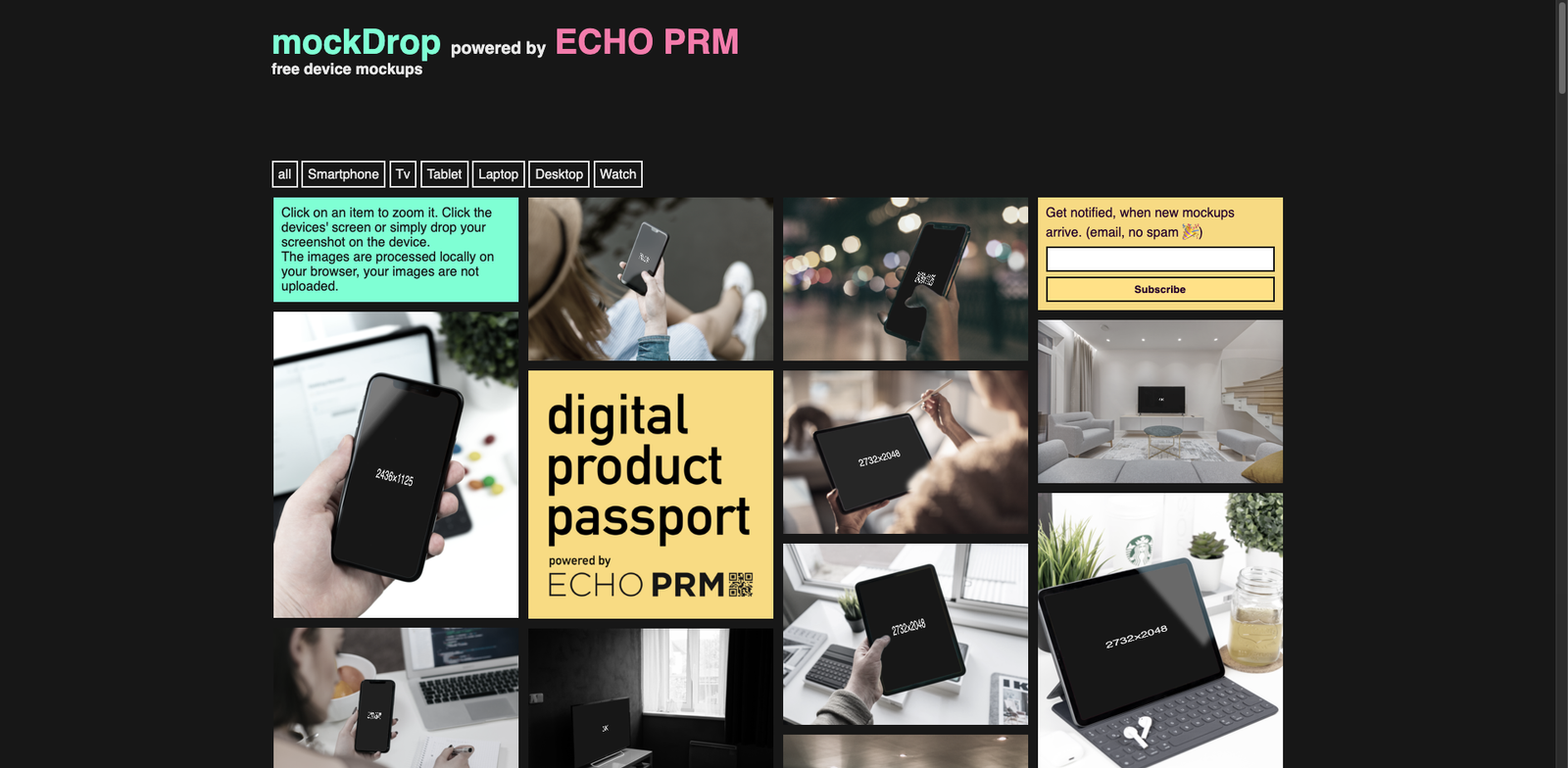
MockDrop homepage

MockDrop

4.5
(30) Free

MockDrop is a tool designed to create stunning product mockups effortlessly. It offers a range of features with a free tier and optional paid upgrades.

Key features

  • User-friendly interface for quick mockup creation.
  • Freemium model with essential features available for free.
  • Supports various product types for versatile designs.
  • Access to premium features for enhanced customization.

Pros

  • Intuitive and easy to navigate.
  • Generous free tier for basic needs.
  • High-quality mockup outputs.
  • Diverse range of product categories.

Cons

  • Limited features in the free version.
  • Pricing details for premium options are unclear.
  • May lack advanced customization tools in free tier.
Vectary Mockups homepage

Vectary Mockups

4.5
(29) Free

Vectary Mockups is a versatile tool for creating product mockups. It combines ease of use with powerful features suitable for designers at all levels.

Key features

  • Freemium model with a free tier available
  • User-friendly interface for quick mockup creation
  • High-quality 3D mockup options
  • Customizable templates for various products
  • Collaborative features for team projects

Pros

  • Accessible for beginners and professionals
  • Affordable paid plans starting at $12/month
  • Wide range of templates to choose from
  • Regular updates with new features

Cons

  • Some advanced features are locked behind paywall
  • Limited export options in the free tier
  • Performance may slow with complex designs
Mockplus DT Mockup homepage

Mockplus DT Mockup

4.5
(26) Paid

Mockplus DT Mockup is designed for creating high-quality product mockups effortlessly. It caters to designers seeking efficient and effective design solutions.

Key features

  • User-friendly interface for quick mockup creation
  • Various subscription plans, including a free trial
  • Supports collaboration among design teams
  • Integration with popular design tools
  • Rich library of templates and components

Pros

  • Intuitive design tools for fast mockup generation
  • Flexible subscription options to fit different needs
  • Strong collaboration features for team projects
  • Regular updates with new templates and features

Cons

  • Monthly fees can add up for long-term use
  • Limited customization options in some templates
  • Steep learning curve for advanced features
Threed.io Device Mockups homepage

Threed.io Device Mockups

4.5
(27) Paid

Threed.io is a tool that allows users to create high-quality device mockups easily. It caters to designers seeking realistic visual representations for their projects.

Key features

  • Wide variety of device mockups available.
  • User-friendly interface for quick design.
  • Customizable templates to match your brand.
  • Supports high-resolution outputs.
  • Regular updates with new mockup designs.

Pros

  • High-quality, realistic mockups.
  • Flexible subscription options.
  • Great for marketing and presentations.
  • Community support and tutorials available.

Cons

  • Pricing details not publicly available.
  • Limited customization for some templates.
  • May require time to learn advanced features.
HeroShot AI homepage

HeroShot AI

4.5
(28) Paid

HeroShot AI leverages artificial intelligence to help users generate high-quality product mockups. It's designed for designers and marketers looking to enhance their visual content quickly.

Key features

  • AI-driven design automation
  • Wide range of customizable templates
  • Supports various product types
  • User-friendly interface
  • Fast mockup generation

Pros

  • High-quality output
  • Saves time on design tasks
  • Intuitive for beginners
  • Flexible subscription options

Cons

  • Pricing details are not transparent
  • Limited advanced editing features
  • May not meet complex design needs

New in Product-Mockup Makers

Recently added tools you might want to check out.

Ai Design & Imaging

Mockpit is a subscription-based tool for creating product mockups, ideal for designers seeking customizable solutions. Pricing details are available upon inquiry.

Ai Design & Imaging

MockRocket provides a subscription-based service for AI design and product mockup creation, catering to designers and businesses seeking effective visual solutions.

Ai Design & Imaging

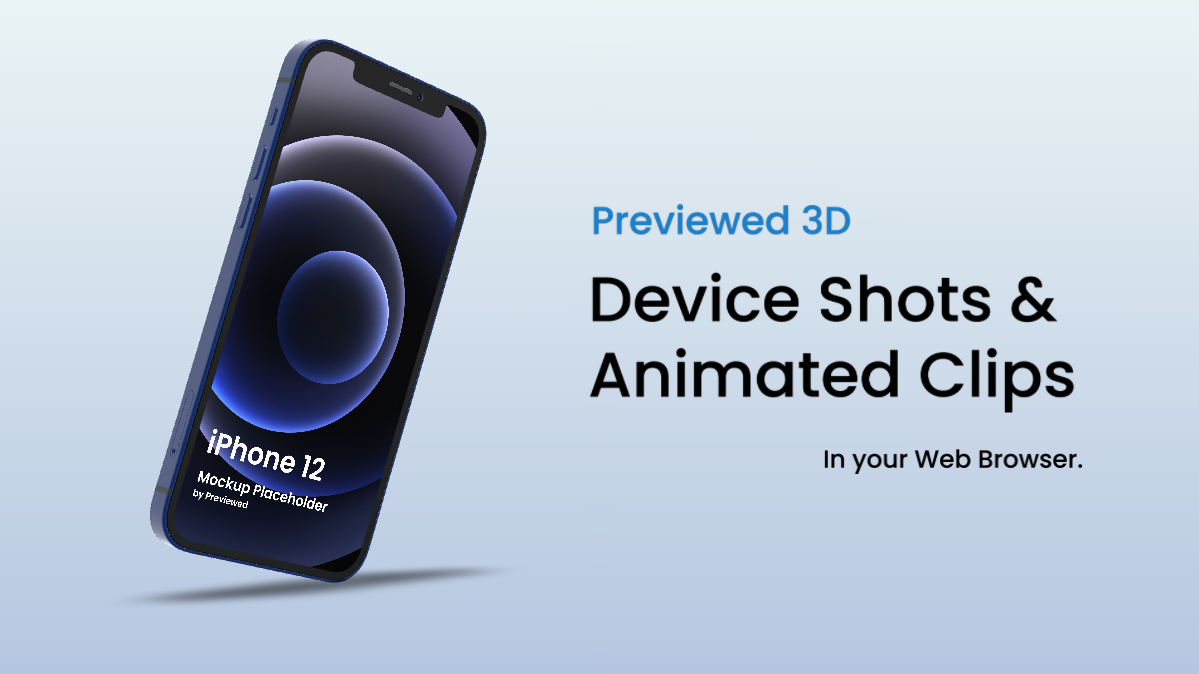
Previewed is a subscription-based tool for AI design and product mockups, offering various plans suitable for designers and marketers.

Ai Design & Imaging

MockupsJar provides a subscription-based platform for creating product mockups, catering to designers and businesses looking for customizable imaging solutions.

Ai Design & Imaging

Mockapy provides a subscription-based service for AI design and product mockup creation, catering to designers and businesses seeking high-quality mockups.

Ai Design & Imaging

Yellow Images provides a diverse selection of design assets and mockup templates for designers and marketers, with varying pricing based on asset types.

Ai Design & Imaging

Pixelied Mockups provides a subscription service for product mockup creation, featuring a free plan and paid options starting at $10/month for designers and marketers.

Ai Design & Imaging

Claid.ai provides AI-driven product rendering and mockup tools for designers and businesses, featuring a subscription model with varied pricing tiers.

Ai Design & Imaging

Mockup Blaze provides a subscription-based service for creating product mockups, catering to designers and businesses seeking professional visual presentations.

Compare these top tools to find the perfect fit for your product design needs and enhance your creative projects.