Search for AI Tools

Describe the job you need to automate with AI.

Best AI Tools for Audio & Video Creation

Discover the best AI tools for Audio & Video Creation, designed to enhance your projects with cutting-edge technology. From noise reduction to voice translation, these powerful tools can streamline your workflow and elevate your content quality.

Top 10 in Audio & Video Creation

How we choose
  • Evaluate user ratings and reviews to gauge effectiveness.
  • Consider pricing options to find the best value for your budget.
  • Look for features that align with your specific audio and video needs.
  • Check compatibility with existing software and hardware.
  • Explore customer support and resources for troubleshooting.
DeepL Translate homepage

DeepL Translate

4.7
(28) Paid

DeepL Translate is a powerful tool for translating text in real-time. It offers a user-friendly interface and supports multiple languages with high accuracy.

Key features

  • Real-time translation for instant communication
  • Supports a wide range of languages
  • User-friendly interface for easy navigation
  • Pro subscription includes advanced features
  • Free tier available with basic functionalities

Pros

  • High translation accuracy
  • Fast processing speed
  • Intuitive user experience
  • Affordable Pro subscription

Cons

  • Limited features in the free tier
  • Occasional inaccuracies with idiomatic expressions
  • No offline mode for Pro users
iZotope RX Voice De-noise homepage

iZotope RX Voice De-noise is designed for audio engineers and content creators. It tackles background noise, allowing vocals to shine through. Ideal for podcasts, voiceovers, and music production.

Key features

  • Real-time noise reduction
  • Intuitive interface
  • Customizable settings
  • Supports various audio formats
  • Part of the comprehensive iZotope RX suite

Pros

  • High-quality noise removal
  • Easy to use
  • Fast processing speed
  • Excellent customer support

Cons

  • Higher price point compared to competitors
  • Limited features in the standalone version
  • Learning curve for advanced settings
Speechelo homepage

Speechelo

4.7
(29) Paid

Speechelo is an audio creation tool designed for converting text into lifelike voiceovers. It offers both a standard version and a pro version with extra features.

Key features

  • Multiple voice options in various languages
  • One-time payment for standard and pro versions
  • Easy-to-use interface for quick voice generation
  • Customizable speech speed and tone
  • No monthly subscriptions or recurring fees

Pros

  • High-quality voice output with natural intonation
  • Affordable one-time payment model
  • User-friendly for beginners and experienced users
  • Support for multiple languages enhances accessibility

Cons

  • Pro version is significantly more expensive
  • Limited advanced editing features in the standard version
  • Voice options may feel repetitive for extensive projects
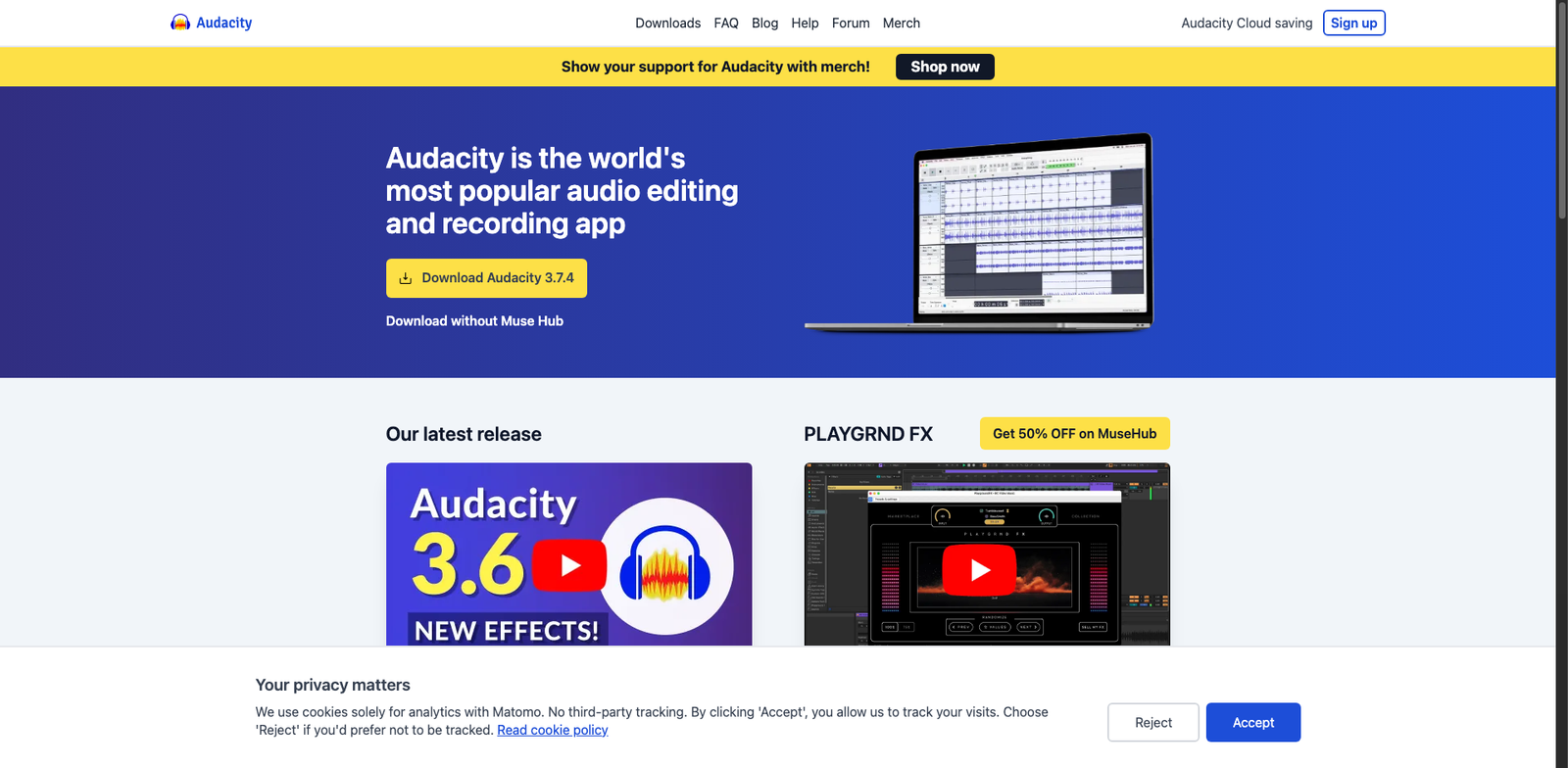
Audacity AI Noise homepage

Audacity AI Noise

4.7
(34) Free

Audacity enables users to record, edit, and manipulate audio tracks. It’s ideal for musicians, podcasters, and sound engineers. The software supports various audio formats and offers a range of editing features.

Key features

  • Multi-track audio editing
  • Support for various file formats
  • Built-in effects and filters
  • Real-time audio analysis
  • Customizable interface

Pros

  • Completely free and open-source
  • Extensive community support
  • Regular updates and improvements
  • Cross-platform compatibility

Cons

  • Steeper learning curve for beginners
  • Limited built-in effects compared to paid software
  • Occasional stability issues with large files
Amazon Translate + Polly homepage

Amazon Translate + Polly

4.7
(31) Paid

Amazon Translate provides real-time translation services, while Polly delivers lifelike speech synthesis. Together, they enhance communication across languages.

Key features

  • Real-time translation for multiple languages
  • Natural-sounding speech with Amazon Polly
  • Scalable and easy to integrate
  • Pay-as-you-go pricing model
  • Supports various audio formats

Pros

  • High accuracy in translations
  • Flexible pricing based on usage
  • Supports a wide range of languages
  • Advanced AI technology for natural speech

Cons

  • Cost can add up with high usage
  • Limited customization options for translations
  • Learning curve for new users
Otter.ai for Podcasts homepage

Otter.ai for Podcasts

4.6
(33) Paid

Otter.ai helps you create transcripts and notes from your podcast recordings. It offers features to streamline editing and enhance audio content.

Key features

  • Automatic transcription of audio recordings
  • Real-time collaboration for teams
  • Searchable transcripts for easy navigation
  • Integration with popular podcast platforms
  • Speaker identification for clarity

Pros

  • High accuracy in transcriptions
  • User-friendly interface
  • Free tier available for basic use
  • Affordable paid plans with advanced features

Cons

  • Limited features in the free tier
  • Some users report occasional errors in transcription
  • Pro plan may not cover all advanced needs
Synthesia homepage

Synthesia

4.6
(26) Paid

Synthesia is an AI video creation tool that enables users to generate professional videos using customizable avatars. It caters to various user needs through a subscription model with different plans.

Key features

  • AI-generated video avatars
  • Customizable scripts and languages
  • Easy-to-use interface
  • Supports multiple video formats
  • Cloud-based editing and storage

Pros

  • High-quality video output
  • User-friendly for non-tech users
  • Wide range of languages and accents
  • Regular updates and feature enhancements

Cons

  • Pricing details are not publicly available
  • Limited advanced editing features
  • Subscription model may be costly for casual users
SquadCast Studio homepage

SquadCast Studio

4.6
(30) Paid

SquadCast Studio is a powerful platform for audio and video creation, focusing on podcasting. It offers various subscription plans to fit different user requirements.

Key features

  • High-quality audio recording
  • Remote guest capabilities
  • Multi-track recording
  • User-friendly interface
  • Cloud backup for recordings

Pros

  • Flexible subscription options
  • Great sound quality
  • Easy collaboration with guests
  • Intuitive design for beginners

Cons

  • Pricing details are not explicitly stated
  • Limited features in lower-tier plans
  • No free version available for trial
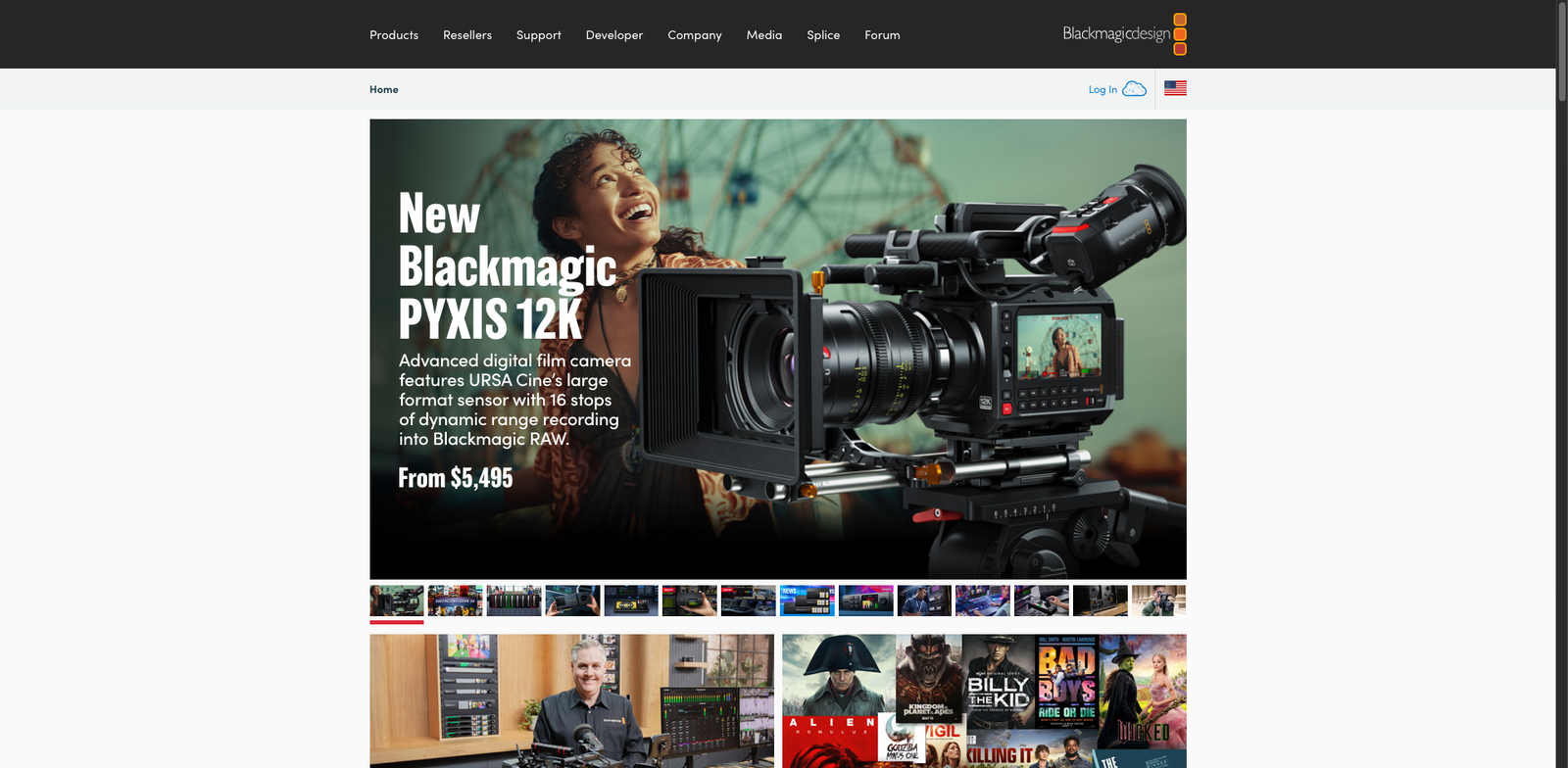
DaVinci Resolve SuperScale homepage

DaVinci Resolve SuperScale uses advanced algorithms to upscale videos, improving resolution and clarity. It's designed for professionals seeking high-quality video enhancement.

Key features

  • Upscales videos up to 4x their original resolution.
  • Integrates seamlessly with DaVinci Resolve Studio.
  • Utilizes AI-driven algorithms for optimal results.
  • Supports a wide range of video formats.
  • Real-time processing capabilities.

Pros

  • High-quality upscaling with minimal artifacts.
  • One-time purchase with no subscription fees.
  • User-friendly interface integrated within a robust editing suite.
  • Ideal for both amateur and professional videographers.

Cons

  • Limited to users of DaVinci Resolve Studio only.
  • May require a powerful computer for best performance.
  • Learning curve for new users unfamiliar with video editing software.
Descript Studio Sound homepage

Descript Studio Sound

4.6
(32) Paid

Descript Studio Sound is an innovative audio editing tool that specializes in noise removal and audio enhancement. It streamlines the process of creating high-quality sound for podcasts, videos, and more.

Key features

  • Advanced noise removal technology
  • User-friendly audio editing interface
  • Real-time audio processing
  • Multi-platform compatibility
  • Subscription-based pricing

Pros

  • High-quality audio enhancement
  • Intuitive design for users of all skill levels
  • Regular updates and new features
  • Strong community support and resources

Cons

  • Pricing tiers can be unclear
  • Limited free trial options
  • Some advanced features require steep learning curve

New in Audio & Video Creation

Recently added tools you might want to check out.

Audio & Video Creation

Harmonai Dance Diffusion is an open-source AI music generation tool for creating audio and video content, available for free with optional premium features.

Audio & Video Creation

Mix.audio is a subscription-based AI music generation platform designed for audio and video creators, offering various plans tailored to different needs.

Audio & Video Creation

Splash Pad is a subscription-based AI music generation platform designed for audio and video creators, offering various plans to suit diverse needs.

Audio & Video Creation

Nomad Lyric Studio is a subscription-based AI music generation platform designed for creators seeking tools for audio and video content development.

Audio & Video Creation

Hexachords Orb Composer is an AI music generation software for audio and video creation, available for a one-time purchase starting at $99.

Audio & Video Creation

Popgun AI is a paid AI music-generation platform offering subscription tiers for audio and video creation, suitable for creators and musicians.

Audio & Video Creation

JEN MusicGen is an AI music generation platform offering subscription plans for creators and professionals in audio and video production.

Audio & Video Creation

Cassette AI provides subscription-based AI music generation tools for businesses, enabling efficient audio and video creation without publicly available pricing details.

Audio & Video Creation

Aiva Flow is an AI music-generation platform offering subscription plans for audio and video creation. Pricing details are limited.

Compare these top-rated tools to find the perfect fit for your audio and video creation projects.