Search for AI Tools

Describe the job you need to automate with AI.

Best AI Tools for Photo Enhancers

Discover the best AI tools for photo enhancement that can transform your images with cutting-edge technology. Whether you're looking to upscale, sharpen, or improve overall quality, our curated list features top-rated options to elevate your photography.

Top 10 in Photo Enhancers

How we choose
  • Consider the tool's user interface and ease of use.
  • Check the pricing options to find a solution that fits your budget.
  • Look for features that specifically address your photo enhancement needs.
  • Read user reviews and ratings to gauge effectiveness.
  • Evaluate compatibility with your existing software and hardware.
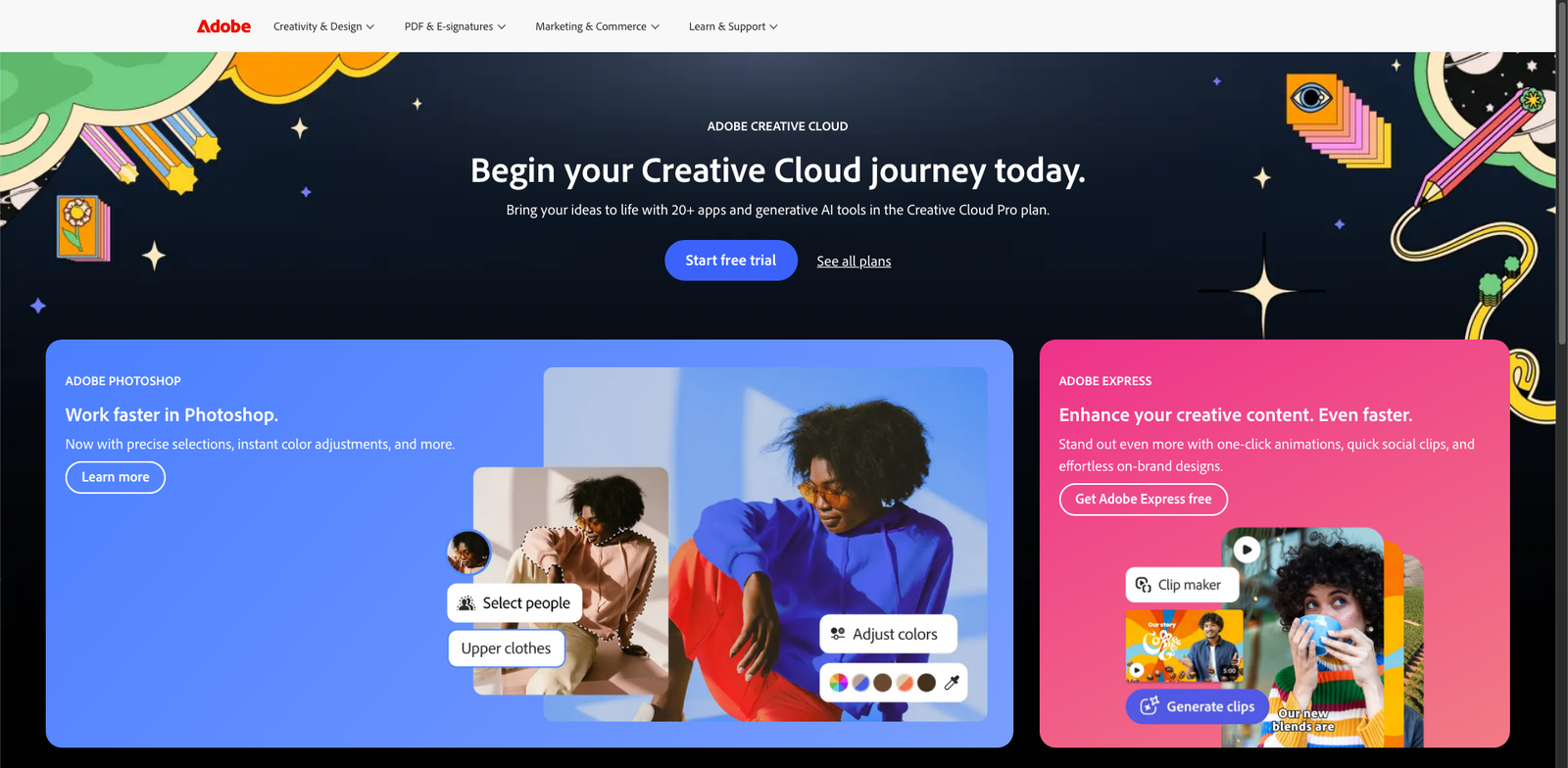
Photoshop Super Resolution homepage

Photoshop Super Resolution is a powerful feature within Adobe Photoshop that boosts image resolution using AI. It allows photographers and designers to upscale photos while preserving quality.

Key features

  • AI-powered image upscaling
  • Preserves fine details and textures
  • Easy integration with Photoshop workflow
  • Supports RAW and JPEG formats
  • Quick processing time

Pros

  • Delivers impressive image quality
  • User-friendly interface within Photoshop
  • Time-efficient for bulk processing
  • Regular updates from Adobe enhance functionality

Cons

  • Requires Adobe subscription for access
  • May not work well with extremely low-res images
  • Limited customization options for upscaling
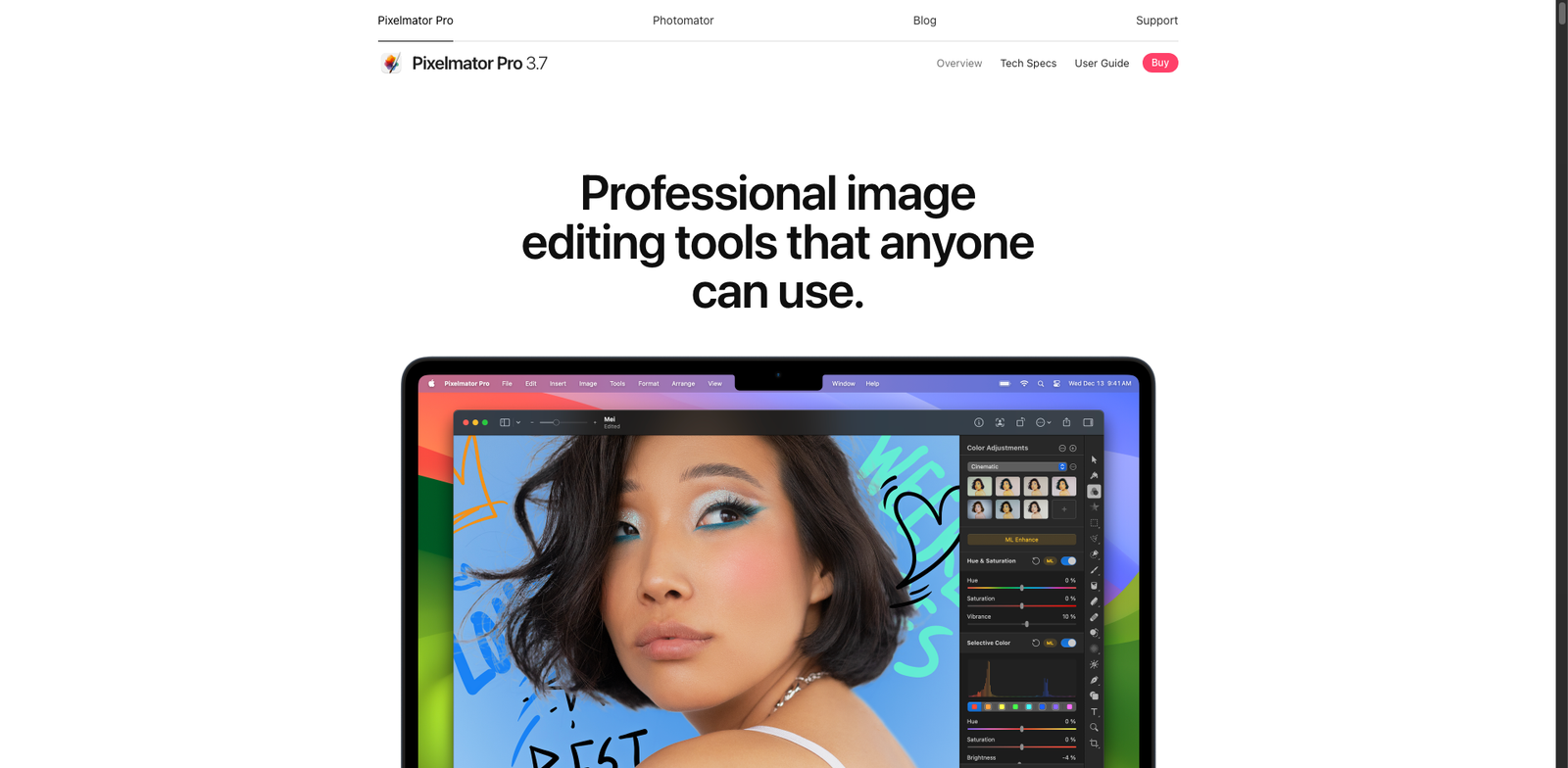
Pixelmator Pro ML homepage

Pixelmator Pro ML

4.7
(26) Paid

Pixelmator Pro ML is an advanced photo editing tool that leverages machine learning to enhance images and streamline design processes. Ideal for both professionals and enthusiasts, it offers a range of innovative features for creative projects.

Key features

  • AI-powered image enhancement
  • Advanced layering and masking tools
  • Customizable workspace for efficiency
  • Support for a wide range of image formats
  • Intuitive interface for easy navigation

Pros

  • One-time purchase with no subscription fees
  • High user rating (4.7/5) from 26 reviews
  • Robust set of editing tools and features
  • User-friendly interface suitable for all skill levels

Cons

  • Limited to macOS users only
  • Some advanced features may require a learning curve
  • Not as feature-rich as certain subscription-based tools
Topaz Gigapixel AI homepage

Topaz Gigapixel AI

4.6
(26) Paid

Topaz Gigapixel AI uses advanced artificial intelligence to enlarge images. It intelligently adds detail, making photos look sharper and more vibrant.

Key features

  • Upscales images up to 600% without quality loss.
  • Uses AI to add realistic detail.
  • Supports batch processing for multiple images.
  • User-friendly interface with customizable settings.
  • Compatible with various file formats.

Pros

  • One-time payment, no subscription required.
  • High-quality upscaling with minimal artifacts.
  • Great for photographers and graphic designers.
  • Regular updates and improvements from developers.

Cons

  • Higher price compared to some alternatives.
  • Learning curve for advanced features.
  • Occasional performance lags with very large files.
Snapseed HDR+ Enhance homepage

Snapseed HDR+ Enhance

4.6
(30) Free

Snapseed HDR+ Enhance is a feature within the Snapseed app that improves image quality using HDR technology. It allows users to enhance photos with stunning detail and dynamic range.

Key features

  • Advanced HDR processing for richer images.
  • Non-destructive editing to preserve original photos.
  • User-friendly interface for quick adjustments.
  • Supports a wide range of image formats.
  • Available on both iOS and Android devices.

Pros

  • High-quality image enhancements.
  • Free to use with no subscription.
  • Intuitive and easy to navigate.
  • Regular updates and improvements.

Cons

  • Limited advanced features compared to professional software.
  • May require a learning curve for new users.
  • Performance can vary on older devices.
Waifu2x homepage

Waifu2x

4.6
(25) Free

Waifu2x enhances images by reducing noise and increasing resolution. It's ideal for anime-style artwork and photographs. The tool is free to use, making it accessible for everyone.

Key features

  • Noise reduction for clearer images
  • Upscaling images without losing quality
  • Supports various image formats
  • Open-source and community-driven
  • Fast processing times for quick results

Pros

  • Completely free to use
  • High-quality image enhancement
  • User-friendly interface
  • Regular updates from the community

Cons

  • Limited to specific use cases (anime and artwork)
  • May struggle with complex images
  • Some implementations lack advanced features
Adobe Lightroom Enhance homepage

Adobe Lightroom Enhance

4.6
(33) Paid

Adobe Lightroom Enhance is a powerful photo editing tool that leverages AI technology to improve image quality. Perfect for photographers seeking professional results quickly and easily.

Key features

  • AI-powered image enhancement
  • Noise reduction for clearer images
  • Support for RAW image formats
  • Intuitive user interface
  • Seamless integration with other Adobe tools

Pros

  • High-quality enhancements with minimal effort
  • Regular updates with new features
  • Robust community and support
  • Cloud storage for easy access across devices

Cons

  • Subscription costs may be high for casual users
  • Limited offline functionality
  • Some features may require a learning curve
NightCafe Upscale homepage

NightCafe Upscale

4.5
(24) Free

NightCafe Upscale is an AI-powered tool designed to enhance and upscale your images. It provides a user-friendly experience with various features tailored to meet your imaging needs.

Key features

  • AI-driven image enhancement
  • Multiple pricing tiers available
  • User-friendly interface
  • High-quality upscaling
  • Supports various image formats

Pros

  • Free version available
  • Easy to use for beginners
  • High-quality output
  • Regular updates and improvements

Cons

  • Limited features in the free version
  • Higher tiers can be costly
  • May require a learning curve for advanced features
Fotor AI Enlarger homepage

Fotor AI Enlarger

4.5
(26) Free

Fotor AI Enlarger is an online tool that leverages AI technology to upscale images without losing quality. It caters to both casual users and professionals looking for quick image enhancements.

Key features

  • AI-powered image upscaling.
  • Freemium model with free and premium options.
  • User-friendly interface for easy navigation.
  • Supports various image formats.
  • Fast processing times.

Pros

  • High-quality image enhancement.
  • No cost for basic features.
  • Intuitive design for all skill levels.
  • Reliable performance with quick results.

Cons

  • Premium features require a subscription.
  • Limited advanced options in the free version.
  • Potential image quality differences based on original resolution.
Remini homepage

Remini

4.5
(23) Free

Remini leverages advanced AI technology to enhance and restore photos. It offers both free and premium options for users looking to improve image quality.

Key features

  • AI-driven photo enhancement
  • Restore old or low-quality images
  • User-friendly interface
  • Freemium model with subscription for advanced features
  • Supports various image formats

Pros

  • High-quality image enhancements
  • Affordable subscription model
  • Easy to use for all skill levels
  • Regular updates with new features

Cons

  • Limited features in the free version
  • Subscription may not fit all budgets
  • Some enhancements may take time
StockPhotos Upscaler homepage

StockPhotos Upscaler

4.5
(25) Paid

StockPhotos Upscaler is an AI-driven tool designed to improve the resolution of your images. It offers multiple subscription options tailored to different user needs.

Key features

  • AI-powered image enhancement
  • Supports high-resolution outputs
  • User-friendly interface
  • Fast processing times
  • Compatible with various image formats

Pros

  • High-quality upscaling results
  • Flexible subscription models
  • Regular updates and improvements
  • Good customer support

Cons

  • Pricing details are not publicly available
  • Limited features compared to some competitors
  • Can be resource-intensive on older devices

New in Photo Enhancers

Recently added tools you might want to check out.

Ai Design & Imaging

Gigapixel Portrait enhances photos using AI technology, ideal for photographers and designers seeking high-quality image upscaling for a one-time fee.

Ai Design & Imaging

ResizePixel AI provides a freemium service for image resizing and enhancement, offering basic features for free and premium options via subscription.

Ai Design & Imaging

Waifu2x-Extension-GUI is a free, open-source tool for enhancing images using AI technology, ideal for designers and photographers.

Ai Design & Imaging

PicWish Upscale enhances image quality using AI technology. It offers basic features for free and premium options through subscription plans.

Ai Design & Imaging

Aiseesoft AI Enlarger enhances image quality using AI technology. Ideal for photographers and designers seeking to enlarge photos without losing detail.

Ai Design & Imaging

StockPhotos Upscaler enhances image quality using AI technology. Ideal for designers and photographers seeking to upscale stock images efficiently.

Ai Design & Imaging

NightCafe Upscale enhances images using AI technology. It offers a freemium model with various pricing tiers for advanced features.

Ai Design & Imaging

Eraser AI Upscale enhances image quality using AI technology. Ideal for designers and photographers seeking improved visuals through a subscription model.

Ai Design & Imaging

ON1 NoNoise AI is a photo enhancement tool designed for photographers, providing advanced noise reduction with a one-time purchase for a perpetual license.

Take your time to compare these tools to find the perfect fit for your photo enhancement needs.