Search for AI Tools

Describe the job you need to automate with AI.

Best AI Tools for Background Removers

Discover the Best AI Tools for Background Removers designed to enhance your images effortlessly. From free options to premium features, these tools make removing backgrounds a breeze, whether for personal projects or professional needs.

Top 10 in Background Removers

How we choose
  • User-friendly interface for quick editing
  • Quality of background removal accuracy
  • Availability of additional editing features
  • Pricing options that fit your budget
  • Customer reviews and ratings for reliability
Kapwing Remove BG homepage

Kapwing Remove BG

4.6
(26) Free

Kapwing Remove BG is an AI-powered tool that removes backgrounds from images effortlessly. It offers a freemium model with both free and paid options for enhanced features.

Key features

  • AI-driven background removal
  • User-friendly interface
  • Supports various image formats
  • Quick processing time
  • Freemium model available

Pros

  • Easy to use for beginners
  • Fast results with high accuracy
  • No software installation required
  • Free tier available for basic use

Cons

  • Limited features on the free plan
  • Paid plans can be expensive for casual users
  • May struggle with complex backgrounds
remove.bg homepage

remove.bg

4.6
(31) Free

Remove.bg is an AI-powered tool that effortlessly removes backgrounds from images. It offers flexible pricing options for users, including pay-as-you-go credits and subscription plans.

Key features

  • AI-driven background removal technology
  • Instant processing for quick results
  • Supports various image formats
  • User-friendly interface
  • Options for bulk image processing

Pros

  • High-quality background removal
  • Flexible payment options
  • Quick and efficient processing
  • Suitable for both casual and professional use

Cons

  • Subscription plans may be expensive for occasional users
  • Limited free usage may not suffice for heavy users
  • Some complex images may require manual adjustments
Unscreen (video) homepage

Unscreen (video)

4.6
(23) Free

Unscreen is an online tool that uses AI to eliminate video backgrounds in seconds. It caters to both casual users and professionals with its freemium model.

Key features

  • AI-powered background removal for videos
  • Freemium model with a free tier
  • Higher quality exports available in paid plans
  • User-friendly interface
  • No watermark on free exports

Pros

  • Fast and efficient processing
  • High-quality results for professional use
  • No technical skills required to use
  • Versatile for different types of video content

Cons

  • Free tier has limited features
  • Export quality may vary on the free plan
  • Higher pricing for premium features
Adobe Express Background Remover homepage

Adobe Express Background Remover simplifies image editing by allowing users to easily eliminate backgrounds. This tool is perfect for creating clean visuals for marketing, social media, and more.

Key features

  • User-friendly interface for quick edits
  • AI-powered technology for accurate background removal
  • No software installation required
  • Access to basic features for free
  • Compatible with various image formats

Pros

  • Free tier available for basic usage
  • High-quality results with minimal effort
  • Fast processing times
  • No prior design experience needed

Cons

  • Premium features require a subscription
  • Limited editing tools compared to full software
  • Occasional inaccuracies in complex images
PhotoRoom homepage

PhotoRoom

4.6
(29) Free

PhotoRoom is an AI-powered design tool that specializes in removing backgrounds from images. It’s perfect for creating professional-looking product photos, social media graphics, and more.

Key features

  • AI background removal
  • Freemium model with free tier
  • User-friendly interface
  • Integrates with e-commerce platforms
  • Mobile app available

Pros

  • Intuitive design and easy to use
  • Quick background removal process
  • Affordable paid plans
  • Great for e-commerce sellers

Cons

  • Limited features on the free tier
  • Some advanced tools require a paid plan
  • Occasional performance lags on mobile
Wondershare PixCut homepage

Wondershare PixCut

4.5
(25) Paid

PixCut helps users effortlessly remove backgrounds from images. It's ideal for designers, marketers, and anyone needing quick edits.

Key features

  • AI-driven background removal
  • Multiple pricing tiers
  • User-friendly interface
  • Fast processing time
  • High-quality output

Pros

  • Affordable subscription options
  • Effective for various image types
  • Regular updates and improvements
  • Good customer support

Cons

  • Limited features in the free trial
  • Higher pricing for full access
  • Occasional performance lag with large files
LunaPic Remove homepage

LunaPic Remove

4.5
(25) Free

This free tool allows users to effortlessly edit images and remove backgrounds. Perfect for quick and easy visual enhancements.

Key features

  • Intuitive interface for easy navigation
  • Instant background removal with a few clicks
  • Supports various image formats
  • No watermarks on edited images
  • Fast processing times

Pros

  • Completely free with no hidden costs
  • Simple to use, even for beginners
  • No registration required
  • High-quality output without watermarks

Cons

  • Limited advanced editing features
  • Occasional performance lags with large files
  • Less control over fine details in edits
Picsart Background homepage

Picsart Background

4.5
(27) Free

Picsart Background helps you create stunning visuals by removing or altering backgrounds in your images. It offers both free and subscription-based features to cater to various needs.

Key features

  • AI-powered background removal
  • User-friendly interface
  • Customizable design options
  • High-resolution exports
  • Freemium model with subscription tiers

Pros

  • High-quality background removal
  • Intuitive and easy to navigate
  • Flexible pricing options
  • Excellent user reviews

Cons

  • Some advanced features require a subscription
  • Limited functionality in the free plan
  • Occasional performance lags with heavy images
Erase.bg homepage

Erase.bg

4.5
(27) Free

Erase.bg is an online tool designed to remove backgrounds from images easily. Users can pay per image processed, with a free tier for limited use.

Key features

  • Pay-as-you-go pricing model
  • Free tier available for limited processing
  • User-friendly interface
  • Fast processing times
  • High-quality image output

Pros

  • Cost-effective for low-volume users
  • Quick and efficient background removal
  • Easy to use with no steep learning curve
  • Flexible pricing based on usage

Cons

  • Costs can add up with high volume processing
  • Limited features compared to full design software
  • Free tier has significant restrictions
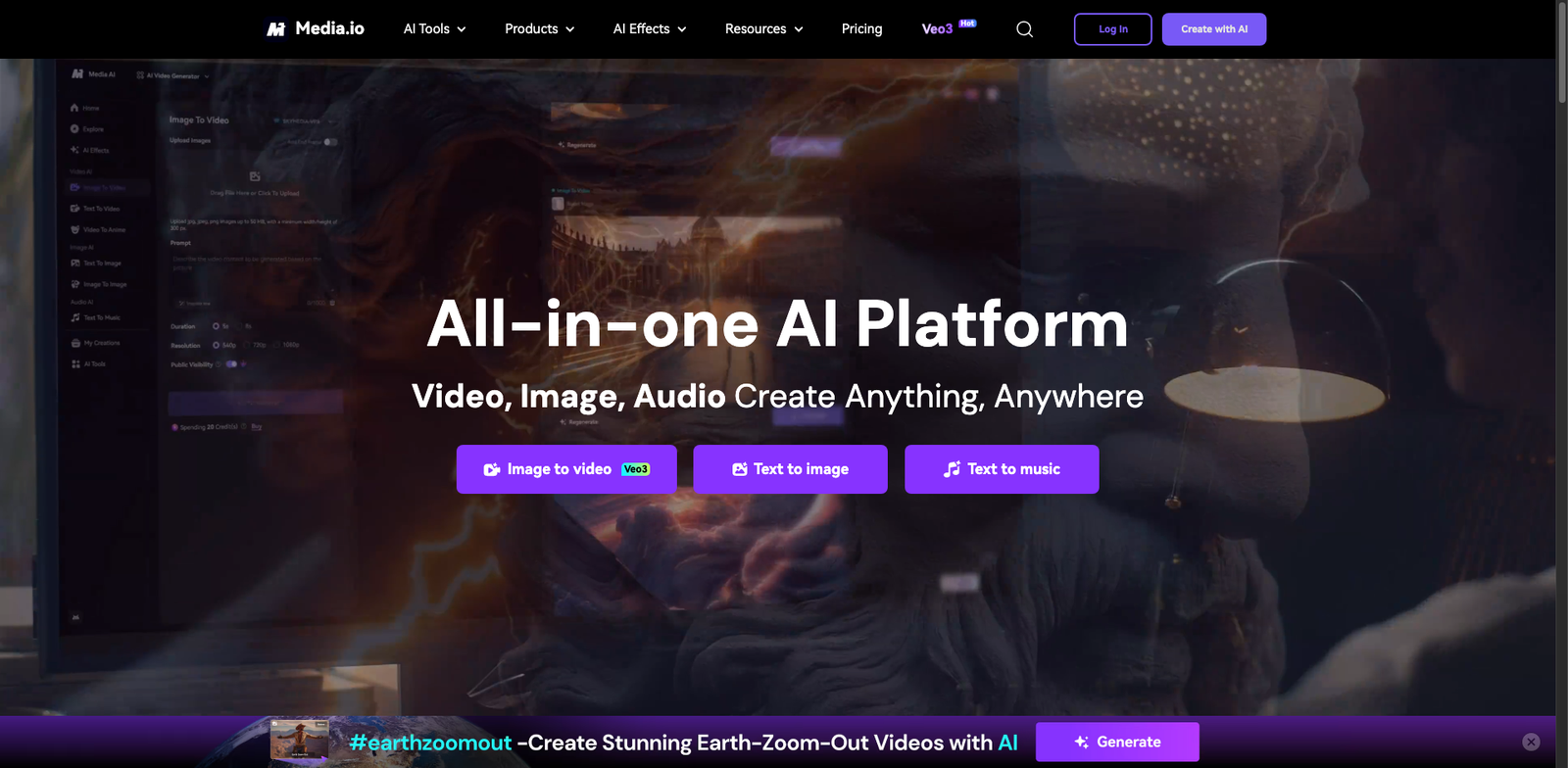
Media.io BG homepage

Media.io BG

4.5
(27) Free

Media.io BG allows users to remove backgrounds from images easily. It offers a freemium model with both free and paid options for enhanced features.

Key features

  • User-friendly interface for quick edits
  • AI-powered background removal
  • Supports various image formats
  • Fast processing speeds
  • Cloud storage for easy access

Pros

  • Effective AI technology for precise background removal
  • Free tier available for basic use
  • Affordable paid plans starting at $9.99/month
  • Works across multiple devices

Cons

  • Limited features on the free tier
  • Export quality may vary on lower plans
  • Occasional processing errors with complex images

New in Background Removers

Recently added tools you might want to check out.

Ai Design & Imaging

AutoRetouch BG provides AI-powered background removal tools through a subscription model, ideal for designers and imaging professionals.

Ai Design & Imaging

BulkBG provides AI-powered background removal services through various subscription plans, ideal for designers and businesses needing efficient image editing solutions.

Ai Design & Imaging

Removal.AI bulk provides a subscription service for businesses needing background removal solutions, with various pricing tiers based on usage.

Ai Design & Imaging

BgSub is an AI-powered background remover designed for creatives and businesses seeking efficient image editing solutions through a flexible subscription model.

Ai Design & Imaging

Imgkits provides AI design and imaging tools, including background removers, with free and paid plans starting at $10/month for various user needs.

Ai Design & Imaging

LunaPic Remove is a free online tool for image editing and background removal, ideal for users seeking easy and efficient graphic design solutions.

Ai Design & Imaging

Icons8 BG provides AI-powered background removal tools with a freemium model, offering free access and paid plans starting at $19/month.

Ai Design & Imaging

BeFunky Remove is an AI-powered background remover ideal for designers and creatives, offering a free tier and paid subscription for advanced features.

Ai Design & Imaging

Fotor BG Remover provides AI-powered background removal for images, suitable for designers and marketers. Offers free and premium subscription options.

Compare these top background remover tools to find the perfect fit for your needs and elevate your image editing game.