Search for AI Tools

Describe the job you need to automate with AI.

Best AI Tools for Ai Design & Imaging

Discover the best AI tools for design and imaging that can elevate your creative projects. From enhancing photos to generating stunning logos, these tools offer cutting-edge technology to streamline your design process and boost your productivity.

Top 10 in Ai Design & Imaging

How we choose
  • Evaluate the tool's features and how they align with your design needs.
  • Consider user ratings and reviews for insights on performance and reliability.
  • Check the pricing options to find a solution that fits your budget.
  • Look for tools that offer free trials or versions to test before committing.
  • Assess the user interface and ease of use, especially if you're new to AI design tools.
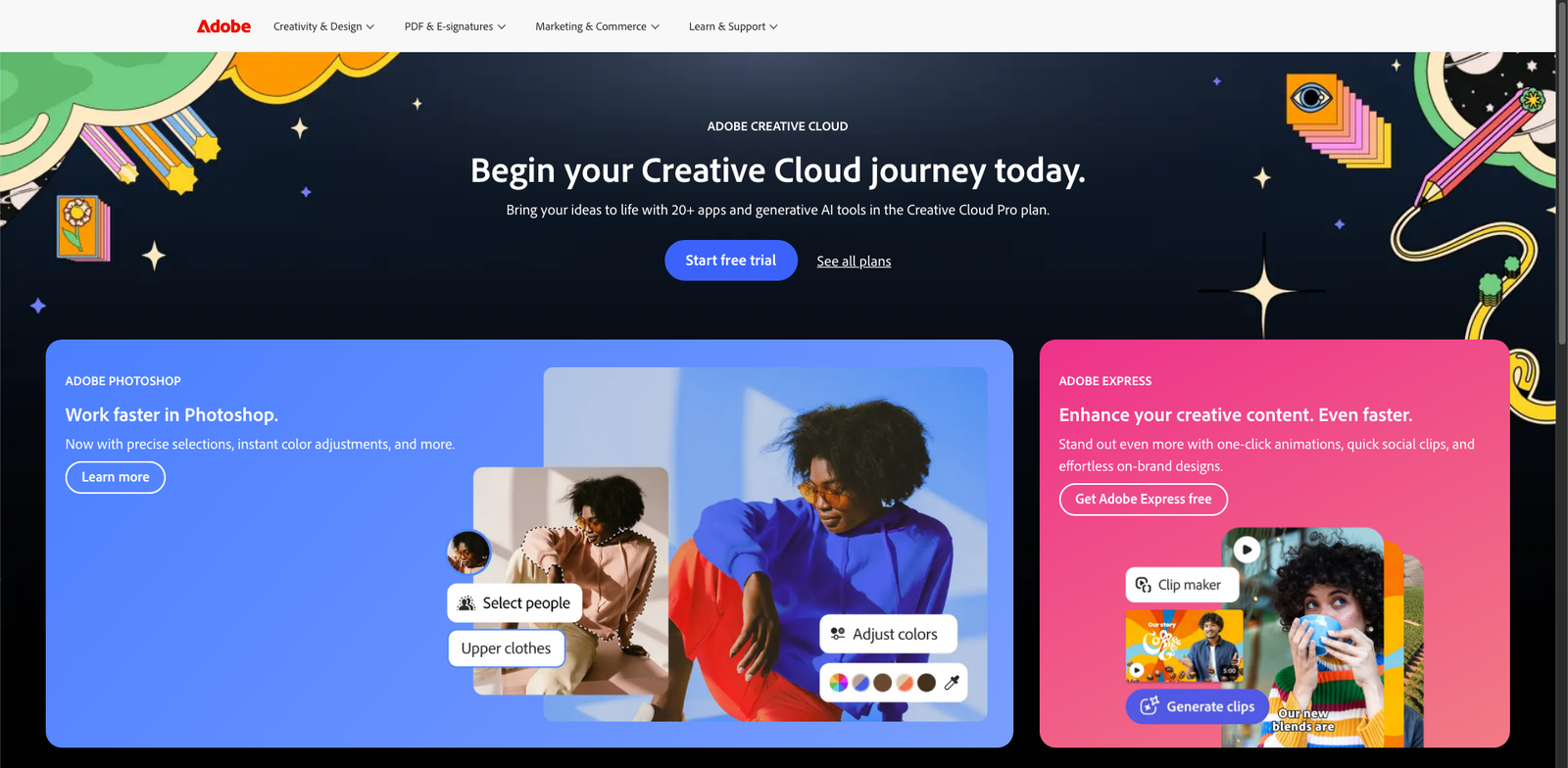
Photoshop Super Resolution homepage

Photoshop Super Resolution is a powerful feature within Adobe Photoshop that boosts image resolution using AI. It allows photographers and designers to upscale photos while preserving quality.

Key features

  • AI-powered image upscaling
  • Preserves fine details and textures
  • Easy integration with Photoshop workflow
  • Supports RAW and JPEG formats
  • Quick processing time

Pros

  • Delivers impressive image quality
  • User-friendly interface within Photoshop
  • Time-efficient for bulk processing
  • Regular updates from Adobe enhance functionality

Cons

  • Requires Adobe subscription for access
  • May not work well with extremely low-res images
  • Limited customization options for upscaling
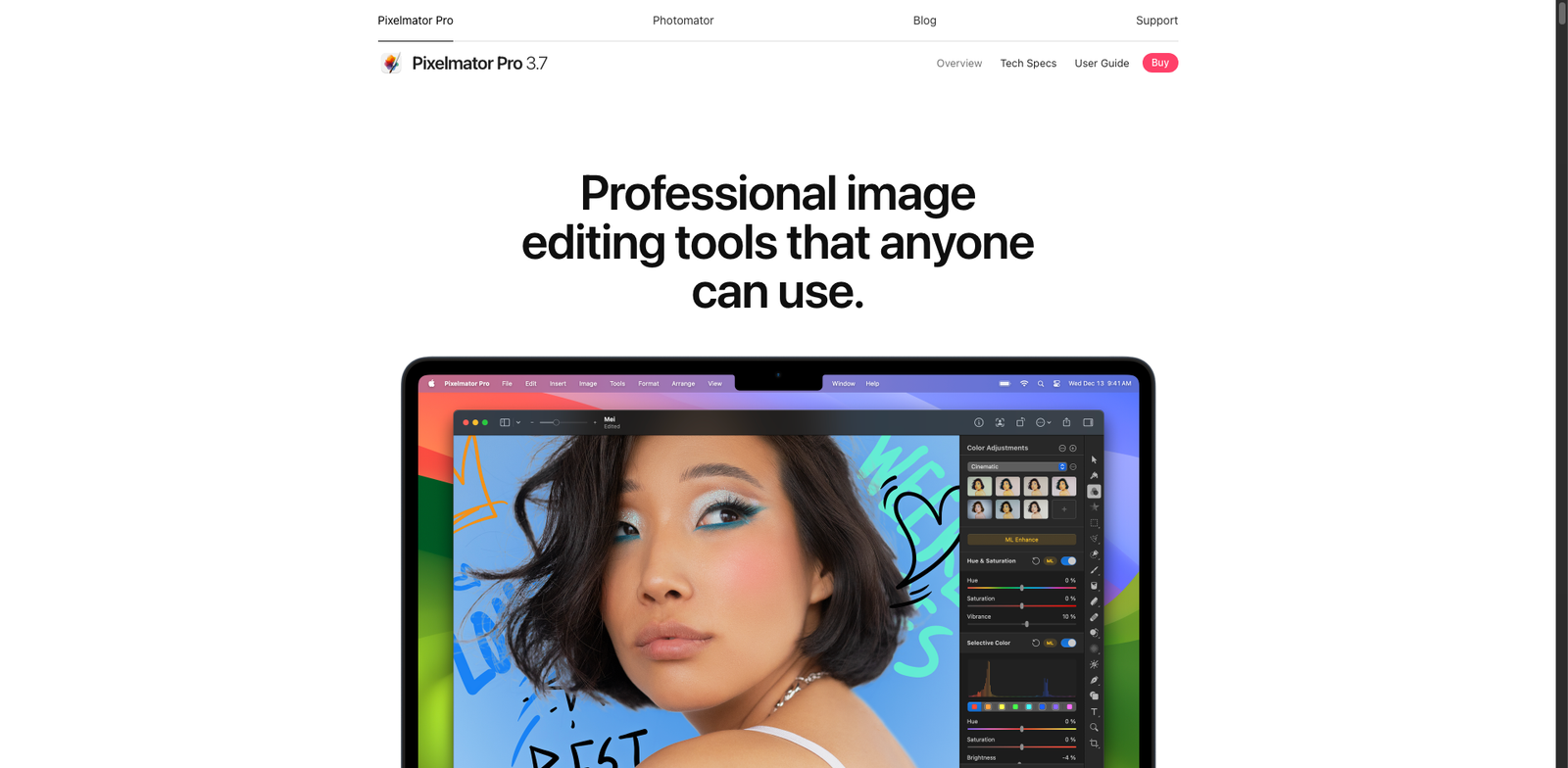
Pixelmator Pro ML homepage

Pixelmator Pro ML

4.7
(26) Paid

Pixelmator Pro ML is an advanced photo editing tool that leverages machine learning to enhance images and streamline design processes. Ideal for both professionals and enthusiasts, it offers a range of innovative features for creative projects.

Key features

  • AI-powered image enhancement
  • Advanced layering and masking tools
  • Customizable workspace for efficiency
  • Support for a wide range of image formats
  • Intuitive interface for easy navigation

Pros

  • One-time purchase with no subscription fees
  • High user rating (4.7/5) from 26 reviews
  • Robust set of editing tools and features
  • User-friendly interface suitable for all skill levels

Cons

  • Limited to macOS users only
  • Some advanced features may require a learning curve
  • Not as feature-rich as certain subscription-based tools
Placeit homepage

Placeit

4.7
(31) Paid

Placeit simplifies design tasks with user-friendly tools. Create stunning mockups, logos, and more in just minutes.

Key features

  • Extensive library of templates and mockups
  • User-friendly drag-and-drop interface
  • Customizable designs for branding
  • High-resolution exports available
  • Regular updates with new content

Pros

  • Affordable subscription options
  • No design skills required
  • Fast and intuitive workflow
  • Wide range of categories and styles

Cons

  • Monthly pricing can add up over time
  • Limited advanced editing features
  • Some templates may feel generic
Figma AI homepage

Figma AI

4.7
(32) Paid

Figma AI allows designers to create and prototype visually stunning interfaces with ease. It supports real-time collaboration, making it ideal for teams.

Key features

  • Real-time collaboration tools for teams.
  • AI-powered design suggestions.
  • User-friendly interface for seamless navigation.
  • Extensive template library for quick project starts.
  • Cross-platform compatibility for all devices.

Pros

  • Free tier available for beginners.
  • Flexible pricing for professional teams.
  • High user satisfaction with a 4.7 rating.
  • Rich community support and resources.

Cons

  • Limited features on the free tier.
  • Higher costs for additional editors.
  • Some advanced tools may have a steep learning curve.
Adobe Lightroom Enhance homepage

Adobe Lightroom Enhance

4.6
(33) Paid

Adobe Lightroom Enhance is a powerful photo editing tool that leverages AI technology to improve image quality. Perfect for photographers seeking professional results quickly and easily.

Key features

  • AI-powered image enhancement
  • Noise reduction for clearer images
  • Support for RAW image formats
  • Intuitive user interface
  • Seamless integration with other Adobe tools

Pros

  • High-quality enhancements with minimal effort
  • Regular updates with new features
  • Robust community and support
  • Cloud storage for easy access across devices

Cons

  • Subscription costs may be high for casual users
  • Limited offline functionality
  • Some features may require a learning curve
Wix Logo Maker homepage

Wix Logo Maker

4.6
(34) Free

Wix Logo Maker allows users to design custom logos effortlessly. Choose from a variety of styles and elements to create a unique brand identity.

Key features

  • Free logo design option
  • High-resolution files available
  • Customizable templates
  • User-friendly interface
  • Access to additional branding tools

Pros

  • Affordable pricing for high-res logos
  • Large variety of design templates
  • Intuitive design process
  • Good customer support

Cons

  • Limited features in the free version
  • Export options can be restrictive
  • Some users report a learning curve
Squarespace Blueprint homepage

Squarespace Blueprint

4.6
(32) Paid

Squarespace Blueprint helps you design professional logos and images quickly. With various pricing tiers, it caters to different needs and budgets.

Key features

  • User-friendly interface for easy logo creation.
  • Customizable templates to fit your brand.
  • Access to a library of design elements.
  • Subscription model with varying pricing tiers.
  • Regular updates and new features.

Pros

  • High-quality design outputs.
  • Intuitive and easy to use.
  • Great for beginners and professionals.
  • Flexible pricing options available.

Cons

  • Specific pricing details are not publicly available.
  • Limited advanced features for experienced designers.
  • May not support complex design needs.
Topaz Gigapixel AI homepage

Topaz Gigapixel AI

4.6
(26) Paid

Topaz Gigapixel AI uses advanced artificial intelligence to enlarge images. It intelligently adds detail, making photos look sharper and more vibrant.

Key features

  • Upscales images up to 600% without quality loss.
  • Uses AI to add realistic detail.
  • Supports batch processing for multiple images.
  • User-friendly interface with customizable settings.
  • Compatible with various file formats.

Pros

  • One-time payment, no subscription required.
  • High-quality upscaling with minimal artifacts.
  • Great for photographers and graphic designers.
  • Regular updates and improvements from developers.

Cons

  • Higher price compared to some alternatives.
  • Learning curve for advanced features.
  • Occasional performance lags with very large files.
Blender AI homepage

Blender AI

4.6
(31) Free

Blender AI empowers users to create stunning 3D models and designs without any cost. Its open-source nature allows for endless customization and collaboration.

Key features

  • Open-source and free to use
  • Advanced 3D modeling capabilities
  • Community-driven development
  • Supports various file formats
  • Regular updates and improvements

Pros

  • No cost involved, completely free
  • Robust community support and resources
  • Highly customizable with plugins
  • Cross-platform compatibility

Cons

  • Steep learning curve for beginners
  • Occasional performance issues on lower-end hardware
  • Limited built-in tutorials for advanced features
Logo.com homepage

Logo.com

4.6
(26) Free

Logo.com provides an intuitive platform for designing logos. Choose from various plans tailored to different needs and budgets.

Key features

  • User-friendly interface for easy logo creation.
  • A variety of templates to choose from.
  • AI-powered design suggestions.
  • Customizable colors and fonts.
  • High-resolution downloads available.

Pros

  • Affordable pricing options.
  • Quick turnaround for logo designs.
  • Diverse design styles available.
  • AI assistance for inspiration.

Cons

  • Limited features on the free plan.
  • Basic logos may lack uniqueness.
  • Advanced features may incur additional costs.

New in Ai Design & Imaging

Recently added tools you might want to check out.

Ai Design & Imaging

Fotor GoArt is an AI design tool that transforms images into artwork. It offers free basic features and premium options via subscription.

Ai Design & Imaging

WOMBO Dream is an AI-powered text-to-image generator that offers a free tier and subscription options for enhanced features, ideal for designers and creatives.

Ai Design & Imaging

Logo.com provides affordable logo design plans starting at $20, suitable for businesses and individuals looking for custom logo generation.

Ai Design & Imaging

Wix Logo Maker allows users to create logos for free, with paid plans starting at $20 for high-resolution files and extra features.

Ai Design & Imaging

Pixray is a text-to-image generator that allows users to create AI designs. It offers a free tier and paid plans for enhanced features.

Ai Design & Imaging

Picsart AI Image is a freemium tool for AI design and imaging, featuring text-to-image generation. Subscription plans offer additional capabilities.

Ai Design & Imaging

DeepArt.io provides AI-powered design and imaging tools, offering free basic features and premium options for users seeking advanced text-to-image generation.

Ai Design & Imaging

Tailor Brands provides AI-driven logo design and branding tools with subscription plans starting at $10 per month, suitable for businesses and entrepreneurs.

Ai Design & Imaging

Artbreeder is an AI design tool for creating images through a freemium model, offering both free and paid plans for enhanced features.

Compare these top-rated AI tools to find the perfect fit for your design and imaging projects. Make an informed choice and take your creativity to the next level!