Search for AI Tools

Describe the job you need to automate with AI.

Best AI Tools for Noise-Removal

Discover the best AI tools for noise removal that will elevate your audio quality effortlessly. From free options like Audacity AI Noise to premium solutions such as iZotope RX Voice De-noise, our curated list features top-rated tools, ensuring you find the perfect fit for your needs.

Top 10 in Noise-Removal

How we choose
  • Evaluate the tool's effectiveness in different noise environments.
  • Consider your budget: free vs. paid options.
  • Check user reviews and ratings for real-world performance insights.
  • Look for additional features such as real-time processing and integration capabilities.
  • Assess ease of use and the learning curve for each tool.
iZotope RX Voice De-noise homepage

iZotope RX Voice De-noise is a powerful tool designed to clean up vocal recordings. It efficiently removes unwanted background noise while preserving vocal clarity and quality.

Key features

  • Real-time noise reduction for live recordings
  • Intuitive interface for easy adjustments
  • Preserves vocal warmth and presence
  • Customizable settings for different noise types
  • Works seamlessly with other iZotope RX suite tools

Pros

  • Highly effective at isolating vocals
  • User-friendly with a minimal learning curve
  • Fast processing for immediate results
  • Compatible with various audio formats

Cons

  • One-time purchase cost may be high for casual users
  • Limited features compared to full RX suite
  • Might struggle with complex noise environments
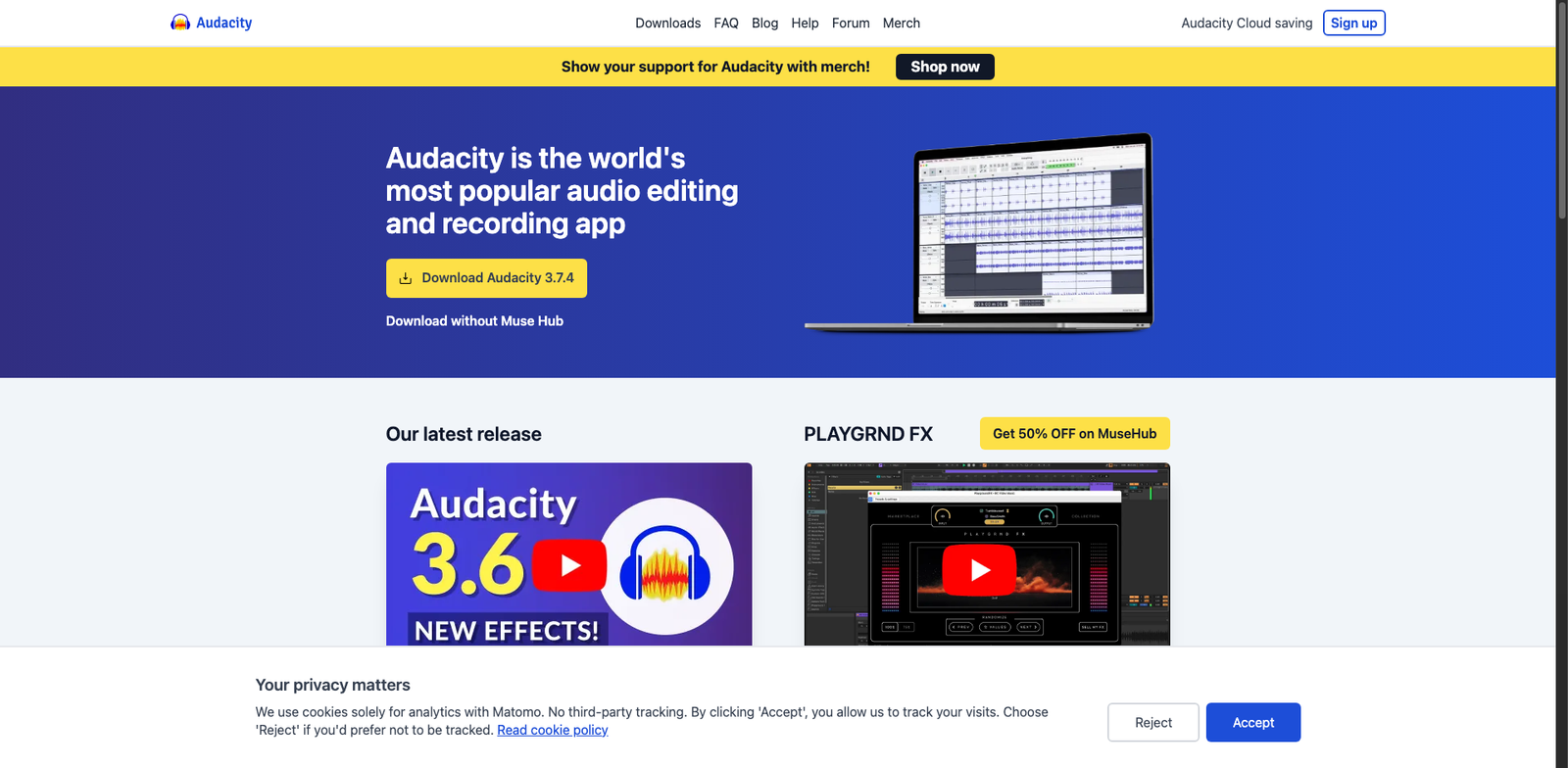
Audacity AI Noise homepage

Audacity AI Noise

4.7
(34) Free

Audacity allows users to edit audio files with ease. It offers a range of features for noise removal and sound enhancement, making it suitable for beginners and professionals alike.

Key features

  • Open-source and completely free to use
  • Supports multiple audio formats
  • Advanced noise removal capabilities
  • User-friendly interface
  • Cross-platform compatibility (Windows, macOS, Linux)

Pros

  • Highly customizable with plugins
  • Robust noise removal tools
  • Active community support
  • Regularly updated with new features

Cons

  • Steeper learning curve for advanced features
  • Limited built-in tutorials
  • Occasional performance issues with large files
Adobe Podcast Enhance homepage

Adobe Podcast Enhance

4.6
(30) Paid

Adobe Podcast Enhance is a professional audio editing tool designed for podcasters. It focuses on noise removal to improve audio clarity and user experience.

Key features

  • Advanced noise removal technology
  • User-friendly interface
  • Supports various audio formats
  • Integration with Adobe suite
  • Subscription plans for different needs

Pros

  • High-quality audio enhancement
  • Streamlined workflow for podcasters
  • Good customer support
  • Regular updates and improvements

Cons

  • Pricing details are not transparent
  • Limited features compared to some competitors
  • No free tier available
Krisp AI homepage

Krisp AI

4.6
(25) Free

Krisp AI uses advanced algorithms to remove unwanted noise from audio. It enhances clarity for individual users and teams alike.

Key features

  • Noise cancellation for calls and recordings
  • User-friendly interface
  • Compatible with popular communication apps
  • Real-time audio processing
  • Freemium model available

Pros

  • High noise cancellation accuracy
  • Affordable subscription options
  • Easy to set up and use
  • Great for remote work and online meetings

Cons

  • Limited features in the free tier
  • Subscription may be needed for full functionality
  • Performance can vary based on device
NVIDIA RTX Voice homepage

NVIDIA RTX Voice

4.6
(26) Free

NVIDIA RTX Voice uses AI to filter out background noise, ensuring clear audio during calls and recordings. It's designed for users with NVIDIA RTX graphics cards only.

Key features

  • Real-time noise removal for clear communication.
  • Compatible with popular streaming and communication apps.
  • Easy setup with intuitive interface.
  • Free to use for RTX graphics card owners.
  • AI-driven performance for optimal sound quality.

Pros

  • High-quality noise removal.
  • No cost for compatible users.
  • User-friendly interface.
  • Works seamlessly with multiple applications.

Cons

  • Limited to RTX graphics card users.
  • May require system resources for optimal performance.
  • Not all audio sources may be supported.
Descript Studio Sound homepage

Descript Studio Sound

4.6
(32) Paid

Descript Studio Sound is a powerful tool designed to improve audio clarity and remove unwanted noise. Perfect for podcasters, video producers, and musicians.

Key features

  • Advanced noise removal technology
  • Easy-to-use interface
  • Real-time audio editing
  • High-quality sound output
  • Integration with other Descript tools

Pros

  • Highly rated by users (4.6/5)
  • Effective noise reduction
  • Streamlined workflow for audio projects
  • Supports various audio formats

Cons

  • Pricing details are not transparent
  • Limited features in lower tiers
  • Steeper learning curve for advanced options
Slate Digital Denoise homepage

Slate Digital Denoise

4.6
(30) Paid

Slate Digital Denoise effectively eliminates unwanted noise from audio recordings. It enhances clarity and quality, making your audio pristine.

Key features

  • Advanced noise reduction algorithms
  • Real-time processing for immediate feedback
  • User-friendly interface for easy navigation
  • Compatible with major DAWs
  • Part of a subscription bundle for added value

Pros

  • High-quality noise removal
  • Fast processing speeds
  • Flexible pricing options
  • Intuitive design for all skill levels

Cons

  • Pricing can be high for beginners
  • Limited controls for advanced users
  • May require time to master fully
AudioShake Cleanup homepage

AudioShake Cleanup

4.5
(26) Paid

AudioShake Cleanup specializes in noise removal and audio enhancement. It offers subscription-based pricing for users seeking to improve their audio files.

Key features

  • Advanced noise-reduction technology
  • User-friendly interface for quick edits
  • High-quality audio output
  • Supports various audio formats
  • Cloud-based processing for faster results

Pros

  • Effective at removing unwanted noise
  • Intuitive design minimizes learning curve
  • Consistent audio quality improvements
  • Flexible subscription options available

Cons

  • Pricing details are not publicly available
  • Limited features compared to some competitors
  • Performance may vary with complex audio
Audigo homepage

Audigo

4.5
(28) Paid

Audigo specializes in audio and video creation, providing tools to improve sound quality and remove background noise. It caters to content creators looking for professional-grade audio enhancements.

Key features

  • Advanced noise removal technology
  • User-friendly interface
  • Supports various audio and video formats
  • Real-time audio processing
  • Customizable settings for audio output

Pros

  • High-quality audio enhancement
  • Easy to use for beginners and pros alike
  • Flexible subscription options
  • Strong community support and resources

Cons

  • Pricing details are not publicly available
  • Limited features in lower-tier plans
  • May require a learning curve for advanced features
VoiceCleaner AI homepage

VoiceCleaner AI

4.5
(24) Paid

VoiceCleaner AI is a cutting-edge tool designed to clean up audio recordings. It effectively removes background noise, ensuring your voice is crisp and clear.

Key features

  • AI-driven noise removal for pristine audio quality.
  • User-friendly interface for seamless navigation.
  • Supports various audio formats for compatibility.
  • Customizable settings for tailored audio enhancement.
  • Real-time processing for instant feedback.

Pros

  • High-quality noise reduction capabilities.
  • Intuitive design makes it easy to use.
  • Frequent updates improve performance and features.
  • Flexible subscription plans to suit different needs.

Cons

  • Specific pricing details are not publicly available.
  • Limited advanced editing features compared to competitors.
  • May require time to master all functionalities.

New in Noise-Removal

Recently added tools you might want to check out.

Audio & Video Creation

NoiseTorch is a free, open-source tool for reducing background noise in audio streams, ideal for content creators and remote workers seeking clearer audio.

Audio & Video Creation

WavePad Noise is an audio editing software designed for noise removal, available for a one-time purchase starting at $60. Ideal for creators and professionals.

Audio & Video Creation

AI Mastering Denoise is a subscription-based tool designed for audio and video creators, offering advanced noise removal features to enhance sound quality.

Audio & Video Creation

iSpeech Cleaner provides noise removal solutions for audio and video creation. Pricing varies; contact sales for details.

Audio & Video Creation

Voicelabs Enhance provides a subscription-based audio enhancement tool designed for creators seeking effective noise removal solutions.

Audio & Video Creation

Ocenaudio Clean is a free audio editing tool designed for users seeking an intuitive interface and effective noise removal features for audio enhancement.

Audio & Video Creation

Logickeyboard Noise Xterminator is a noise removal tool designed for audio and video creators, priced at approximately $99 for a standard license.

Audio & Video Creation

VoiceCleaner AI provides noise removal solutions for audio and video creators. Access various subscription tiers for enhanced audio clarity.

Audio & Video Creation

Audigo is a subscription-based audio and video creation tool that features noise removal, catering to content creators and professionals seeking high-quality sound.

Compare these tools to find the ideal noise removal solution that meets your audio enhancement needs.