Search for AI Tools

Describe the job you need to automate with AI.

Best AI Tools for Text-To-Image Generators

Discover the best AI tools for Text-To-Image Generators that can transform your ideas into stunning visuals. From free options like Stable Diffusion and Playground AI to premium choices like Midjourney, our curated selection offers something for everyone, whether you're a hobbyist or a professional artist.

Top 10 in Text-To-Image Generators

How we choose
  • Ease of use: Look for user-friendly interfaces that simplify the creation process.
  • Quality of output: Evaluate the clarity and creativity of images generated by different tools.
  • Cost: Consider your budget and whether free or paid options provide the best value.
  • Community support: Check for active user communities for tips and troubleshooting.
  • Feature set: Identify tools that offer unique features like style customization or specific artistic effects.
Stable Diffusion homepage

Stable Diffusion

4.6
(35) Free

Stable Diffusion allows users to create high-quality images using artificial intelligence. It leverages advanced algorithms to turn descriptions into unique artwork.

Key features

  • Open-source and free to use
  • Text-to-image generation
  • Customizable model training
  • Supports various image resolutions
  • Community-driven development

Pros

  • No cost for basic usage
  • Flexible and adaptable for users
  • Strong community support and resources
  • Regular updates and enhancements

Cons

  • Hosted options can incur costs
  • Requires technical knowledge for advanced features
  • Performance may vary based on hardware
Playground AI homepage

Playground AI

4.6
(26) Free

Playground AI allows users to generate images from text prompts. It offers a free tier with optional paid features for enhanced capabilities.

Key features

  • User-friendly interface for easy image creation.
  • Text-to-image generation for diverse creative projects.
  • Freemium model with essential features available for free.
  • Community-driven platform for sharing and inspiration.

Pros

  • High-quality image generation.
  • Accessible for beginners and advanced users alike.
  • Strong community support and resources.
  • Flexible pricing with a free tier.

Cons

  • Paid options lack clear pricing details.
  • Limited advanced features in the free version.
  • Performance may vary based on demand.
Craiyon homepage

Craiyon

4.6
(26) Free

Craiyon allows you to generate images simply by entering text prompts. It's user-friendly and accessible, making it a great choice for designers and creatives alike.

Key features

  • Generate images from text prompts
  • User-friendly interface
  • No registration required
  • Fast image rendering
  • Completely free to use

Pros

  • High-quality image output
  • Easy to use for all skill levels
  • No cost involved
  • Suitable for various creative projects

Cons

  • Limited customization options
  • Image generation can be inconsistent
  • No export features (e.g., high-res downloads)
Midjourney homepage

Midjourney

4.6
(34) Paid

Midjourney transforms text prompts into stunning images. Ideal for artists, marketers, and creators looking to enhance their visuals.

Key features

  • Generates high-quality images from text prompts.
  • Flexible subscription tiers starting at $10/month.
  • User-friendly interface for easy navigation.
  • Regular updates with new features and enhancements.
  • Supports various artistic styles and themes.

Pros

  • Affordable entry-level subscription.
  • Impressive image quality and detail.
  • Active community for sharing and feedback.
  • Versatile applications for various industries.

Cons

  • Limited advanced features in basic plan.
  • Steeper learning curve for beginners.
  • Export options may be restricted.
OpenAI DALL·E homepage

OpenAI DALL·E

4.6
(28) Free

OpenAI DALL·E is an AI-powered tool that generates images from textual descriptions. It offers a unique blend of creativity and technology, making art accessible to everyone.

Key features

  • Generates high-quality images from text prompts
  • User-friendly interface for easy navigation
  • Freemium model with limited free credits
  • Supports various artistic styles
  • Fast image generation process

Pros

  • High-quality and imaginative image outputs
  • Easy to use, even for beginners
  • Regular updates and improvements
  • Versatile for different creative projects

Cons

  • Limited free credits may restrict usage
  • Paid plans can become costly for extensive use
  • Lack of advanced editing tools
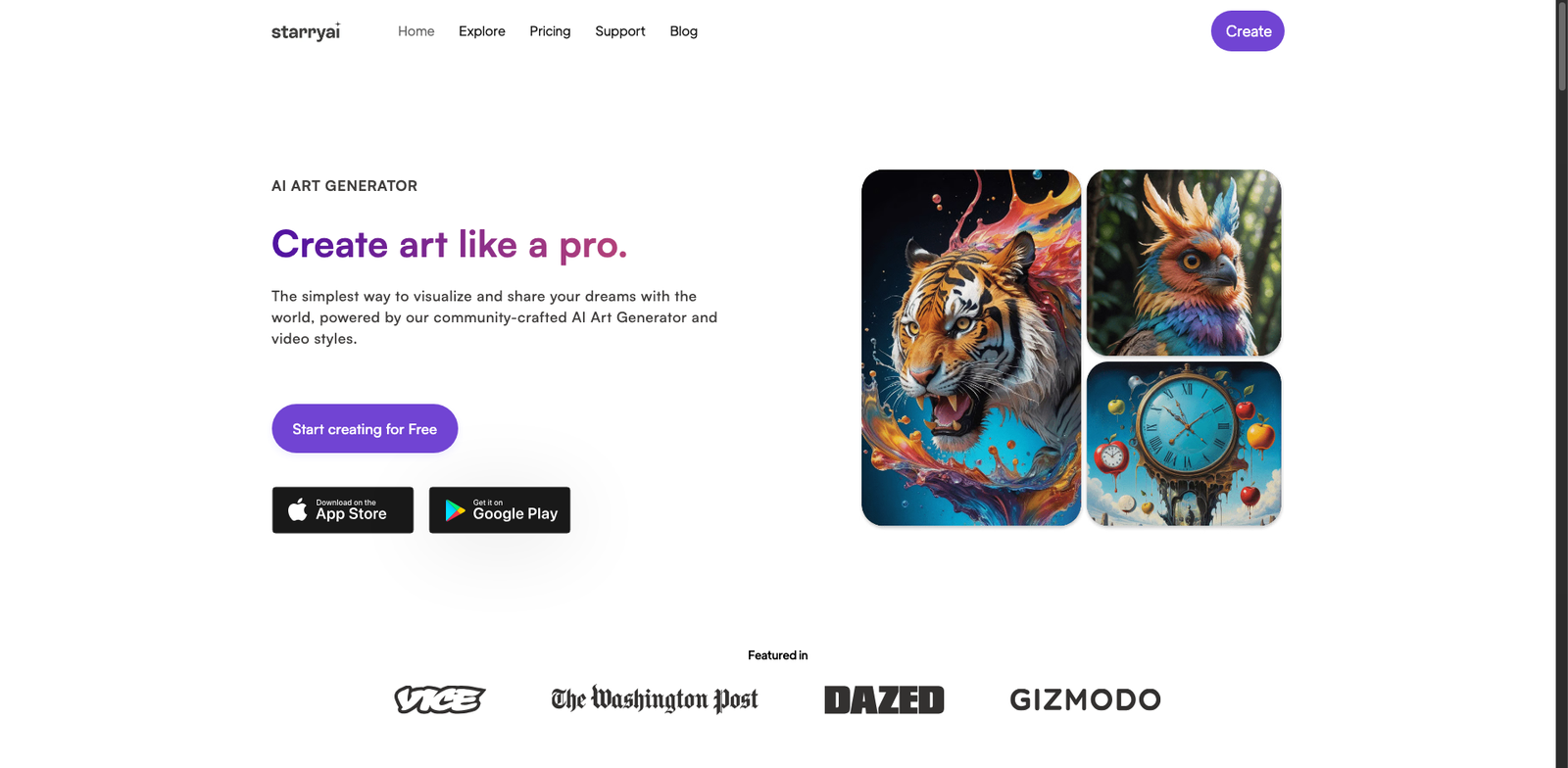
StarryAI homepage

StarryAI

4.5
(29) Free

StarryAI allows users to create unique images from text prompts. It combines advanced AI technology with a user-friendly interface to make design accessible.

Key features

  • Freemium model with a free tier
  • AI-powered text-to-image generation
  • User-friendly interface
  • Customizable settings for image style
  • Regular updates and new features

Pros

  • Great for quick design needs
  • Affordable starting price for paid plans
  • Strong community support and resources
  • High-quality image outputs

Cons

  • Limited features in the free tier
  • Some users report slow processing times
  • Paid plans may add up for frequent users
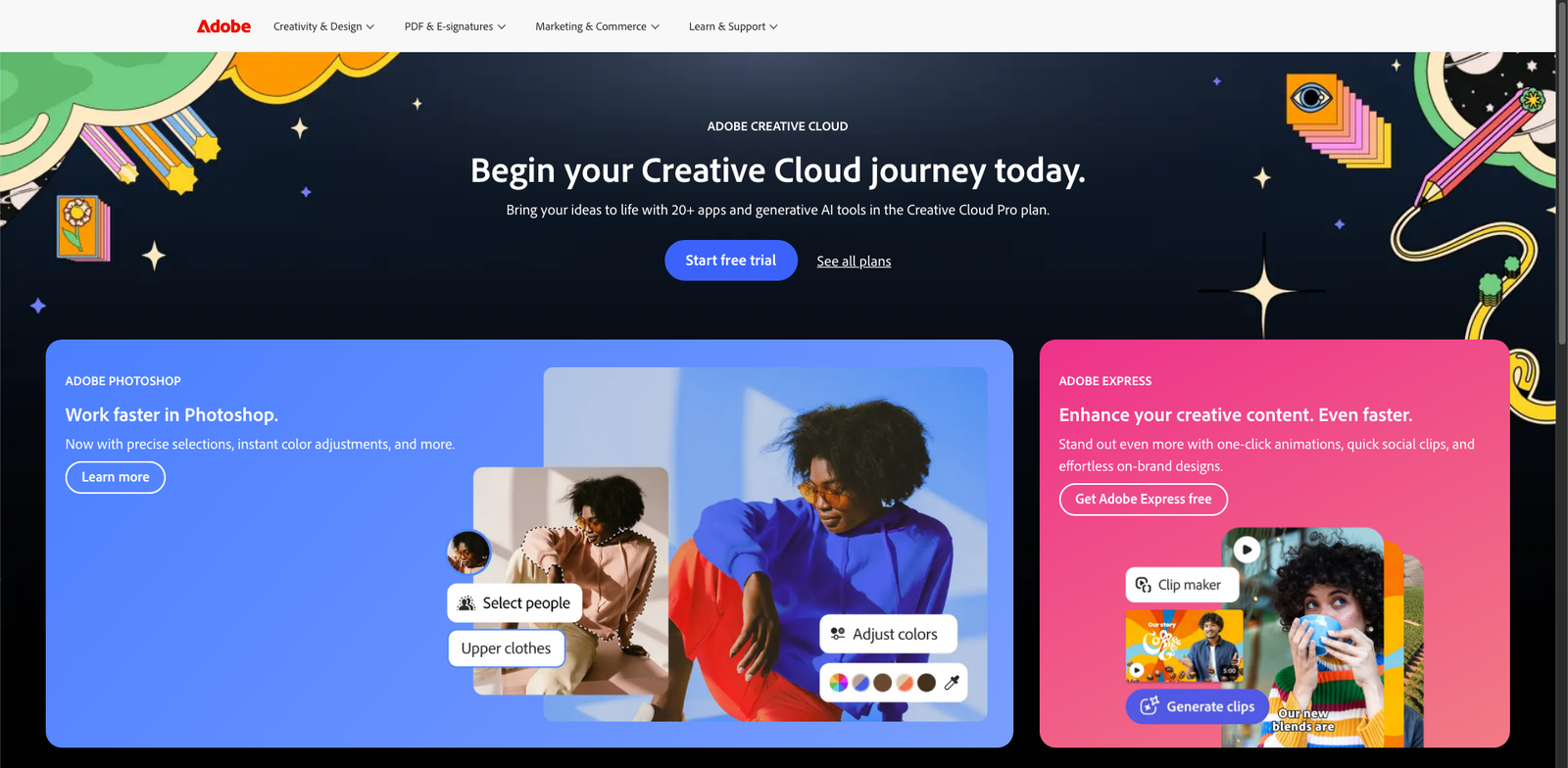
Adobe Firefly homepage

Adobe Firefly

4.5
(29) Free

Adobe Firefly uses AI to generate stunning designs and images. It offers both free features and premium options via subscription.

Key features

  • AI-powered text-to-image generation
  • User-friendly interface
  • Freemium model with basic features available for free
  • Access to premium features through subscription
  • High-quality output suitable for professional use

Pros

  • Intuitive design for easy navigation
  • Offers a range of creative options
  • Regular updates and improvements
  • Community support through forums and tutorials

Cons

  • Limited features in the free version
  • Some premium features may not justify the cost
  • Learning curve for advanced functionalities
Bing Image Creator homepage

Bing Image Creator

4.5
(29) Free

Bing Image Creator is an AI-driven tool that generates images from text descriptions. It offers a user-friendly interface for artists and designers to create unique visuals.

Key features

  • Generates images from text prompts
  • User-friendly interface for quick design
  • High-quality output suitable for various uses
  • Access to a diverse image library
  • Regular updates and feature enhancements

Pros

  • Completely free to use
  • Easy to navigate for beginners
  • Generates unique and creative images
  • No hidden costs or subscriptions

Cons

  • Limited control over image styles
  • Occasional inconsistencies in image quality
  • No advanced editing features
Ideogram.ai homepage

Ideogram.ai

4.5
(26) Free

Ideogram.ai is an AI-powered design tool that generates images from text prompts. It offers a freemium model, allowing users to explore basic features for free while unlocking advanced options through paid plans.

Key features

  • Text-to-image generation
  • User-friendly interface
  • Freemium pricing model
  • High-quality outputs
  • Customizable style options

Pros

  • Easy to use for beginners
  • Free tier available for casual users
  • Affordable paid plans starting at $10/month
  • Fast image generation

Cons

  • Limited features on the free tier
  • Some advanced features require a subscription
  • Image quality may vary with complex prompts
DreamStudio homepage

DreamStudio

4.5
(30) Paid

DreamStudio is an AI-powered design tool that generates images from text prompts. It offers a range of subscription plans, including a free tier for users to explore its capabilities.

Key features

  • AI-generated images from text prompts
  • Various subscription tiers including a free option
  • User-friendly interface for easy navigation
  • Regular updates and improvements
  • Supports high-resolution outputs

Pros

  • Intuitive design and easy to use
  • Affordable pricing with a free tier
  • High-quality image generation
  • Great community support and resources

Cons

  • Limited advanced features on the free tier
  • Some users may experience a learning curve
  • Paid plans can add up for heavy users

New in Text-To-Image Generators

Recently added tools you might want to check out.

Ai Design & Imaging

Fotor GoArt is an AI-powered design tool that offers free and premium features for creating stunning visuals and text-to-image content.

Ai Design & Imaging

WOMBO Dream is an AI-powered design tool that generates images from text prompts, offering a free tier with subscription options for advanced features.

Ai Design & Imaging

Pixray is an AI design tool that generates images from text prompts. It offers a free tier and paid plans for advanced features.

Ai Design & Imaging

Picsart AI Image is a freemium tool for AI-powered design and imaging, offering text-to-image generation for creators and designers.

Ai Design & Imaging

DeepArt.io provides AI-powered design and imaging tools, offering free basic features and premium options for artists and designers looking to create unique visuals.

Ai Design & Imaging

Artbreeder is an AI design tool for creating and blending images. It offers a free tier and paid plans for advanced features.

Ai Design & Imaging

Runway Gen-2 provides AI-powered design and imaging tools with free and paid subscription plans, ideal for creators seeking advanced text-to-image generation.

Ai Design & Imaging

Leonardo.ai provides various subscription plans for AI design and imaging, starting at $10 per month, ideal for users seeking text-to-image generation.

Ai Design & Imaging

DreamStudio is a subscription-based platform for AI design and imaging, offering text-to-image generation with free and paid plans starting at $10/month.

Be sure to compare these tools to find the perfect fit for your creative needs!