
Search for AI Tools

Describe the job you need to automate with AI.

Best AI Tools for Project-Management Copilots & Planners

Explore the top-rated tools and popular subcategories for Project-Management Copilots & Planners.

Top 10 in Project-Management Copilots & Planners

Asana AI WorkGraph homepage

Asana AI WorkGraph

4.7
(26) Paid

Asana AI WorkGraph streamlines workflows and boosts team productivity. It integrates AI to provide smart recommendations and task management.

Key features

  • AI-driven project insights
  • Collaboration tools for teams
  • Customizable workflows
  • Task prioritization and tracking
  • Integration with other apps

Pros

  • User-friendly interface
  • Flexible pricing plans
  • Strong collaboration features
  • Robust reporting tools

Cons

  • Premium features may be limited on lower tiers
  • Steeper learning curve for advanced functionalities
  • Limited offline access
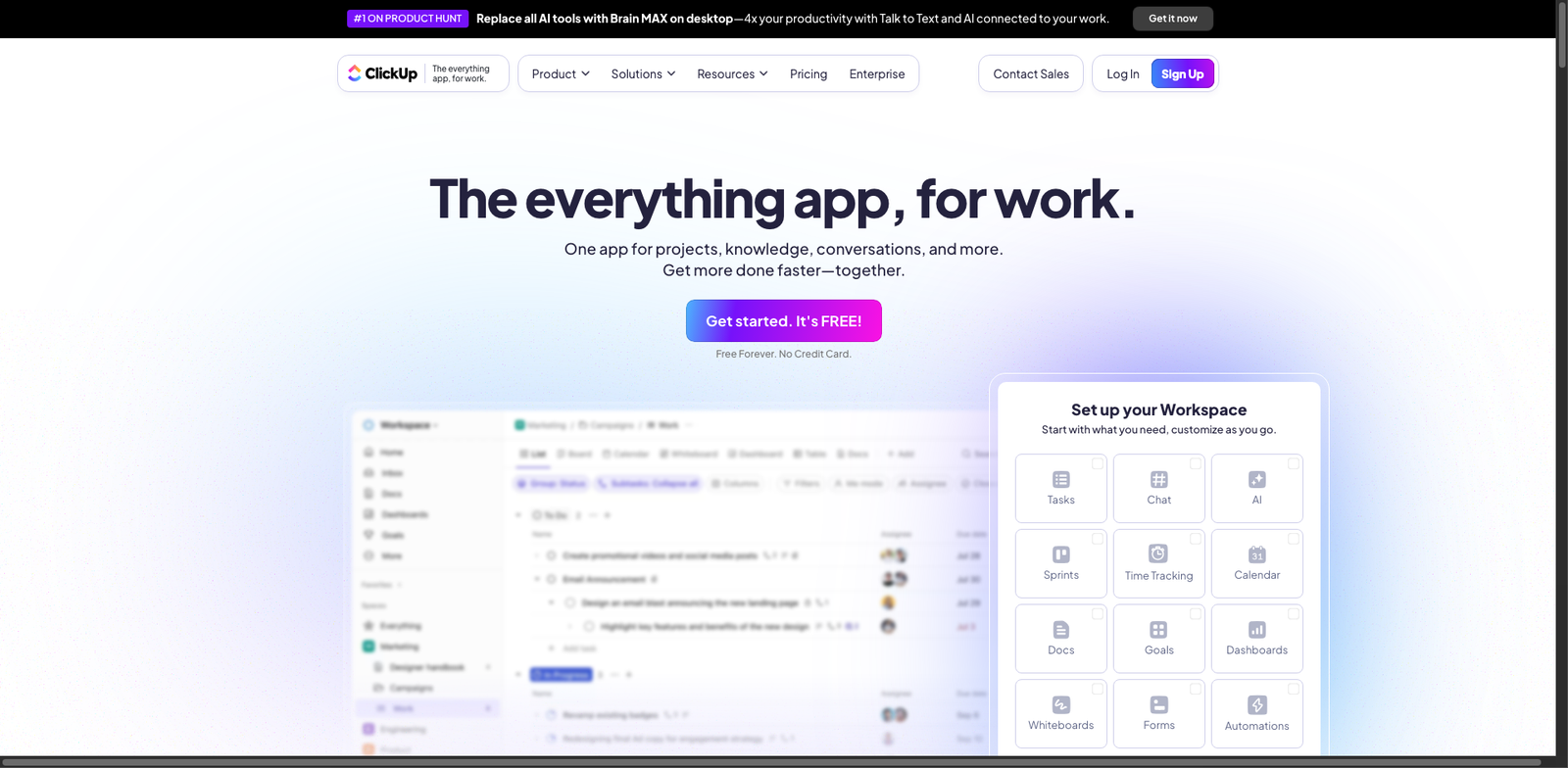
ClickUp AI homepage

ClickUp AI

4.7
(31) Paid

ClickUp AI is a versatile tool designed for productivity and collaboration. It offers a range of features to help teams manage projects efficiently.

Key features

  • Customizable workflows for any project type.
  • Real-time collaboration tools for team engagement.
  • Task automation to save time on repetitive tasks.
  • Integration with popular apps for seamless connectivity.
  • User-friendly interface for easy adoption.

Pros

  • Affordable pricing starting at $5 per user.
  • High user satisfaction with a 4.7 rating.
  • Flexible plans to suit various team sizes.
  • Comprehensive project management capabilities.

Cons

  • Advanced features may require a steep learning curve.
  • Some users report occasional performance issues.
  • Limited offline functionality.
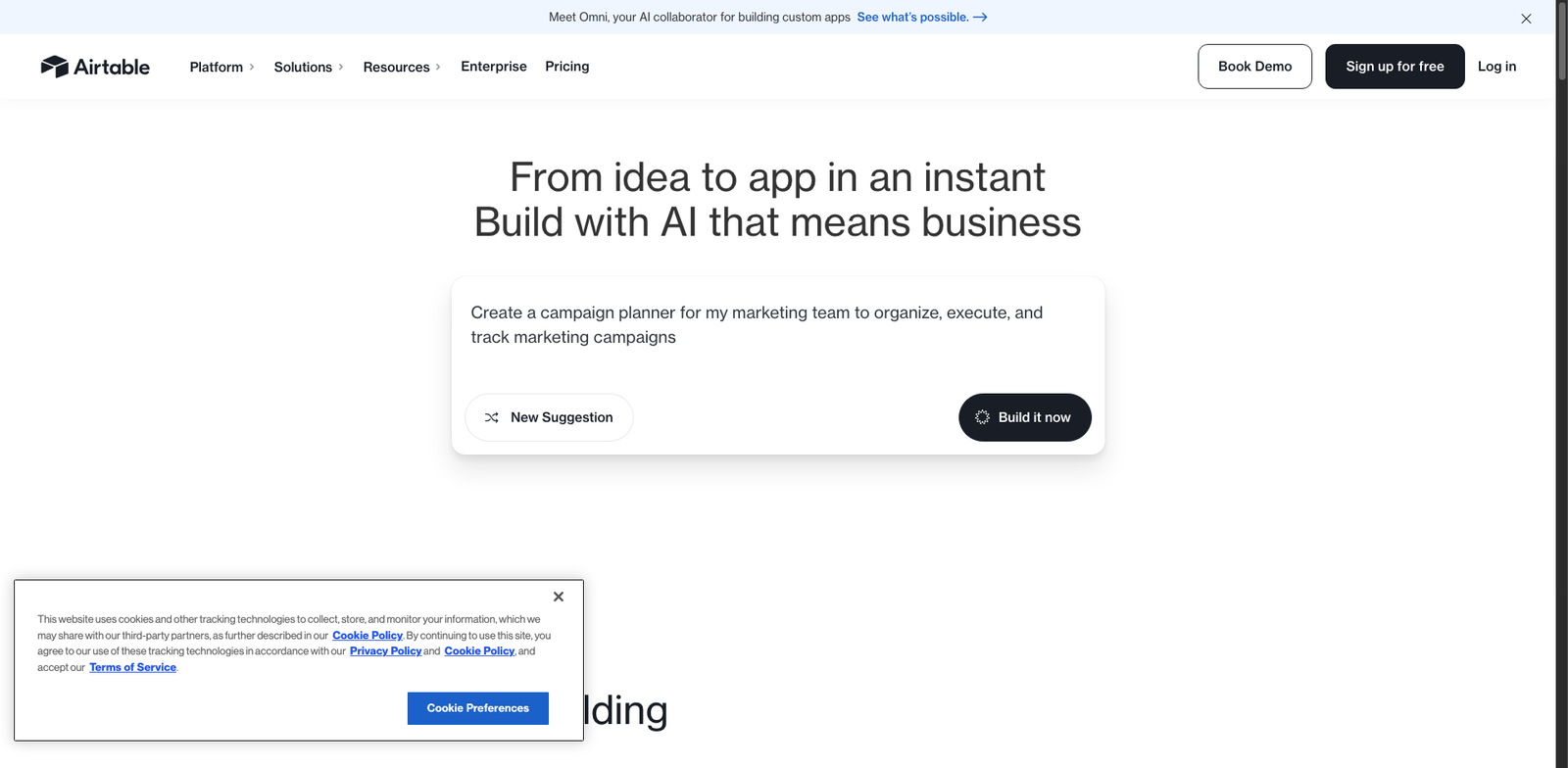
Airtable AI homepage

Airtable AI

4.7
(29) Paid

Airtable AI is a versatile platform for project management and collaboration. It combines the simplicity of a spreadsheet with the functionality of a database, making it easy to organize your work.

Key features

  • Customizable templates for various workflows
  • Real-time collaboration with team members
  • Integration with popular apps and services
  • Automated workflows to reduce manual tasks
  • Powerful filtering and sorting options

Pros

  • User-friendly interface that is easy to navigate
  • Flexible pricing plans, including a free tier
  • Robust integration capabilities
  • Excellent customer support and resources

Cons

  • Advanced features may require higher pricing tiers
  • Limited offline functionality
  • Mobile app can be less intuitive than the web version
Jira Software Intelligence homepage

Jira Software Intelligence helps teams plan, track, and manage their projects efficiently. It offers a user-friendly interface and powerful tools for collaboration.

Key features

  • Customizable workflows to fit your team's needs.
  • Real-time collaboration tools for seamless communication.
  • Advanced reporting and analytics for project insights.
  • Integration with popular tools like Confluence and Slack.
  • Mobile accessibility for on-the-go project management.

Pros

  • Intuitive interface that is easy to navigate.
  • Robust features for agile project management.
  • Flexible pricing plans suitable for various team sizes.
  • Strong community support and resources available.

Cons

  • Pricing may be steep for larger teams.
  • Steep learning curve for new users unfamiliar with project management tools.
  • Limited export options for certain data formats.
Monday.com AI Assistant homepage

Monday.com AI Assistant

4.6
(32) Paid

Monday.com AI Assistant is a versatile productivity tool designed to simplify project management. It helps teams collaborate effectively and stay organized.

Key features

  • Customizable workflows to fit any project
  • Integration with popular tools like Slack and Google Drive
  • Real-time collaboration for team transparency
  • Automated notifications and reminders
  • Visual project tracking with timelines and dashboards

Pros

  • User-friendly interface that is easy to navigate
  • Offers a variety of pricing plans to suit different needs
  • Strong integration capabilities with third-party apps
  • Good customer support and resources available

Cons

  • Higher tiers can be pricey for small teams
  • Limited offline functionality
  • Some advanced features may have a steep learning curve
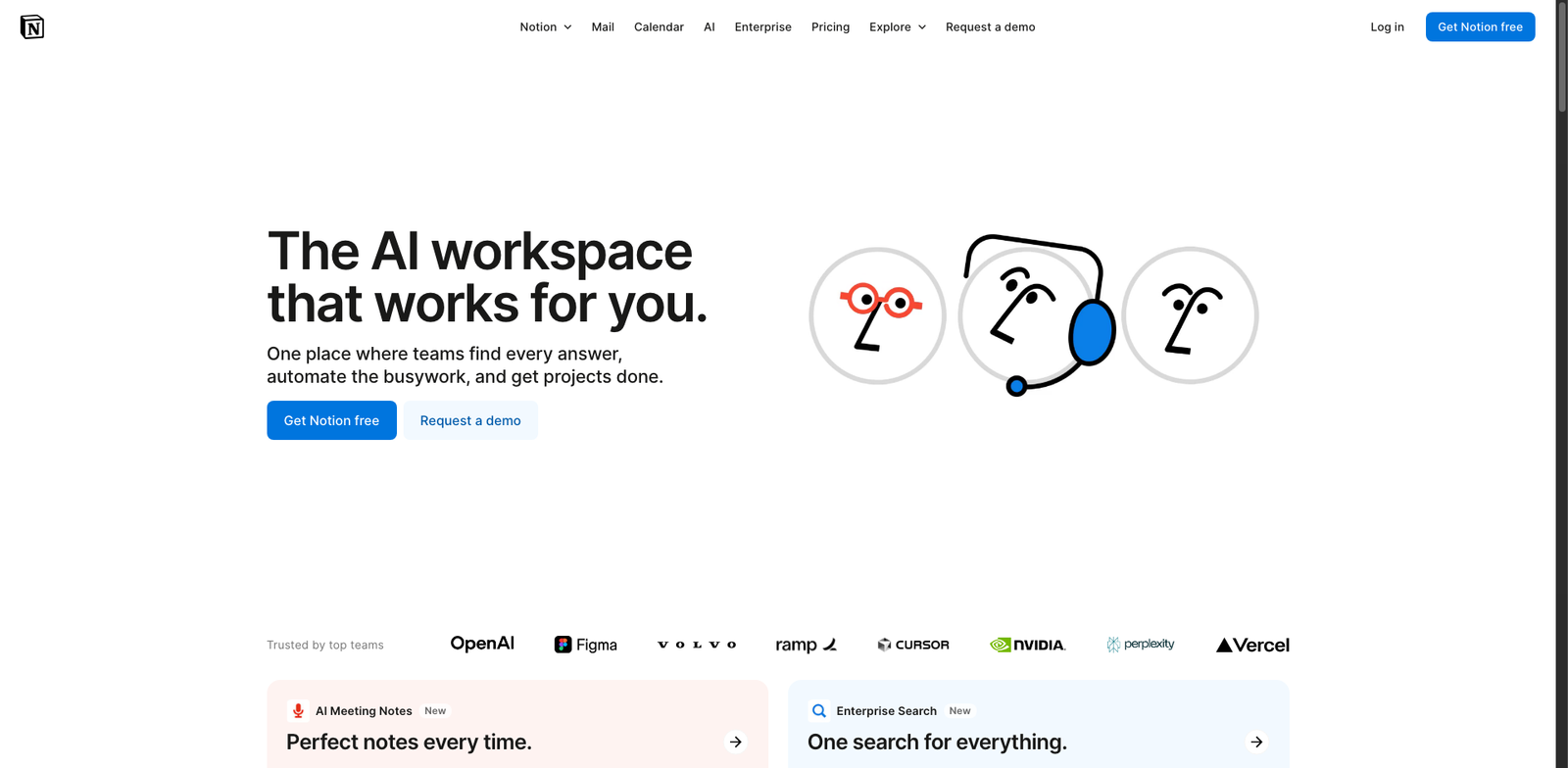
Notion Projects AI homepage

Notion Projects AI

4.6
(33) Paid

Notion Projects AI helps individuals and teams manage projects efficiently. It offers a blend of collaboration tools and artificial intelligence to enhance productivity.

Key features

  • AI-driven project insights
  • Customizable templates for diverse projects
  • Real-time collaboration with team members
  • Task management with priority setting
  • Seamless integration with other Notion tools

Pros

  • Affordable starting price at $8/month
  • Highly customizable to fit various workflows
  • Strong community support and resources
  • Excellent user ratings (4.6/5 from 33 reviews)

Cons

  • Limited advanced features in lower-tier plans
  • Steeper learning curve for new users
  • Export options can be restrictive
Trello Intelligent Cards homepage

Trello Intelligent Cards

4.6
(28) Paid

Trello is a collaborative tool that helps teams organize tasks and projects visually. It offers boards, lists, and cards to track progress and enhance productivity.

Key features

  • Visual task management with boards and cards.
  • Customizable workflows for different projects.
  • Integration with various apps and tools.
  • Real-time collaboration among team members.
  • Mobile and desktop accessibility.

Pros

  • User-friendly interface for easy navigation.
  • Flexible structure to adapt to different workflows.
  • Strong integration capabilities with third-party apps.
  • Active community and extensive resources for support.

Cons

  • Limited features in the free tier.
  • Higher costs for advanced functionalities.
  • Can become overwhelming with too many cards.
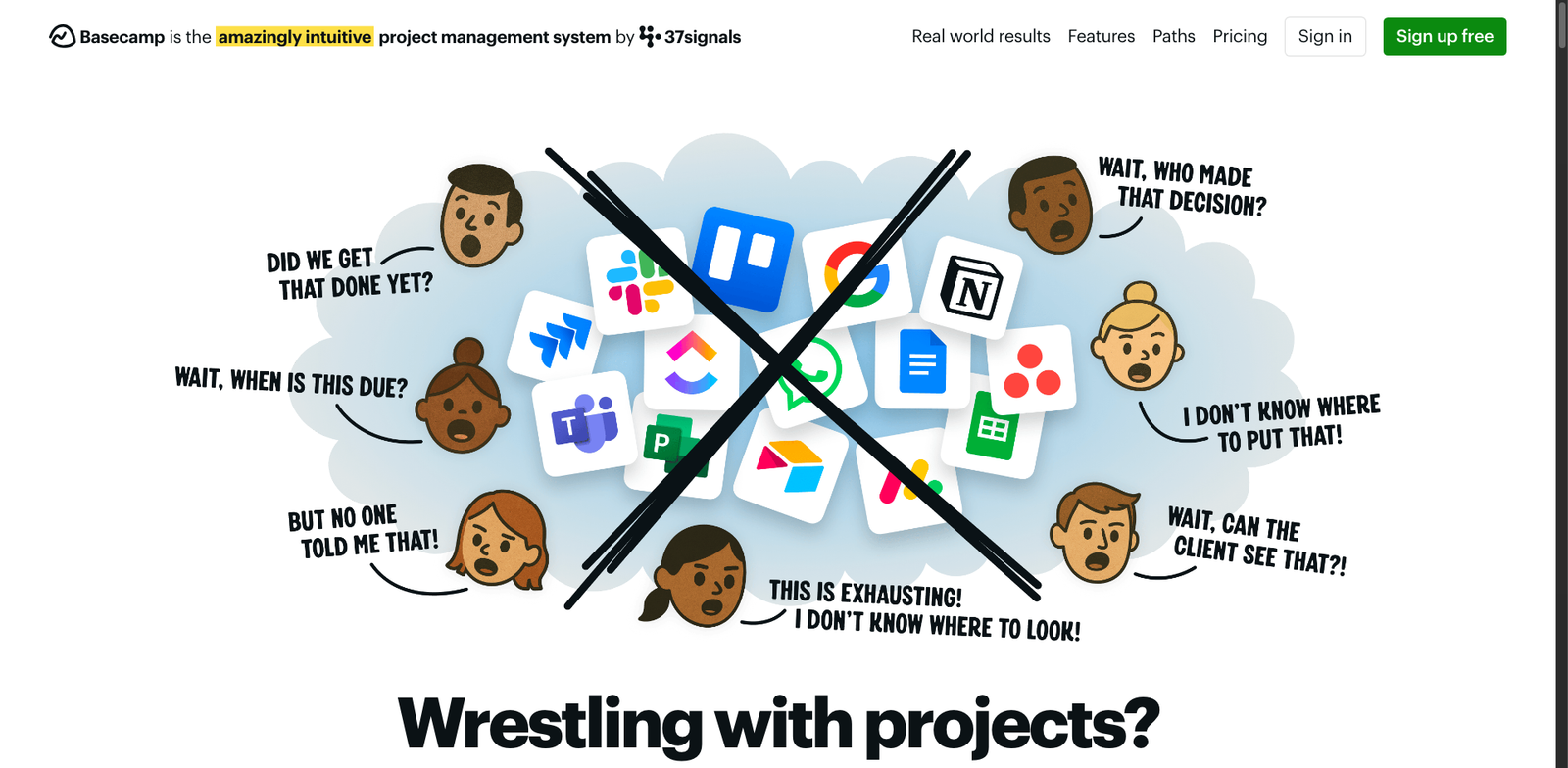
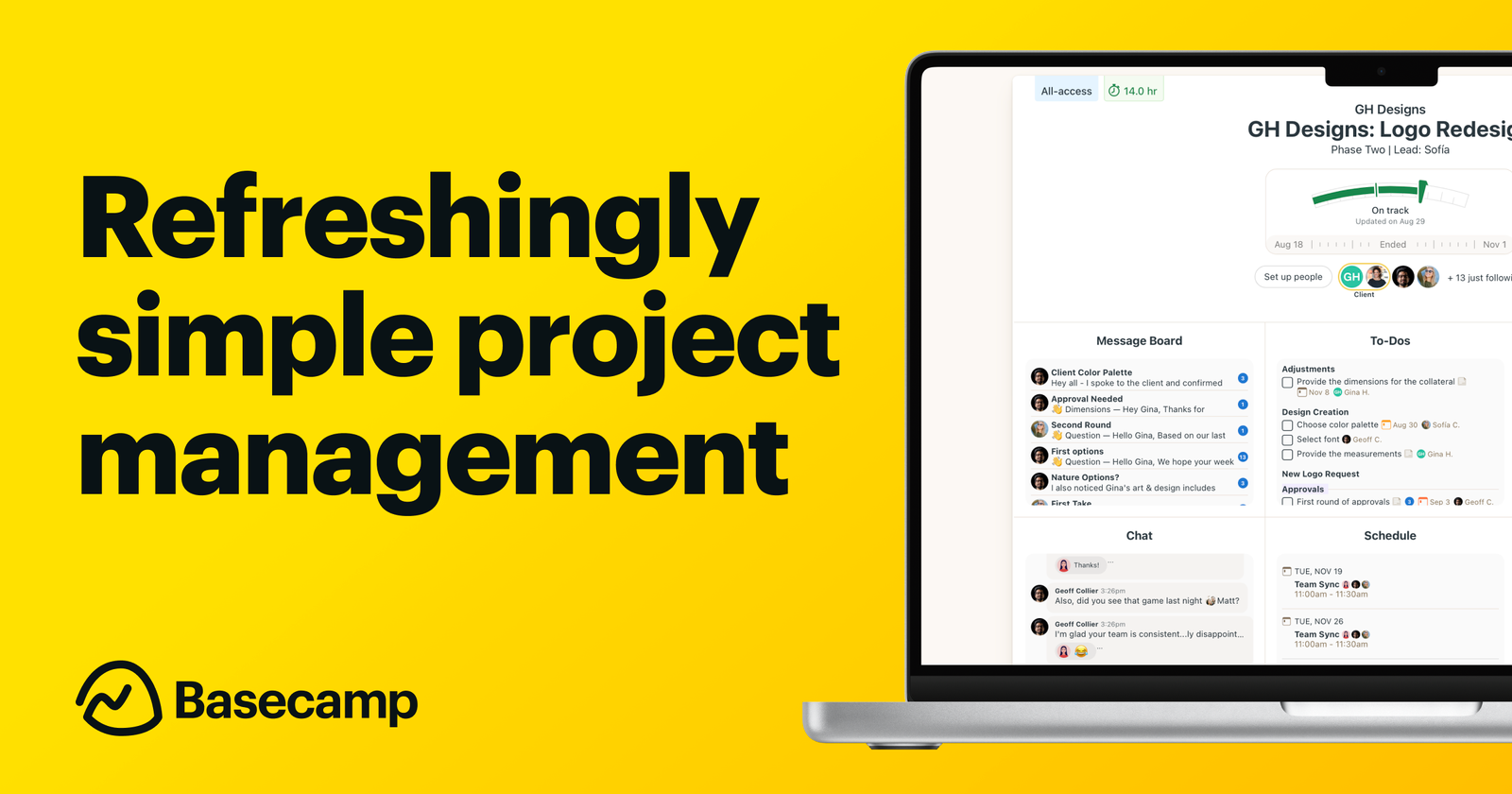
Basecamp Hey! AI homepage

Basecamp Hey! AI

4.6
(32) Paid

Basecamp is a productivity and collaboration tool designed for teams. It offers unlimited users and projects for a flat monthly fee, enhancing project organization and communication.

Key features

  • Unlimited users and projects
  • Flat monthly pricing of $99
  • Intuitive user interface
  • Collaborative tools for team communication
  • Task management and scheduling features

Pros

  • Cost-effective for large teams
  • Easy to set up and use
  • Strong collaboration features
  • No hidden fees or tiered pricing

Cons

  • No free tier available
  • Limited advanced features compared to competitors
  • Some users may find the interface too simplistic
Smartsheet CapacityAI homepage

Smartsheet CapacityAI

4.6
(28) Paid

Smartsheet CapacityAI streamlines project planning and resource management. It enhances team collaboration with robust features for tracking progress and optimizing capacity.

Key features

  • Intuitive project tracking and visualization tools.
  • Collaborative features for team communication.
  • Customizable templates for various project types.
  • Real-time updates and reporting capabilities.
  • Integration with popular apps like Google Workspace and Microsoft Office.

Pros

  • User-friendly interface that simplifies project management.
  • Flexible pricing plans to suit different team sizes.
  • Strong collaboration tools enhance team productivity.
  • Custom reporting options provide valuable insights.

Cons

  • Higher-tier plans may be costly for small teams.
  • Limited offline functionality can be restrictive.
  • Some advanced features require a learning curve.
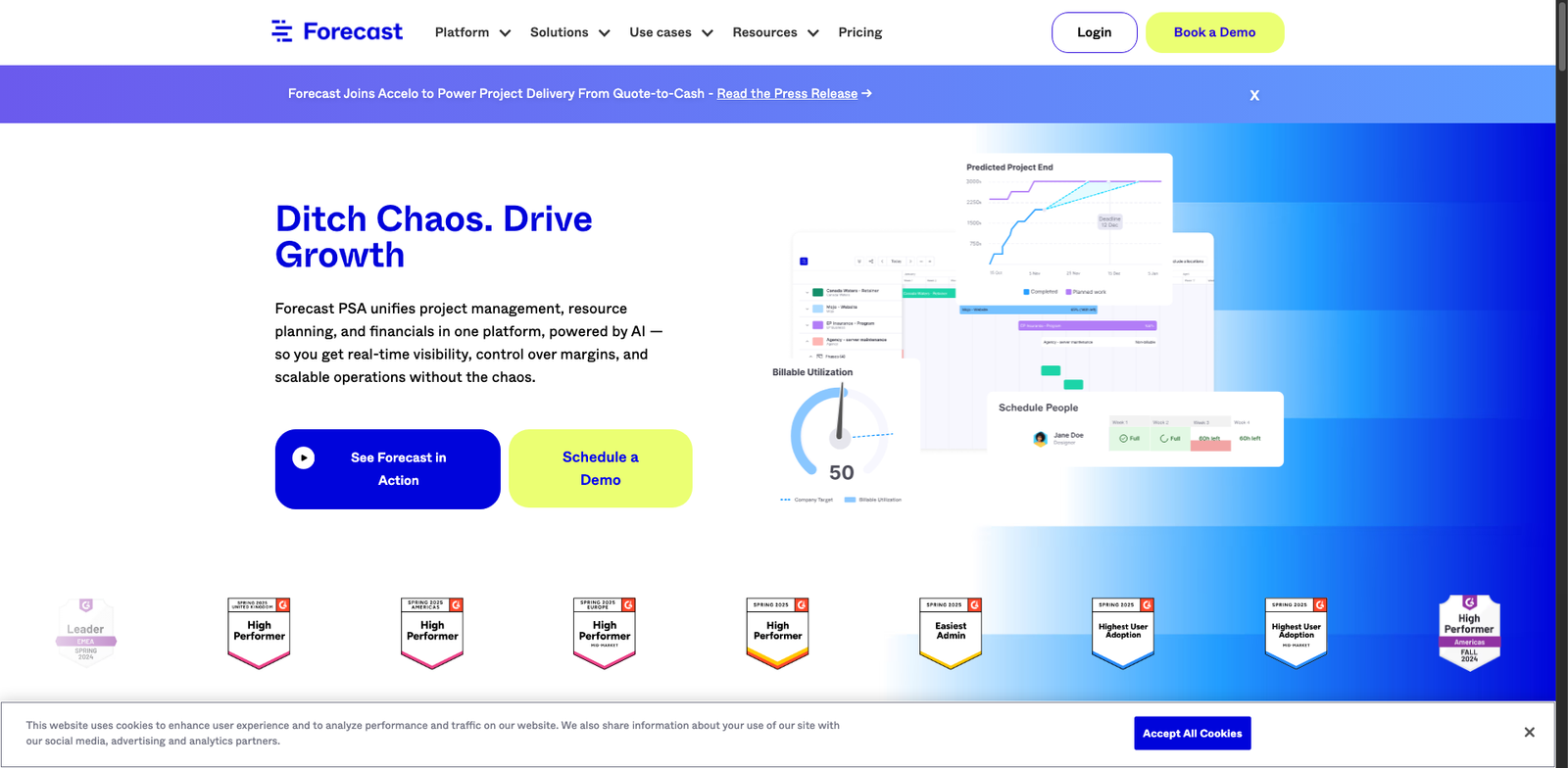
Forecast.app homepage

Forecast.app

4.5
(24) Paid

Forecast.app helps teams manage projects effectively. It offers tailored plans for varying team sizes and needs.

Key features

  • Customizable project templates
  • Real-time collaboration tools
  • Automated resource allocation
  • Integrated time tracking
  • Detailed reporting and analytics

Pros

  • User-friendly interface
  • Flexible pricing plans
  • Strong collaboration features
  • Excellent reporting capabilities

Cons

  • Higher tiers can be costly for small teams
  • Limited third-party integrations
  • Steeper learning curve for advanced features

New in Project-Management Copilots & Planners
Recently added tools you might want to check out.

Productivity & Collaboration

HiveMind AI offers a subscription model with various plans tailored for different user needs. Notable price points are not publicly disclosed, leading to uncertainty in specific pricing details.

Productivity & Collaboration

Flowdash AI offers a subscription model with various pricing tiers, but specific price points are not publicly disclosed. The exact details may vary based on user needs and…

Productivity & Collaboration

Coda AI Tasks offers a range of plans, including a free tier and paid options starting at around $10 per user per month. Notable features may vary by…

Productivity & Collaboration

Airtable AI is a productivity and collaboration tool offering flexible pricing plans, including a free tier, ideal for project management and planning.

Productivity & Collaboration

Basecamp offers a flat pricing model at $99 per month for unlimited users and projects. There is no free tier available.

Productivity & Collaboration

Forecast.app offers a subscription-based pricing model with various plans tailored to different team sizes and needs. Notable price points are not publicly disclosed, leading to some uncertainty.

Productivity & Collaboration

Teamwork AI offers various subscription plans, with notable pricing starting around $10 per user per month for basic features. Higher-tier plans provide additional functionalities at increased costs.

Productivity & Collaboration

Taskade AI offers a freemium model with a free tier and paid plans starting around $10 per month for additional features. Notable price points include options for teams…

Productivity & Collaboration

Motion AI Scheduler offers a subscription model with various plans, but specific pricing details are not widely available. Notable price points are unknown.