Search for AI Tools

Describe the job you need to automate with AI.

Best AI Tools for Ai Note-Taking Tools

Discover the best AI tools for note-taking that can boost your productivity and streamline your workflow. From automatic meeting summaries to collaborative features, these AI note-taking tools are designed to enhance your documentation process and ensure you never miss important details.

Top 10 in Ai Note-Taking Tools
How we choose
  • Evaluate user ratings and reviews for reliability.
  • Consider pricing options to find a tool that fits your budget.
  • Look for features that cater to your specific note-taking needs, such as integration with other apps.
  • Check for ease of use and accessibility on different devices.
  • Assess the level of customer support available.
Google Meet Duet AI Notes homepage

This tool integrates seamlessly with Google Meet. It captures key points from discussions, ensuring you never miss important information.

Key features

  • Automatic note-taking during meetings
  • Integration with Google Meet
  • Summarizes discussions and action items
  • Supports collaboration among team members
  • Easy access to notes post-meeting

Pros

  • Enhances productivity by capturing notes effortlessly
  • Improves collaboration with shared notes
  • User-friendly interface
  • Integrates smoothly with other Google Workspace tools

Cons

  • Pricing details not publicly available
  • Limited customization options for notes
  • May not capture every detail accurately
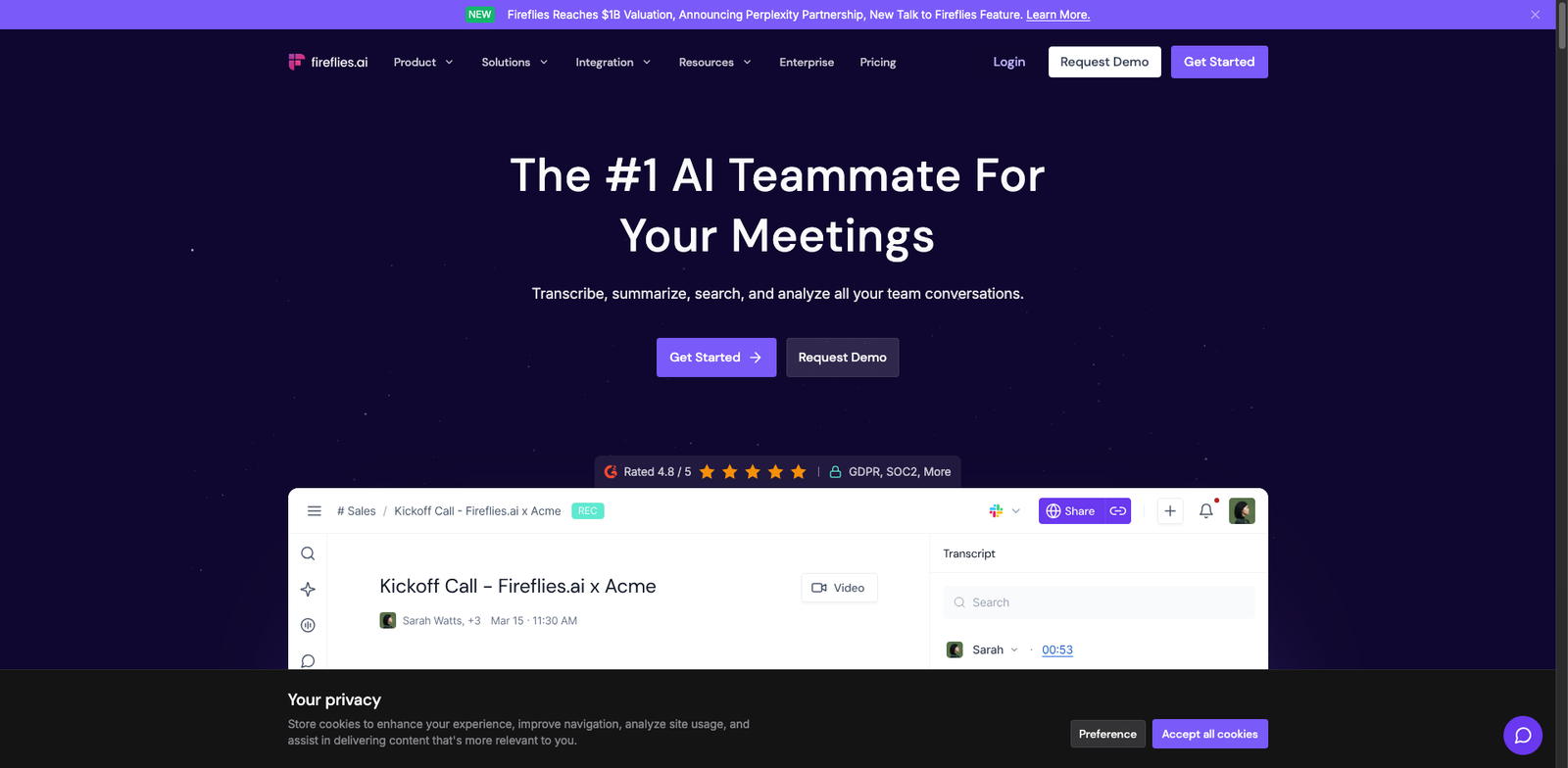
Fireflies.ai homepage

Fireflies.ai

4.5
(29) Free

Fireflies.ai is an AI note-taking tool designed to capture and organize meeting notes seamlessly. It helps enhance productivity and collaboration by automating the note-taking process.

Key features

  • AI-powered transcription of meetings
  • Integration with popular video conferencing tools
  • Searchable meeting notes
  • Collaboration features for teams
  • Task management integration

Pros

  • User-friendly interface
  • Freemium model allows for easy entry
  • High accuracy in transcription
  • Great integration options with existing tools

Cons

  • Limited features in the free tier
  • Paid plans can add up for larger teams
  • Occasional inaccuracies in transcription
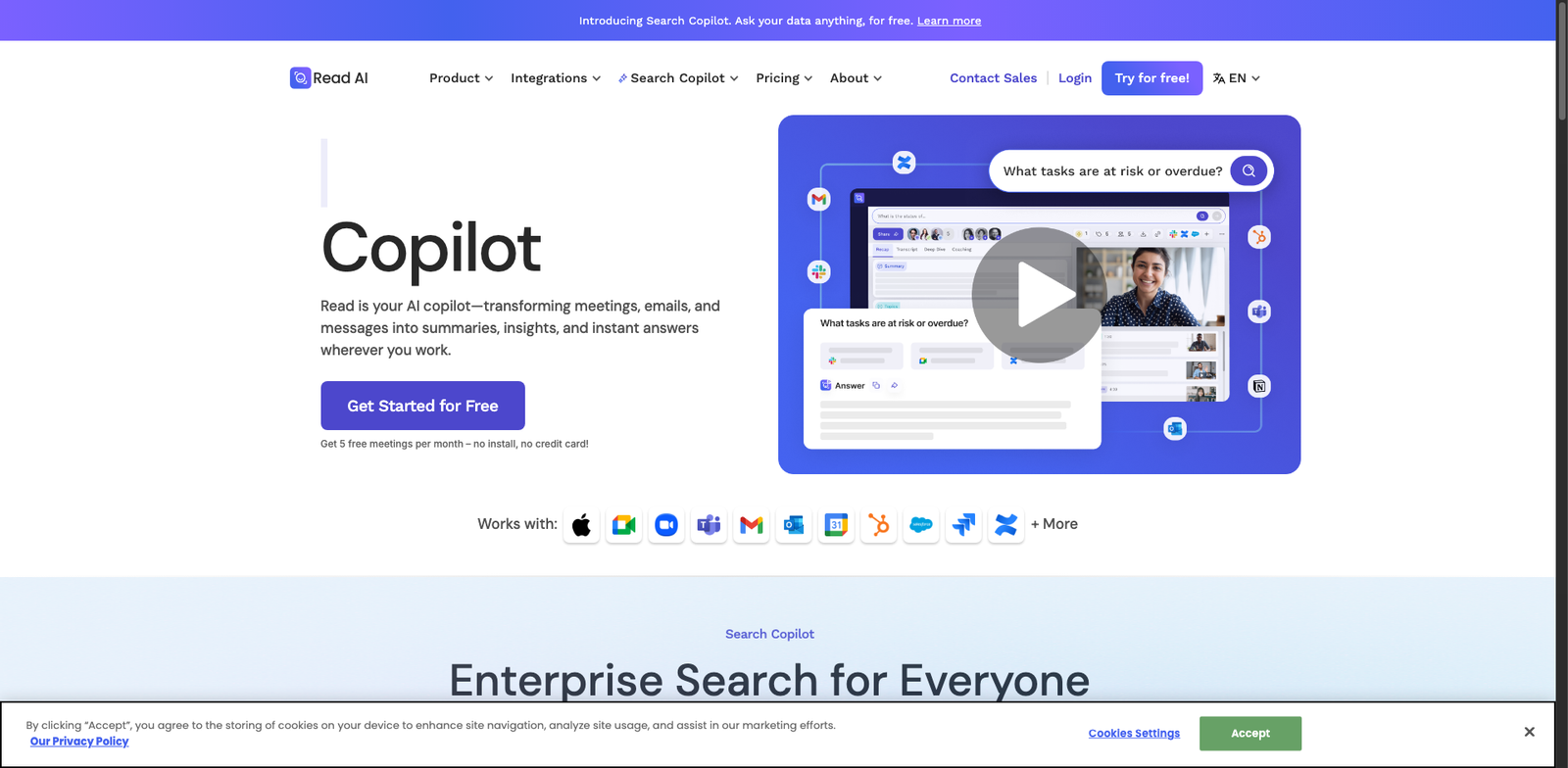
Read.ai homepage

Read.ai

4.5
(30) Paid

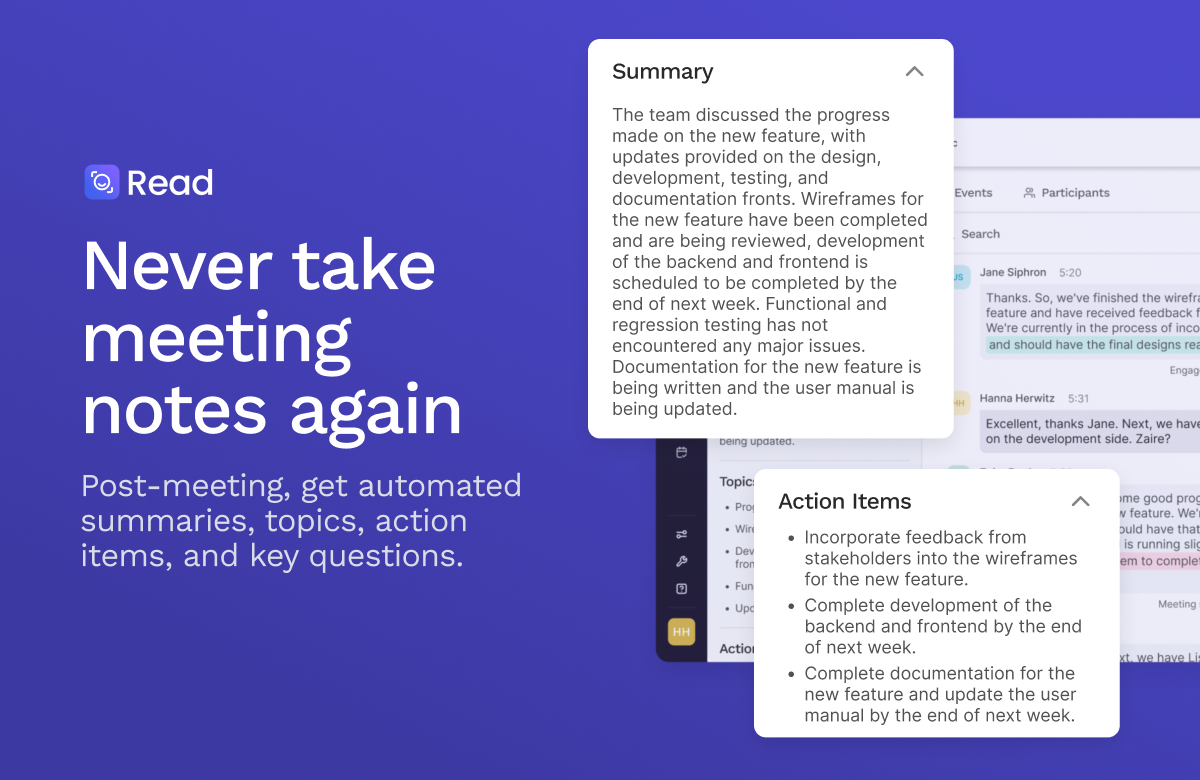
Read.ai is an AI note-taking tool designed to enhance productivity and collaboration. It streamlines the process of capturing and organizing notes during meetings and discussions.

Key features

  • AI-generated summaries of discussions.
  • Seamless integration with popular video conferencing tools.
  • Real-time collaboration features.
  • Customizable note formats.
  • Searchable archive of past notes.

Pros

  • User-friendly interface.
  • High accuracy in summarization.
  • Enhances team collaboration.
  • Regular updates and feature enhancements.

Cons

  • Pricing details are not publicly available.
  • Limited functionality in offline mode.
  • May have a learning curve for new users.
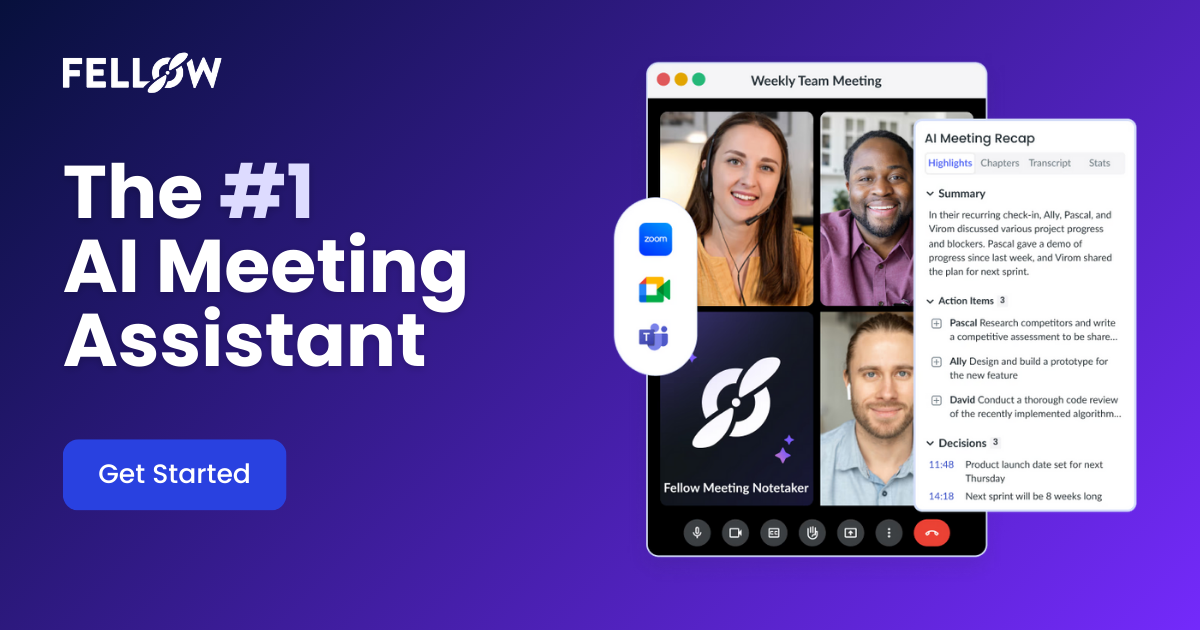
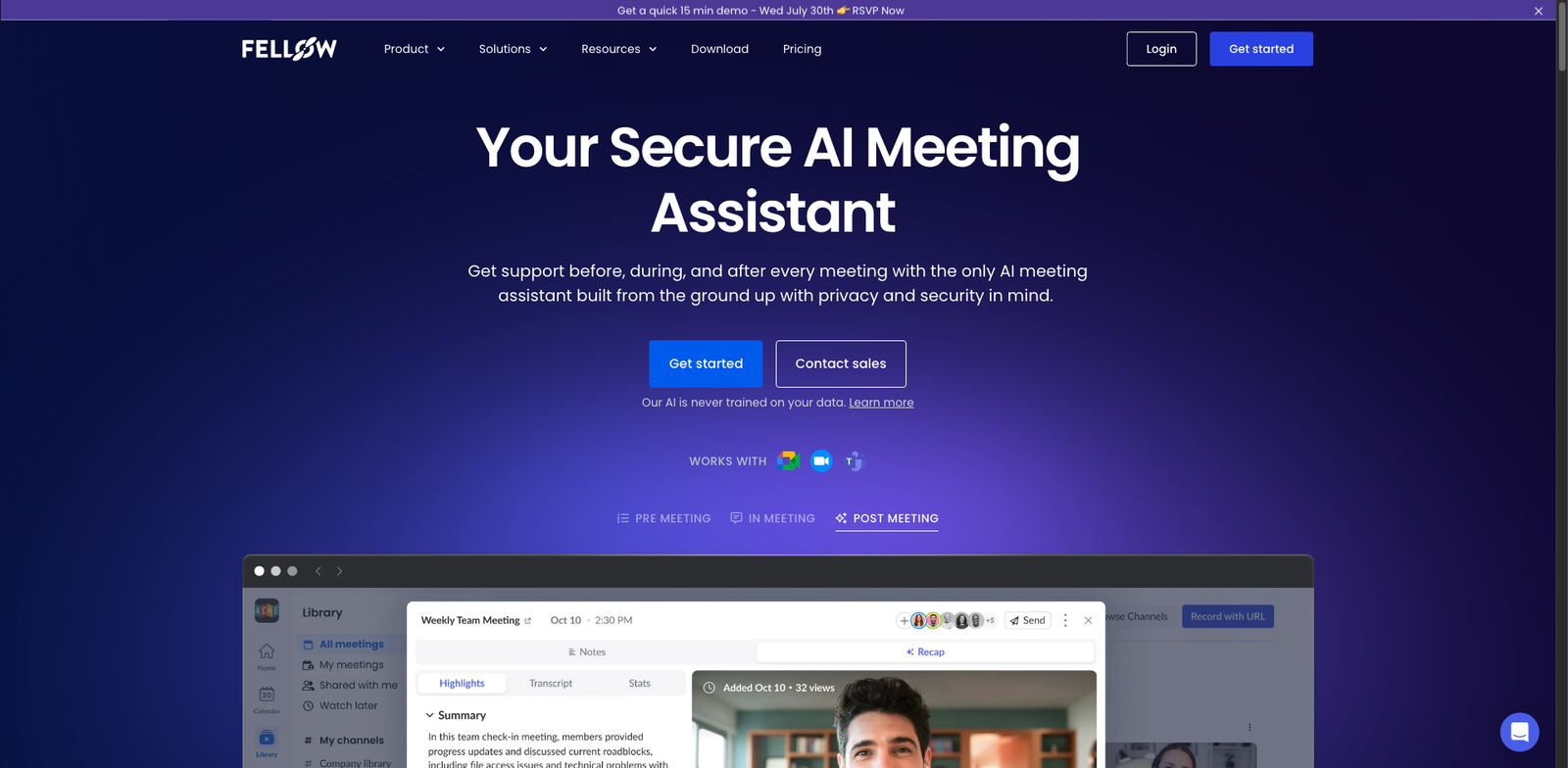
Fellow AI homepage

Fellow AI

4.5
(26) Paid

Fellow AI streamlines meetings and notes with smart suggestions. It helps teams collaborate efficiently and keep track of key discussions.

Key features

  • AI-powered note suggestions
  • Meeting agenda templates
  • Real-time collaboration
  • Integration with major calendar apps
  • Customizable note formats

Pros

  • Affordable subscription plans
  • User-friendly interface
  • Highly rated customer support
  • Seamless integration with tools you already use

Cons

  • Limited features in the basic plan
  • Higher tiers can be pricey for small teams
  • Some users report a learning curve
Airgram homepage

Airgram

4.5
(25) Free

Airgram simplifies your note-taking process while integrating with various collaboration tools. It offers a freemium model with options for advanced features at an affordable price.

Key features

  • AI-powered note-taking capabilities
  • Integration with popular collaboration tools
  • User-friendly interface
  • Real-time collaboration features
  • Customizable templates

Pros

  • Intuitive and easy to navigate
  • Affordable paid plans starting at $10/month
  • Strong AI features improve efficiency
  • Great for team collaboration

Cons

  • Free tier may lack advanced features
  • Some users report a learning curve
  • Limited export options in free version
Zoom AI Companion homepage

Zoom AI Companion

4.5
(34) Paid

Zoom AI Companion is a productivity tool designed to streamline note-taking during meetings. It helps users capture key points and collaborate effectively in real-time.

Key features

  • Intelligent note-taking during video calls
  • Real-time collaboration for teams
  • Automatic summarization of discussions
  • Seamless integration with Zoom meetings
  • User-friendly interface for easy navigation

Pros

  • Enhances meeting productivity
  • Saves time on manual note-taking
  • Improves team collaboration
  • High user satisfaction (4.5 rating from 34 reviews)

Cons

  • Pricing details are not publicly available
  • Limited feature set compared to standalone note-taking apps
  • May have a learning curve for new users
Avoma Notes homepage

Avoma Notes

4.4
(22) Paid

Avoma Notes is an AI-powered note-taking tool designed for effective collaboration. It helps users capture and organize meeting notes seamlessly.

Key features

  • AI-generated summaries for meetings
  • Collaboration tools for team sharing
  • Integration with popular video conferencing platforms
  • Searchable notes for easy retrieval
  • Customizable templates for different meeting types

Pros

  • Intuitive user interface
  • Affordable pricing tiers starting at $15/user/month
  • Strong AI capabilities for summarization
  • Good collaboration features for teams

Cons

  • Limited advanced features in the basic plan
  • Some users may find the AI suggestions off-target
  • Learning curve for new users unfamiliar with AI tools
Loom AI Summaries homepage

Loom AI Summaries

4.4
(25) Paid

Loom AI Summaries helps you summarize video content and meetings. Improve productivity with AI-driven insights.

Key features

  • AI-generated summaries of video content
  • Integration with popular video conferencing tools
  • Text extraction for key points
  • Customizable summary formats
  • Collaboration features for team sharing

Pros

  • User-friendly interface
  • Saves time on note-taking
  • Enhances team collaboration
  • High-quality summaries with AI

Cons

  • Limited pricing transparency
  • No free tier available
  • Occasional inaccuracies in summarization
Sembly.ai homepage

Sembly.ai

4.4
(23) Paid

Sembly.ai automates meeting notes and summaries. It enhances productivity by capturing key points and actions from discussions.

Key features

  • AI-generated meeting notes
  • Real-time transcription
  • Summarization of discussions
  • Integration with popular calendars
  • Action item tracking

Pros

  • User-friendly interface
  • Saves time in note-taking
  • Improves meeting follow-up
  • Highly rated by users

Cons

  • Pricing details not publicly available
  • Limited customization options
  • May struggle with heavy accents
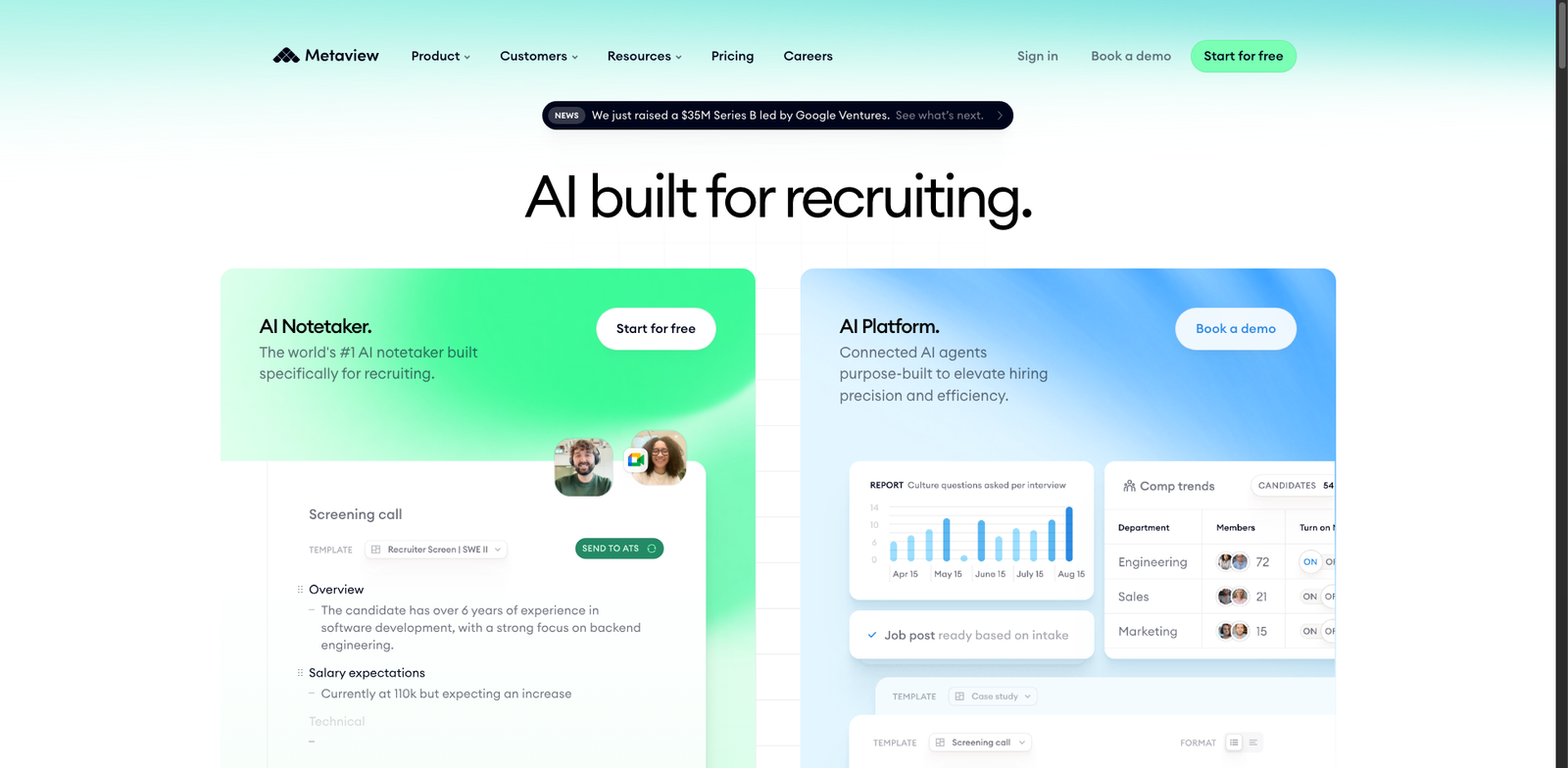
Metaview homepage

Metaview

4.4
(29) Paid

Metaview streamlines your note-taking process, allowing you to capture and organize ideas effortlessly. With its subscription model, flexibility in pricing tiers caters to various user needs.

Key features

  • AI-driven note organization
  • Seamless collaboration tools
  • Intuitive interface for easy use
  • Integration with popular productivity apps
  • Customizable templates for note-taking

Pros

  • High user rating (4.4 from 29 reviews)
  • Improves team collaboration
  • User-friendly design promotes quick adoption
  • AI features enhance productivity

Cons

  • Pricing details not publicly available
  • Limited features compared to some competitors
  • Potential learning curve for advanced functionalities

New in Ai Note-Taking Tools

Recently added tools you might want to check out.

Productivity & Collaboration

Fellow AI provides subscription-based AI note-taking tools designed for productivity and collaboration, starting at $6 per user per month.

Productivity & Collaboration

Tactiq AI provides AI-powered note-taking tools for productivity and collaboration. Explore subscription plans tailored for teams and individuals.

Productivity & Collaboration

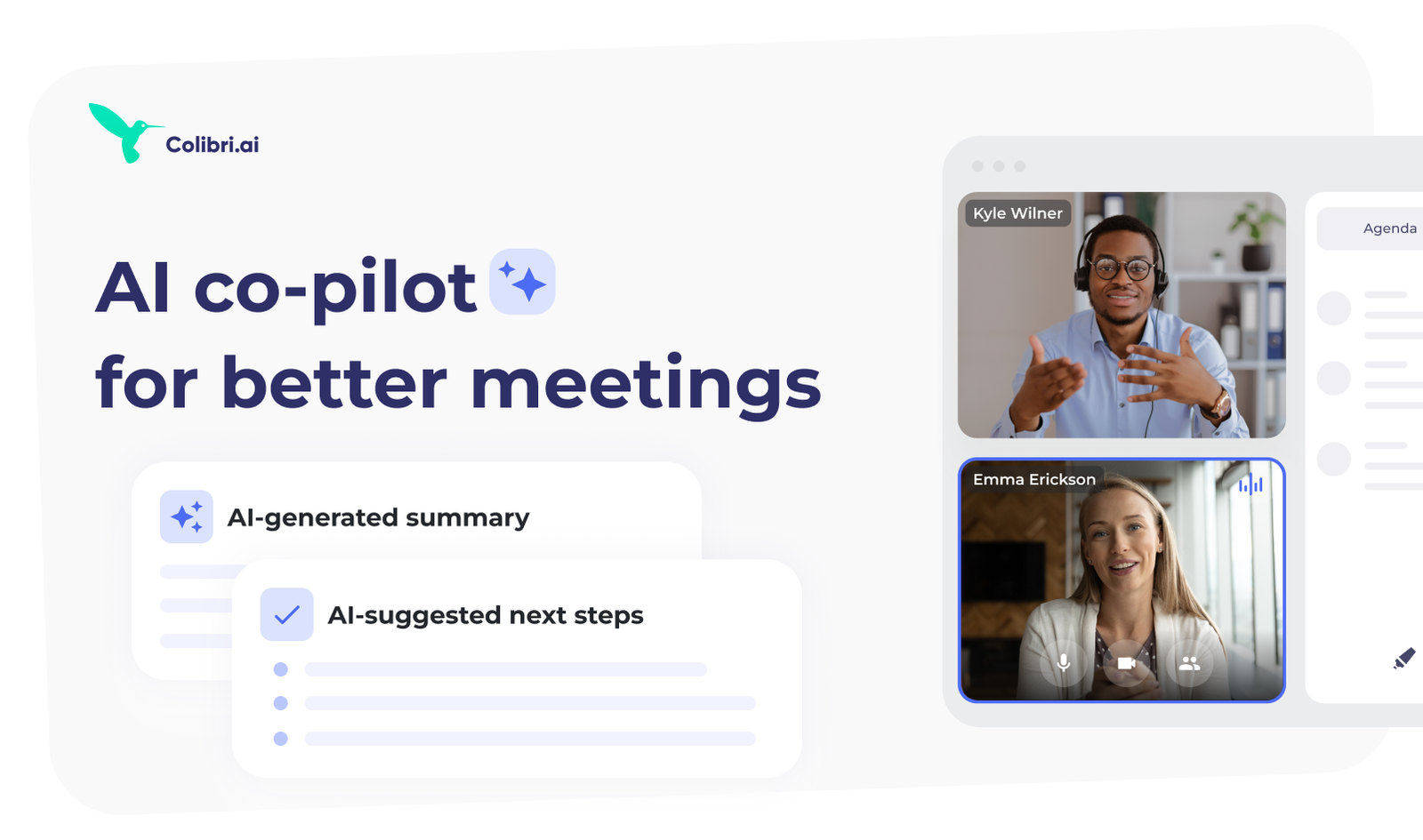
Colibri.ai is a paid AI note-taking tool designed for productivity and collaboration, offering various subscription plans to meet diverse user needs.

Productivity & Collaboration

Metaview is a subscription-based AI note-taking tool designed for productivity and collaboration, offering various pricing tiers for users.

Productivity & Collaboration

Loom AI Summaries provides subscription-based AI note-taking tools designed for productivity and collaboration, though specific pricing details are limited.

Productivity & Collaboration

Avoma Notes is an AI-powered note-taking tool designed for teams, offering subscription plans starting at $15 per user per month for enhanced productivity.

Productivity & Collaboration

Google Meet Duet AI Notes enhances meetings by providing AI-powered note-taking. Ideal for professionals seeking improved productivity and collaboration.

Productivity & Collaboration

Zoom AI Companion enhances productivity with AI note-taking tools for teams. Subscription plans available, but pricing details are not publicly disclosed.

Productivity & Collaboration

Jam Notes is a subscription-based AI note-taking tool designed for enhancing productivity and collaboration, with various plans available.

Take your time to compare these AI note-taking tools to find the perfect fit for your needs and enhance your organizational skills.