Search for AI Tools

Describe the job you need to automate with AI.

Best AI Tools for Ai Note-Taking Tools

Discover the Best AI Tools for Note-Taking to enhance your productivity and streamline your workflow. From automated meeting notes to intuitive summaries, these tools leverage artificial intelligence to make note-taking effortless and efficient.

Top 10 in Ai Note-Taking Tools

How we choose
  • Consider ease of integration with your existing tools.
  • Look for user-friendly interfaces that enhance productivity.
  • Evaluate pricing options to find the best fit for your budget.
  • Check user reviews and ratings to gauge overall satisfaction.
  • Assess the features that align with your specific note-taking needs.
Google Meet Duet AI Notes homepage

Google Meet Duet AI Notes is an AI-driven tool designed to streamline note-taking during Google Meet sessions. It integrates seamlessly into your meetings, allowing you to focus on discussions while it captures essential information.

Key features

  • Automatic note capture during meetings
  • Seamless integration with Google Meet
  • AI-generated summaries for quick review
  • Real-time collaboration with team members
  • Searchable notes for easy retrieval

Pros

  • Boosts productivity by reducing manual note-taking
  • Enhances meeting collaboration with shared notes
  • Intuitive interface for easy use
  • High accuracy in capturing key points

Cons

  • No free tier available, only paid options
  • Limited customization of note formats
  • May miss context in complex discussions
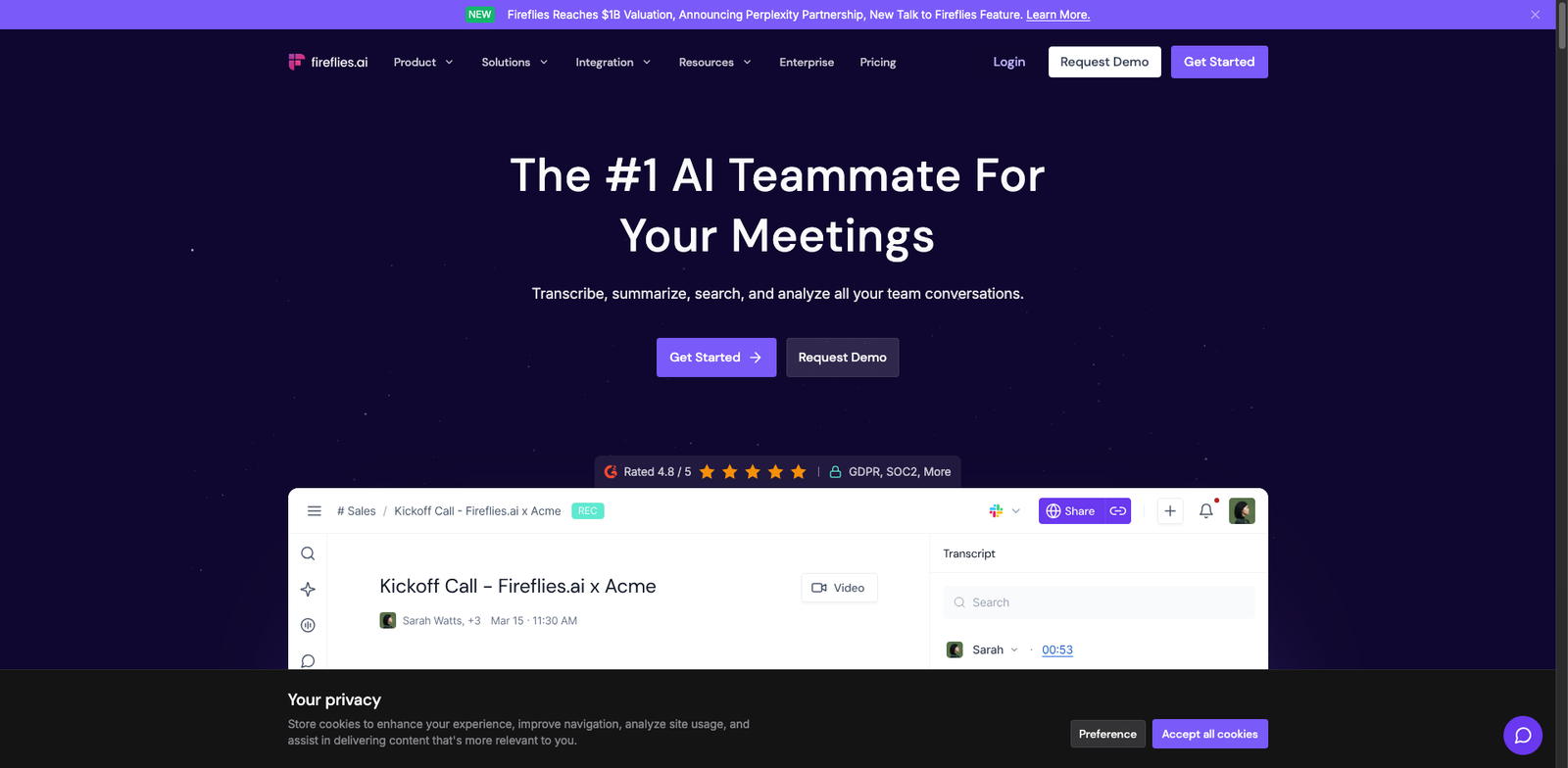
Fireflies.ai homepage

Fireflies.ai

4.5
(29) Free

Fireflies.ai transforms how you handle notes during meetings. It leverages AI to help you record, transcribe, and summarize conversations.

Key features

  • AI-powered voice transcription.
  • Automated note-taking during calls.
  • Integrates with popular conferencing tools.
  • Collaboration features for team sharing.
  • Searchable note archive for easy retrieval.

Pros

  • Freemium model allows for no-cost use.
  • User-friendly interface with quick setup.
  • High accuracy in transcriptions.
  • Seamless integration with tools like Zoom and Slack.

Cons

  • Advanced features require a paid plan.
  • Limited customization options for notes.
  • Export options are basic without premium.
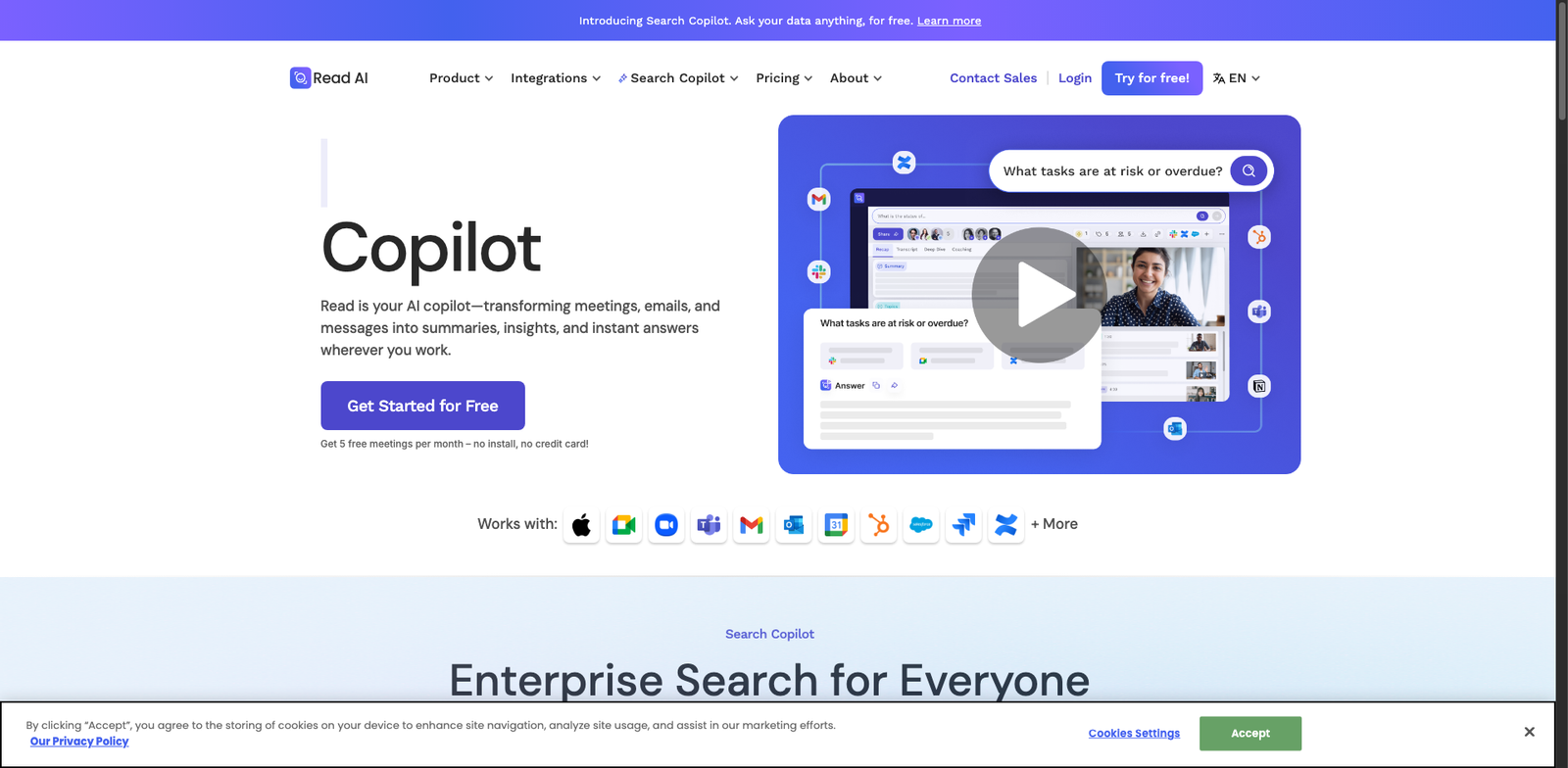
Read.ai homepage

Read.ai

4.5
(30) Paid

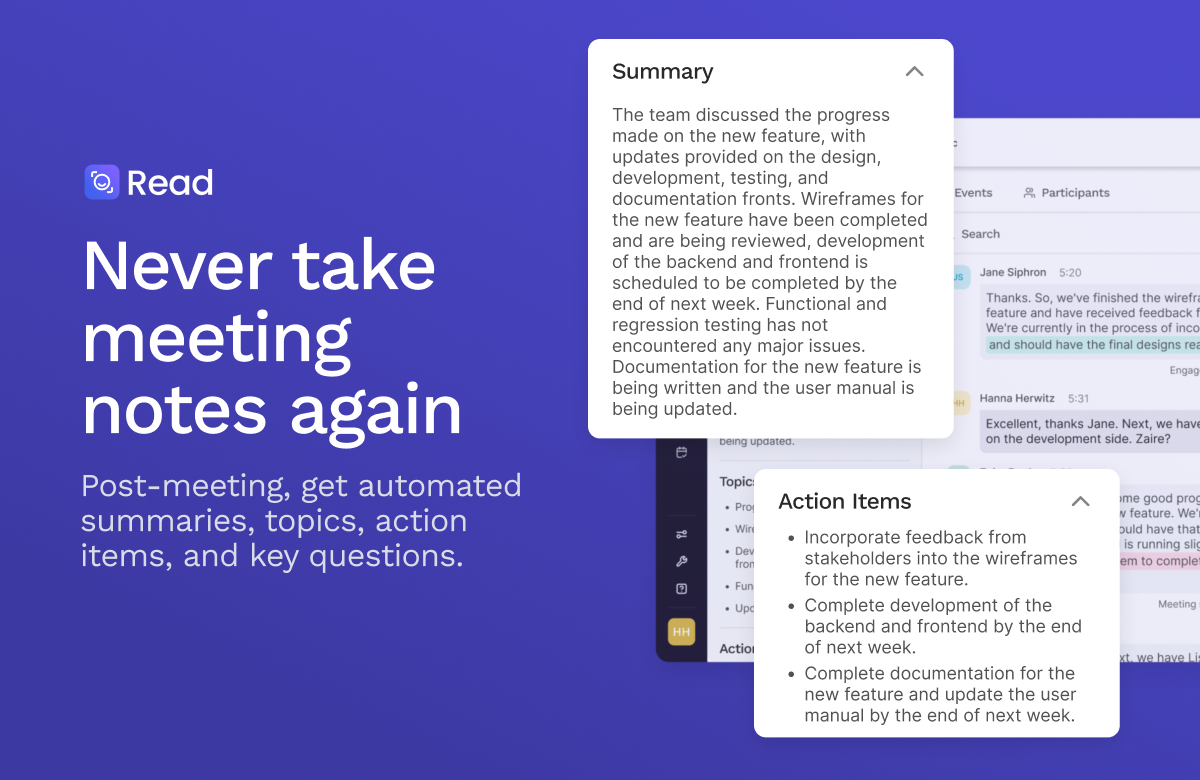
Read.ai leverages AI technology to streamline note-taking. It helps users capture and organize information efficiently.

Key features

  • AI-powered transcription and note organization
  • Seamless integration with popular collaboration tools
  • Real-time collaboration features
  • Customizable templates for various use cases
  • Data security and privacy-focused

Pros

  • User-friendly interface
  • High accuracy in transcriptions
  • Supports team collaboration
  • Regular updates and feature enhancements

Cons

  • Pricing tiers not publicly disclosed
  • Limited offline functionality
  • Some users may experience a learning curve
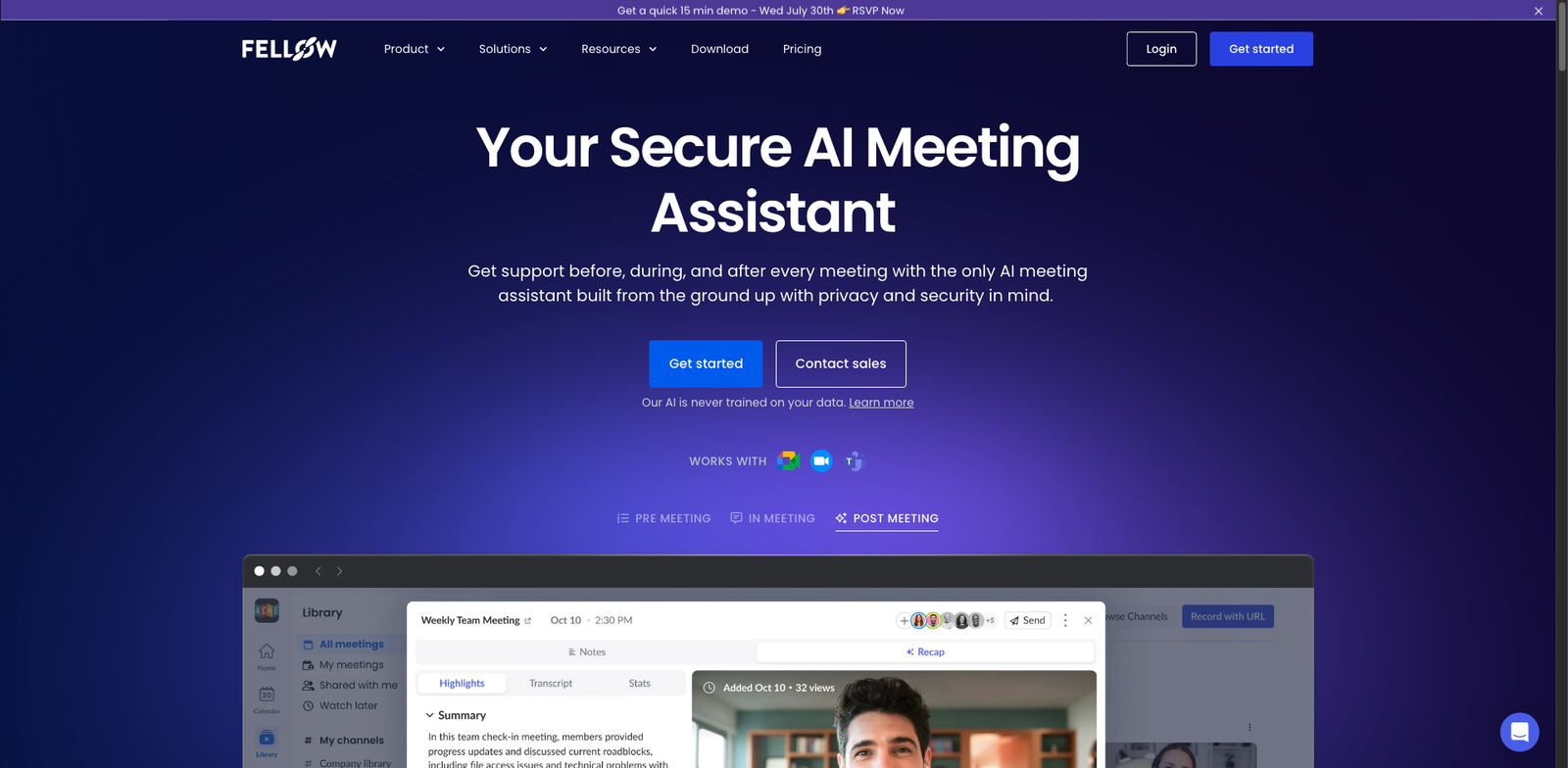
Fellow AI homepage

Fellow AI

4.5
(26) Paid

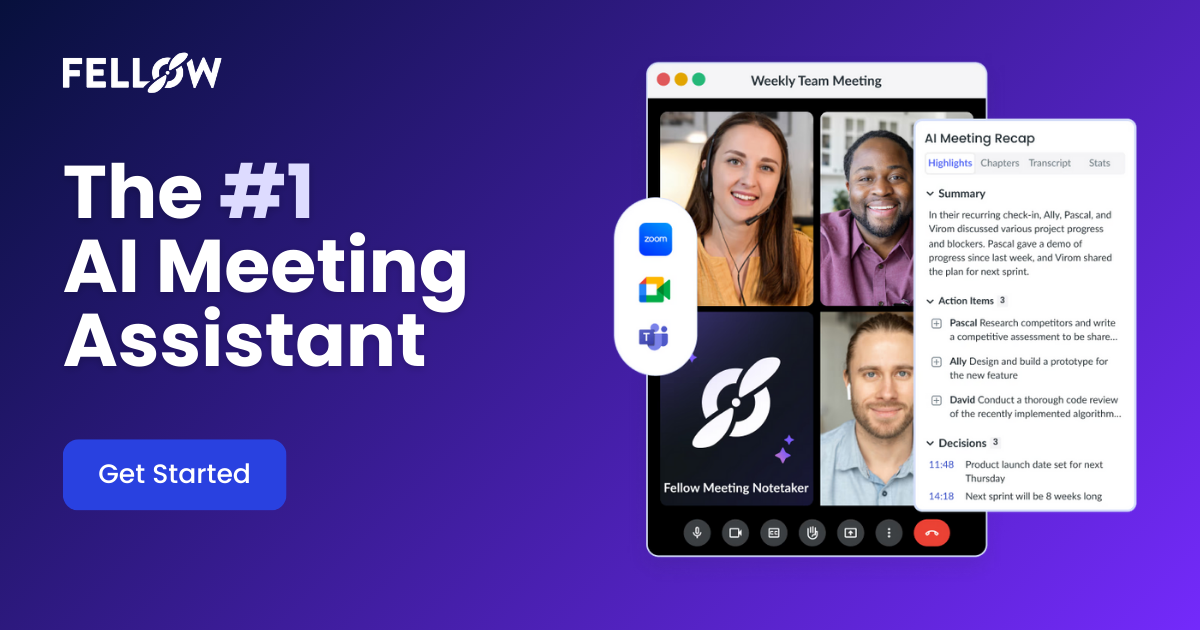
Fellow AI is designed to streamline collaboration and productivity through advanced note-taking features. It offers various subscription plans to fit different needs and budgets.

Key features

  • AI-powered note organization
  • Real-time collaboration
  • Task assignment and tracking
  • Custom templates for meetings
  • Integration with popular tools

Pros

  • Affordable starting price at $6 per user/month
  • User-friendly interface
  • Great for team collaboration
  • Strong integration capabilities

Cons

  • Basic plan lacks some advanced features
  • Limited offline functionality
  • No free trial available
Airgram homepage

Airgram

4.5
(25) Free

Airgram is a versatile tool designed for efficient note-taking and collaboration. It combines AI technology with productivity features to streamline your workflow.

Key features

  • AI-assisted note-taking
  • Collaboration tools for teams
  • Integration with popular apps
  • Customizable templates
  • Real-time editing

Pros

  • User-friendly interface
  • Freemium model with a free tier
  • Strong collaboration features
  • Good for remote teams

Cons

  • Paid plans start at $10/month
  • Limited features in the free tier
  • Some users report a learning curve
Zoom AI Companion homepage

Zoom AI Companion

4.5
(34) Paid

Zoom AI Companion uses artificial intelligence to assist with note-taking during meetings. It helps users stay organized and productive.

Key features

  • AI-powered note-taking
  • Seamless integration with Zoom
  • Real-time collaboration tools
  • Task management capabilities
  • Searchable meeting transcripts

Pros

  • Improves meeting productivity
  • User-friendly interface
  • Supports team collaboration
  • High accuracy in note-taking

Cons

  • No public pricing details
  • Limited customization options
  • Learning curve for new users
Avoma Notes homepage

Avoma Notes

4.4
(22) Paid

Avoma Notes is an AI-powered note-taking tool designed to help teams capture and organize meeting insights. With a user-friendly interface, it enhances collaboration and productivity.

Key features

  • AI-driven note-taking for accurate summaries.
  • Seamless integration with popular collaboration tools.
  • Searchable notes for quick access to information.
  • Customizable templates for various meeting types.
  • Collaboration features for team sharing.

Pros

  • Affordable pricing starting at $15 per user per month.
  • High user satisfaction with a 4.4 rating.
  • Intuitive interface that simplifies note-taking.
  • Integrates well with existing workflows.

Cons

  • Limited advanced features in basic tier.
  • Export options may be restrictive.
  • Some users report a learning curve for new features.
Loom AI Summaries homepage

Loom AI Summaries

4.4
(25) Paid

Loom AI Summaries helps users summarize video content and meetings effortlessly. Its AI technology captures key points for better retention and collaboration.

Key features

  • AI-generated summaries from video content
  • Supports various collaboration tools
  • Easily integrates with existing workflows
  • User-friendly interface for quick access
  • Customizable summary formats

Pros

  • Enhances productivity by saving time
  • Improves collaboration with clear summaries
  • Intuitive design for easy navigation
  • Regular updates with new features

Cons

  • Pricing details not fully transparent
  • Limited free trial for new users
  • Some features may require advanced subscriptions
Sembly.ai homepage

Sembly.ai

4.4
(23) Paid

Sembly.ai provides AI-powered note-taking solutions designed to streamline meetings and enhance collaboration. It offers various subscription plans to fit different needs.

Key features

  • AI-generated meeting summaries
  • Automatic transcription of discussions
  • Integration with popular collaboration tools
  • Searchable notes for quick reference
  • User-friendly interface

Pros

  • High accuracy in transcription and summarization
  • Intuitive design that simplifies usage
  • Supports multiple integrations for seamless workflows
  • Regular updates and improvements based on user feedback

Cons

  • Pricing details not publicly available
  • Limited features in lower-tier plans
  • Potential learning curve for new users
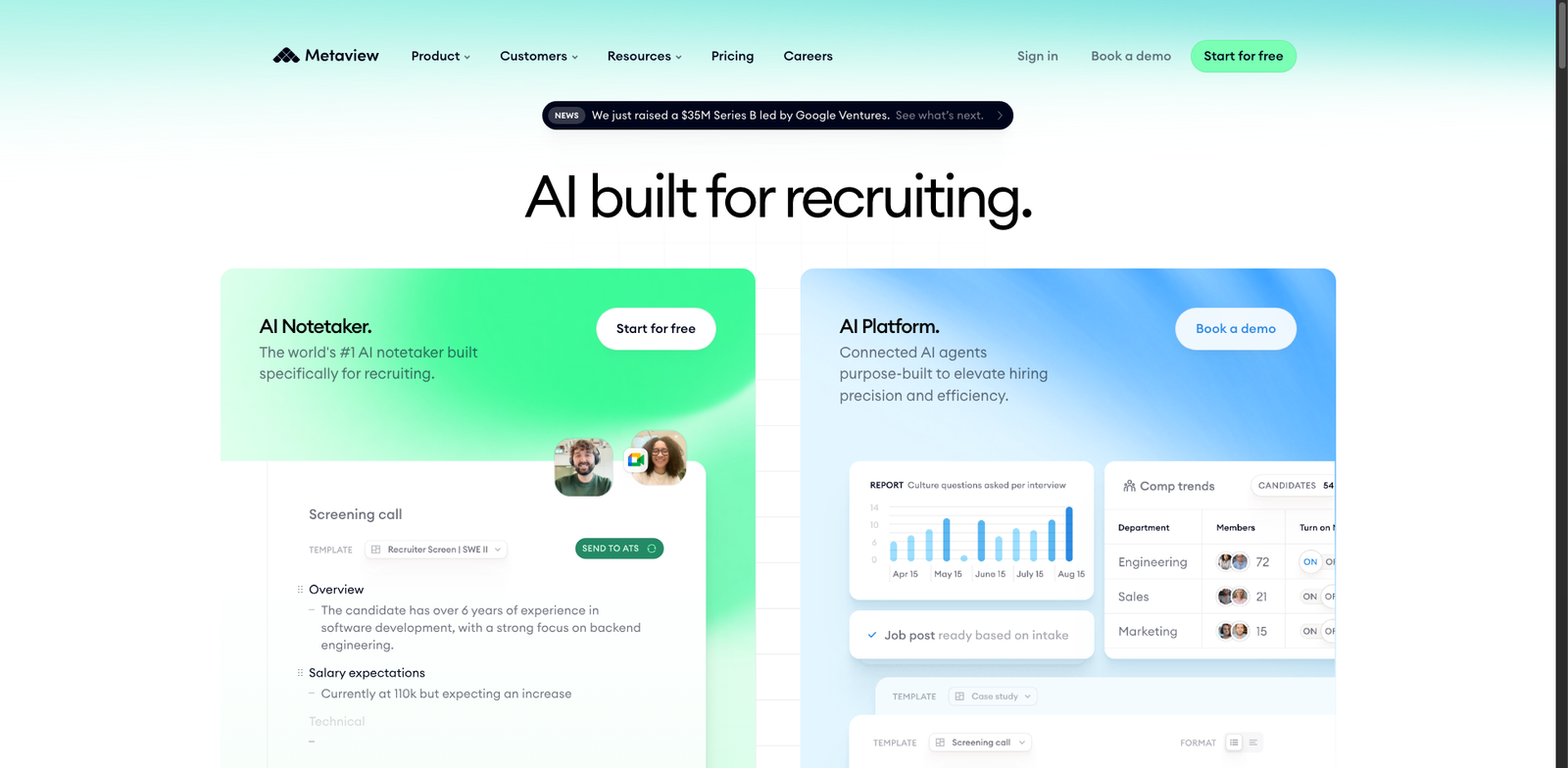
Metaview homepage

Metaview

4.4
(29) Paid

Metaview is an AI note-taking tool designed to boost productivity and collaboration. It offers a subscription model with multiple pricing tiers, though specific prices are not publicly available.

Key features

  • AI-powered note organization
  • Real-time collaboration tools
  • Customizable templates for various needs
  • Integration with popular productivity apps
  • Searchable notes for easy retrieval

Pros

  • User-friendly interface
  • High customer satisfaction rating (4.4/5)
  • Flexible subscription options
  • Effective for team collaboration

Cons

  • Pricing details are not transparent
  • Limited export options for notes
  • May have a learning curve for new users

New in Ai Note-Taking Tools

Recently added tools you might want to check out.

Productivity & Collaboration

Fellow AI provides subscription-based AI note-taking tools designed for productivity and collaboration, with plans starting at $6 per user per month.

Productivity & Collaboration

Tactiq AI is a paid AI note-taking tool designed for productivity and collaboration, offering various subscription plans to suit different user needs.

Productivity & Collaboration

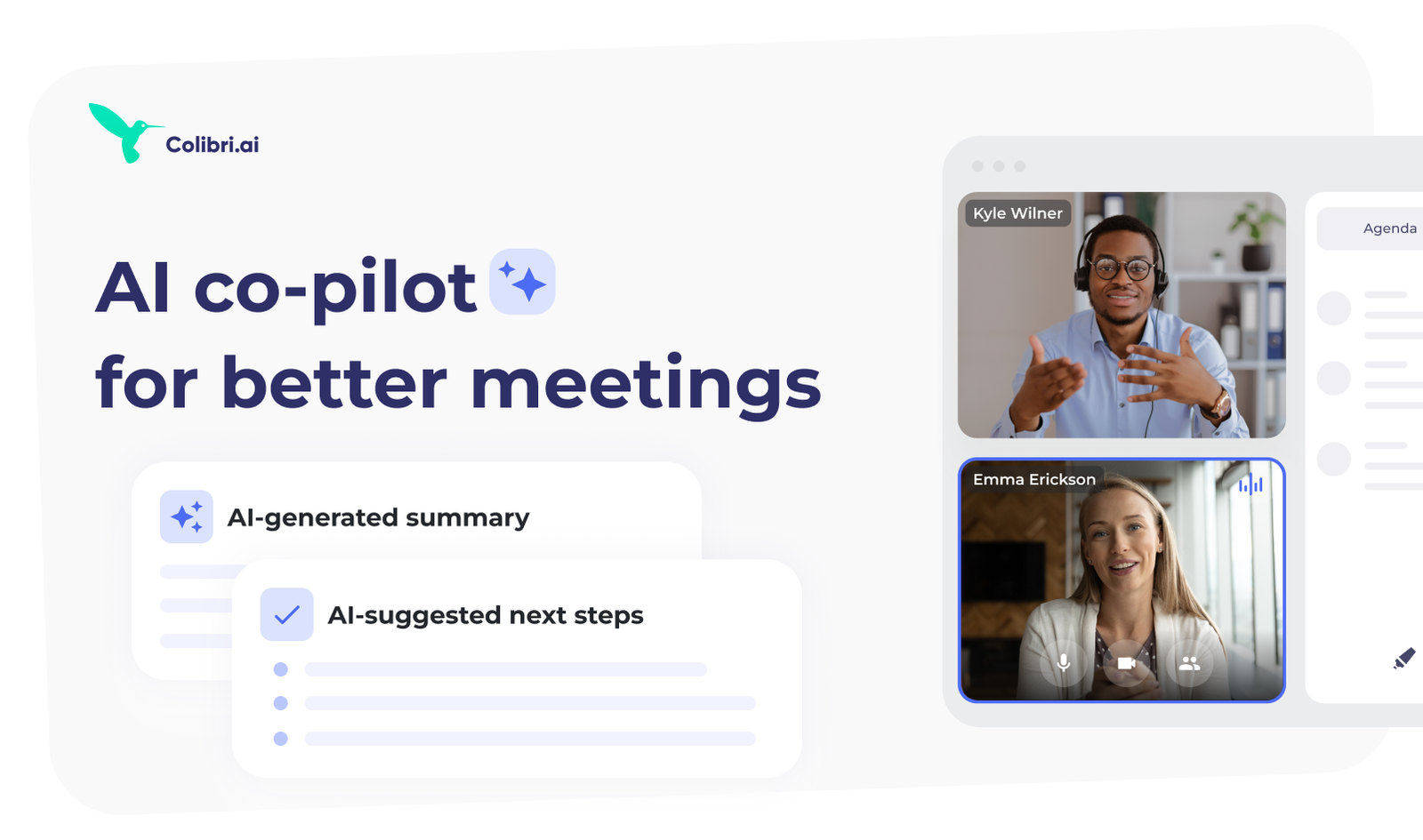
Colibri.ai offers a subscription model with various plans, but specific pricing details are not publicly available. Notable price points are unknown.

Productivity & Collaboration

Metaview offers a subscription model with various pricing tiers, but specific price points are not publicly available. Details may vary based on enterprise needs.

Productivity & Collaboration

Loom AI Summaries offers a subscription model with various plans, but specific pricing details are not widely available. Notable price points are unknown.

Productivity & Collaboration

Avoma Notes offers a subscription model with various pricing tiers, typically starting around $15 per user per month for basic features. Exact pricing details may vary based on…

Productivity & Collaboration

Google Meet Duet AI Notes enhances productivity by automating note-taking during meetings, designed for teams seeking efficient collaboration.

Productivity & Collaboration

Zoom AI Companion provides AI-driven note-taking and productivity tools for users seeking efficient collaboration solutions. Subscription plans available.

Productivity & Collaboration

Jam Notes offers a subscription model with various plans, but specific pricing details are not widely available. Notable price points are currently unknown.

Compare these top AI note-taking tools to find the perfect solution for your needs and boost your efficiency today!